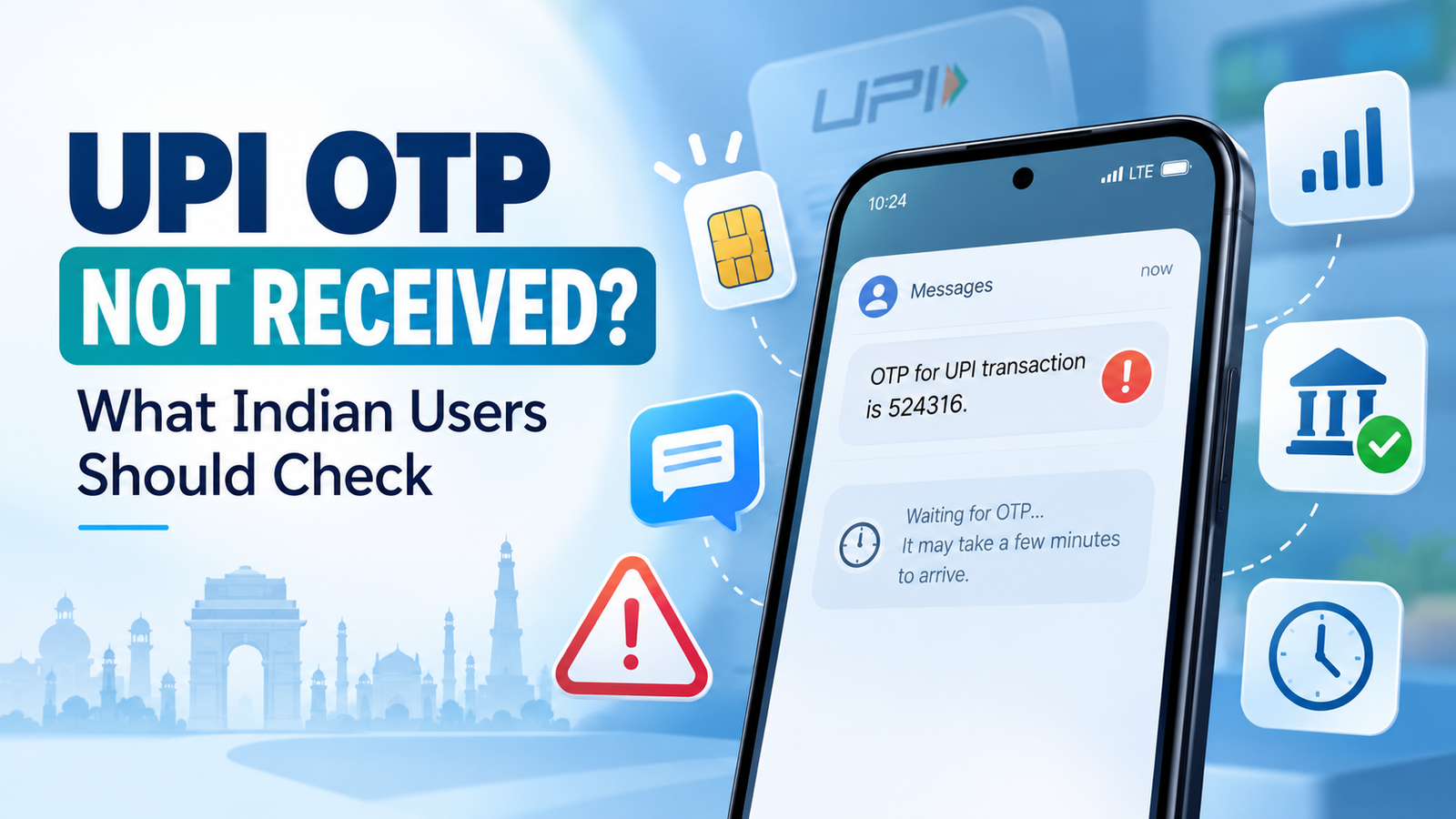
UPI OTP Not Received? What Indian Users Should Check
UPI OTP not received? This can happen while you are setting or resetting your UPI PIN.
You wait for the message, but nothing arrives.
You request it again, but the OTP still does not appear.
This can be frustrating, especially when your bank account is already linked and everything else seems normal.
But an OTP delay does not automatically mean something is wrong with your money or bank account.
The problem may be related to your registered mobile number, SIM card, mobile network, SMS delivery, your bank, or simply a temporary delay.
Before requesting the OTP repeatedly, check a few things first.
First, Understand When a UPI OTP Is Used
An OTP and a UPI PIN are not the same thing.
Your UPI PIN is normally used to approve UPI payments.
An OTP may be required during certain account setup or security processes, such as setting or resetting a UPI PIN.
So if you are making a normal payment and the app is asking for your UPI PIN, you should not expect an OTP for every transaction.
This distinction matters because many users search for an “UPI OTP problem” when the issue is actually related to their UPI PIN or account registration.
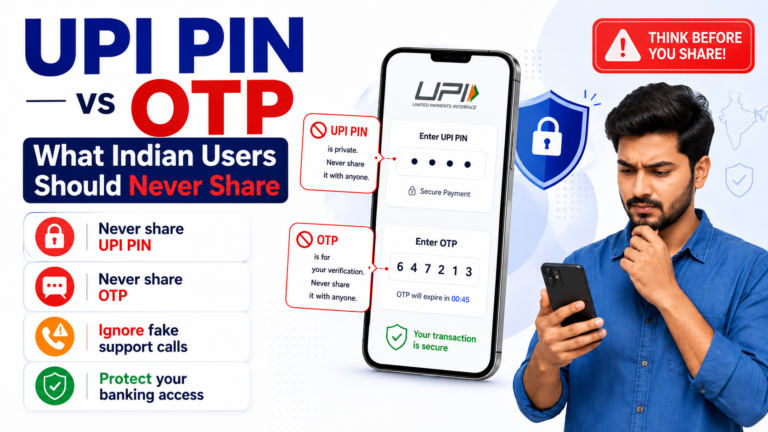
If you are unsure about the difference, our UPI PIN vs OTP guide explains it in more detail.
1. Check the Mobile Number Registered With Your Bank
Start with the most important check.
The mobile number being used for UPI should match the number registered with your bank account.
For example, suppose:
- your current phone number is ending in 5678, but
- your bank still has an older number ending in 1234.
The OTP may be sent according to the bank’s registered information rather than the number you currently expect.
If you recently changed your phone number, confirm that your bank records have also been updated.
Do not assume that changing your number inside one payment app automatically changes the mobile number registered with your bank.
They are separate systems.
2. Make Sure the Correct SIM Is Active
Many Indian users have dual-SIM phones.
That can make UPI setup slightly confusing.
Check that the SIM linked to your bank account is:
- inserted in the phone,
- active,
- able to receive SMS,
- and selected correctly when the UPI app asks which SIM to use.
If you recently moved the SIM to another device, changed SIM slots or changed phones, the UPI app may need to verify the device again.
Do not remove or switch SIM cards repeatedly while trying to complete registration.
3. Check Your Mobile Network
A weak or unstable mobile network can delay SMS delivery.
You may have working Wi-Fi while the mobile network itself is poor.
That matters because OTPs are usually delivered through SMS.
Check whether your phone can currently receive ordinary SMS messages.
You can also look at your signal strength.
If there is almost no mobile signal, move to an area with better coverage and wait a few minutes before requesting another OTP.
Turning airplane mode on and off can sometimes reconnect the phone to the mobile network, but do not keep repeating the OTP request at the same time.
4. Wait Before Requesting Another OTP
One of the easiest mistakes is pressing Resend OTP again and again.
Suppose you request:
OTP 1
then 20 seconds later:
OTP 2
then another:
OTP 3.
The messages may arrive late and out of order.
By the time OTP 1 arrives, a newer OTP may already have replaced it.
This can make it look as though the OTP is incorrect even though you entered the code exactly as received.
If you have already requested an OTP, give it some time.
When several OTP messages arrive together, normally use the most recent valid OTP shown for that request.
5. Check Whether SMS Messages Are Being Blocked
Sometimes the OTP is delivered but does not appear where you expect.
Check:
- your SMS inbox,
- spam or blocked-message folders,
- SMS filtering features,
- third-party messaging apps,
- and any phone setting that may automatically classify unknown senders.
Do not rely only on notification pop-ups.
Open your messaging app directly and check the latest messages.
Also make sure your SMS inbox and phone storage are functioning normally.
6. Restart the UPI App Before Trying Again
The OTP problem may occasionally be related to the app session rather than the SMS itself.
Close the UPI app completely.
Wait a short time.
Open it again and return to the UPI PIN setup or reset process.
Make sure you are using the official and updated version of the payment app.
If several unrelated features inside the app are also failing, the issue may be broader than OTP delivery.
Our UPI Not Working guide covers the more general checks for that situation.
7. Check Whether Your Bank Is Having a Temporary Issue
The OTP is not generated by your phone alone.
Your bank and the payment system are also involved in the process.
A temporary bank-side problem can therefore delay or prevent an OTP from arriving.
This is especially worth considering when:
- your registered mobile number is correct,
- the correct SIM is active,
- SMS reception works normally,
- your mobile network is stable,
- but repeated attempts still produce no OTP.
In that situation, waiting and trying again later may be better than continuously requesting new OTPs.
You can also check your bank’s official app or support channel if the problem continues.
8. Recently Changed Your SIM or Mobile Number?
A recent change can be important.
Examples include:
- replacing a damaged SIM,
- porting your mobile number,
- changing the number registered with your bank,
- moving to a new phone,
- or activating a replacement SIM.
Some banking or mobile services may require time for updated information or security checks to take effect.
If the problem started immediately after one of these changes, mention that when contacting your bank.
It gives support staff useful context.
9. Do Not Share the OTP With Anyone
An OTP is a security credential.
Do not share it with:
- a caller claiming to be bank support,
- someone contacting you through WhatsApp or Telegram,
- a merchant,
- a stranger offering to “fix” your UPI,
- or anyone asking you to read the OTP aloud.
A legitimate troubleshooting process should not require you to give your OTP to another person.
Also never share your UPI PIN, debit card PIN, CVV, password or phone unlock code.
If someone contacts you immediately after you experience a payment problem and asks for these details, stop the conversation and use your bank’s official support channel instead.
10. Check the Debit Card Details if You Are Resetting the UPI PIN
If you are resetting a UPI PIN using your debit card, the OTP may only be one part of the verification process.
The app may also request information such as:
- the last digits of the debit card,
- and the card’s expiry date.
Enter the information carefully.
A wrong card, an old card or card details that do not match the selected bank account may prevent the process from completing even if an OTP eventually arrives.
Make sure you are resetting the PIN for the correct bank account.
What If the OTP Arrives Very Late?
Do not automatically enter an old OTP.
Look at the timing of the messages.
If you requested multiple OTPs, an earlier code may already have expired or been replaced.
Return to the active UPI screen and follow the latest request.
If you are no longer sure which OTP belongs to the current session, it may be safer to stop, wait and start the process again rather than guessing.
What If the OTP Never Arrives?
If you have already checked:
- the registered mobile number,
- the correct SIM,
- mobile signal,
- SMS delivery,
- the UPI app,
- and you have waited before retrying,
then the next step is usually to contact your bank through its official support channel.
Explain exactly where the process stops.
For example:
“I am trying to reset my UPI PIN, but I am not receiving the bank OTP on my registered mobile number.”
That is more useful than simply saying:
“UPI is not working.”
You should not need to provide your UPI PIN or OTP to support staff.
Quick Checklist Before Requesting the OTP Again
Before pressing Resend OTP, check:
- Is this the mobile number registered with my bank?
- Is the correct SIM active?
- Can the phone receive normal SMS?
- Is the mobile signal stable?
- Did I already request another OTP recently?
- Did I check spam or filtered SMS?
- Am I using the correct bank account?
- Am I using the official UPI app?
If those checks look correct, wait briefly before trying again.
Repeated OTP requests are rarely the best first solution.