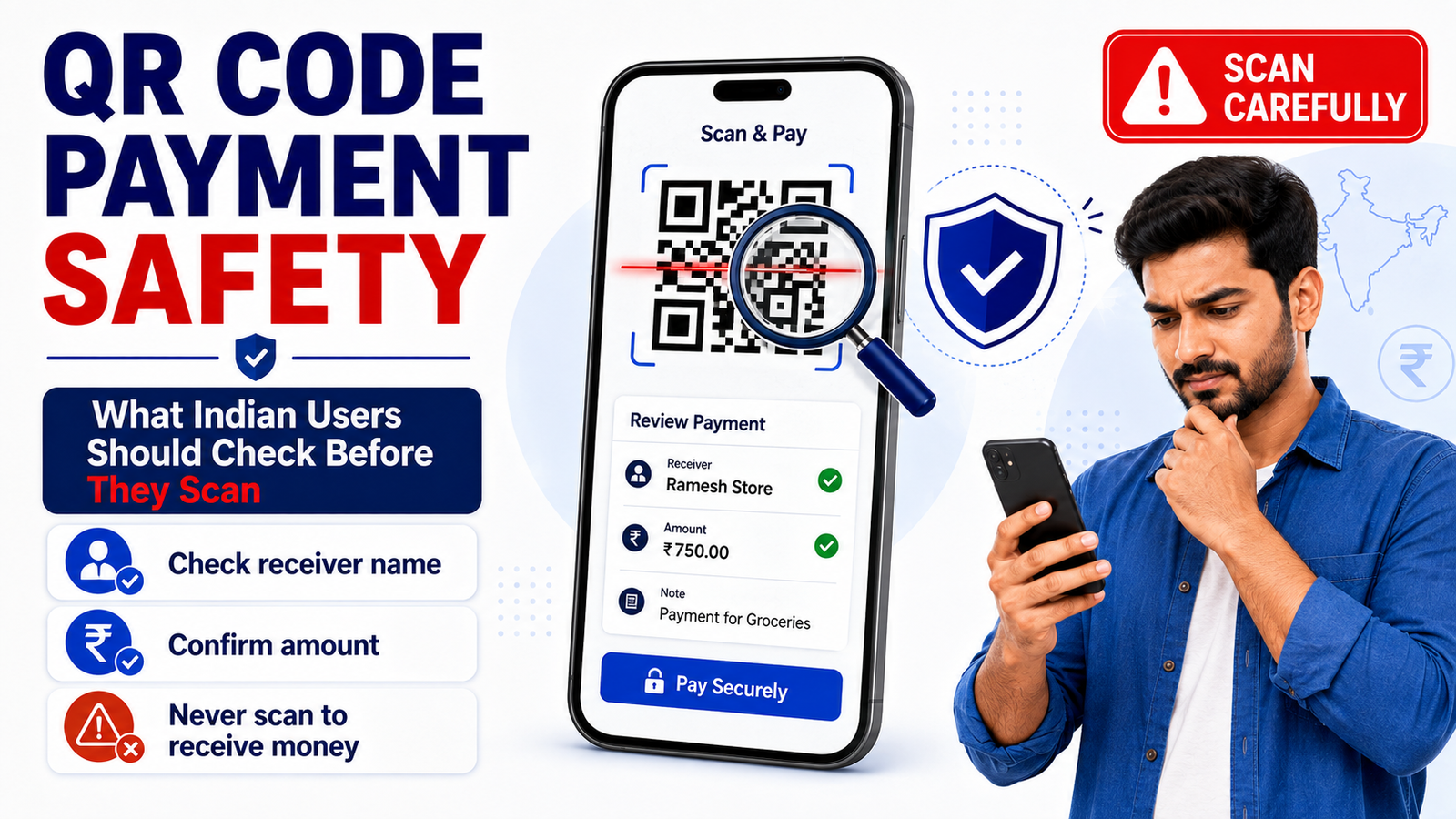
QR Code Payment Safety: What Indian Users Should Check Before They Scan
QR code payment safety is important because scanning a QR code can take only a few seconds.
UPI QR codes make everyday payments convenient at shops, restaurants, markets, online businesses, and many other places.
But speed can also make users skip important checks.
Before you enter an amount or UPI PIN, take a moment to confirm who you are paying and whether the payment details make sense.
The safest habit is simple:
Scan first. Check the details. Pay only when everything looks right.
How Does a UPI QR Code Payment Work?
A UPI QR code contains payment information that allows your UPI app to identify the receiver.
When you scan a QR code through a UPI app, the app can display details about the person or merchant you are about to pay.
You may then enter or confirm the payment amount and authorise the transaction.
NPCI’s current BHIM-UPI guidelines explain that users can select the QR Scan option to make payments and can share their own QR code when they want someone else to send money to them.
That difference is important.
You scan someone else’s QR to pay them.
You can show or share your own QR when someone wants to pay you.
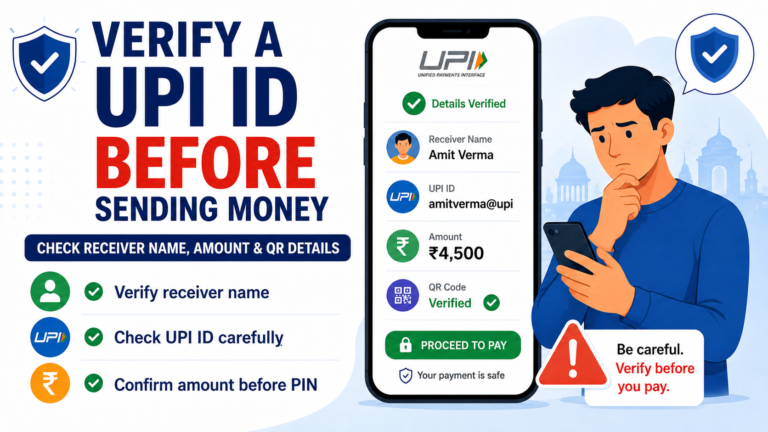
Check the Receiver Name After Scanning
Do not enter your UPI PIN immediately after scanning a QR code.
Look at the receiver name shown inside your payment app.
Ask yourself:
- Is this the shop or person I intended to pay?
- Does the merchant name make sense?
- Is the name completely unrelated?
- Did I scan the correct QR code?
For example, imagine you are paying at Rahul Electronics, but your payment app shows a completely unrelated receiver.
Stop before paying.
There may be a legitimate explanation, especially for small businesses using a different registered account name, but you should confirm before sending money.
Our guide on how to verify a UPI ID before sending money explains why receiver information matters before payment.
Check the UPI ID
The receiver name is useful, but also look at the UPI ID if your app displays it.
A merchant QR may be connected to a UPI address such as:
merchantname@bank
or another payment handle.
NPCI’s updated QR design guidelines require merchant QR displays to include the UPI ID around the QR design, helping users and merchants identify the payment address.
You do not need to memorise the UPI ID.
Just check whether anything appears unusual or completely unrelated to the payment you intended to make.
Confirm the Amount Before Paying
Some QR payments require you to enter the amount manually.
Others may already contain an amount.
In both cases, verify the number before continuing.
₹450 and ₹4,500 can look similar when you are moving quickly.
Before entering your UPI PIN, confirm:
- receiver name;
- UPI ID;
- amount;
- payment purpose.
A few seconds of checking can prevent a much bigger problem.
Do Not Scan a QR Code to “Receive” Money
This is one of the most important QR payment safety rules.
A scammer may say:
“Scan this QR to receive your refund.”
“You won ₹10,000. Scan this code to collect your money.”
“Scan this QR and enter your PIN to receive payment.”
Be careful.
RBI specifically warns users not to scan a QR code when someone claims it is necessary to receive money. RBI explains that scanning such a QR can instead lead the user toward authorising a payment from their own account.
NPCI’s safety guidance gives the same basic rule: scan a QR for making a payment, not for receiving one.
If someone wants to send money to you, you can give them your UPI ID or show them your own receiving QR.
You do not need to scan their QR and enter a PIN.
Never Enter Your UPI PIN Just Because Someone Tells You To
Your UPI PIN authorises transactions from your account.
It is not a password that another person needs in order to send money to you.
NPCI’s current guidelines describe the UPI PIN as an important passcode required for payment transactions and specifically say it should not be shared with anyone.
If another person says:
“Enter your UPI PIN so I can pay you.”
stop.
Our guide on UPI PIN vs OTP explains why these security credentials should remain private.
Be Careful With QR Codes Sent Through WhatsApp
Not every QR code is physically displayed at a shop.
Someone may send one through:
- WhatsApp;
- Telegram;
- SMS;
- email;
- social media;
- online marketplace chats.
Do not scan a QR code simply because the sender says it is connected to a refund, reward, cashback, job payment, or account verification.
PhonePe has documented QR fraud where scammers send QR images through messaging platforms and persuade users to scan them and enter a UPI PIN under the false belief that they are receiving money.
If you did not expect the QR code, verify the situation independently first.
Be Careful With QR Codes at Shops
Physical merchant QR codes are convenient, but you should still check the receiver displayed by your app.
Imagine a shop counter has several QR codes nearby.
You may accidentally scan:
- the wrong merchant’s QR;
- an employee’s personal QR;
- an old QR;
- a QR meant for another counter.
After scanning, the payment app gives you another opportunity to confirm the receiver.
Use it.
Do not treat the printed QR code itself as the final confirmation.
What If a QR Sticker Looks Suspicious?
Pay extra attention if a physical QR display appears damaged, covered, or modified.
For example, you may notice:
- another sticker placed over part of the QR;
- several QR stickers on top of each other;
- handwritten payment details that do not match;
- a QR positioned somewhere unusual;
- a merchant name that differs from what your app displays.
Do not assume fraud immediately.
Ask the merchant which QR you should use.
Then confirm the receiver information in your own payment app before paying.
NPCI’s latest merchant QR standards specify how merchant QR displays should show the UPI ID and restrict unrelated stickers or custom content around official UPI QR layouts.
Personal QR vs Merchant QR
Sometimes a small business may use a personal-looking payment address instead of a merchant name.
That does not automatically mean the QR is fraudulent.
However, it does mean you should understand who you are paying.
If the shop tells you:
“Please pay this QR,”
but your app shows a name you do not recognise, ask before completing the transaction.
A legitimate merchant should be able to explain the payment details.
Do not let people waiting behind you pressure you into skipping the check.
Be Careful With Pre-Filled Amounts
Some QR codes may automatically insert an amount.
This can be convenient, especially for online checkout or fixed-price services.
But do not assume the amount is correct.
Review it before paying.
For example, if your bill is ₹650 and the app displays ₹6,500, cancel the payment and check again.
The UPI PIN screen is your final opportunity to stop before authorising money to leave your account.
What If the Receiver Name Is Wrong?
Do not continue.
Cancel the payment screen.
Then:
- Scan the QR again.
- Check whether you selected the correct QR.
- Ask the merchant to confirm the payment details.
- Compare the displayed name or UPI ID.
- Use another official payment method if you remain unsure.
Do not let someone say:
“Don’t worry about the name. Just pay.”
If you cannot understand who will receive the money, it is better to verify first.
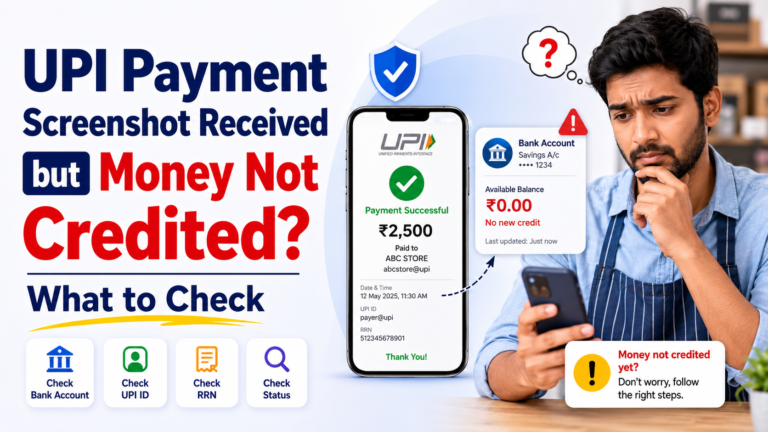
Do Not Trust a Screenshot After Paying
After a QR payment, your app may show a successful transaction screen.
Keep the transaction details if the payment is important.
But remember that screenshots alone are not reliable proof when someone else claims they paid you.
Our article about a fake UPI payment screenshot explains how merchants and sellers can verify payments through their own transaction history instead of trusting another person’s phone.
The same principle works both ways:
Check the information inside your own app.
What If the QR Payment Is Pending?
Do not immediately make the same payment again.
If the first transaction later succeeds, you could accidentally pay twice.
Open the transaction history and check whether the status is:
Successful
Pending
or
Failed
If the payment remains unresolved, use the official support section of your UPI app or contact your bank.
Keep the transaction details until the issue is resolved.
What If You Scanned a Suspicious QR but Did Not Pay?
Scanning alone does not always mean money has left your account.
Look at what happened next.
If you did not enter your UPI PIN or authorise a transaction, check your transaction history and bank account for anything unexpected.
Close the payment request if you do not understand it.
Do not continue simply because someone is telling you to finish the process.
What If You Accidentally Paid the Wrong QR?
Save the transaction details immediately.
Keep:
- amount;
- receiver name;
- UPI ID;
- transaction ID;
- UPI reference number or RRN;
- date and time;
- screenshot of your transaction details.
Contact your bank or UPI app through its official support channel.
Do not call random customer-care numbers found in messages or advertisements.
RBI advises users to use official bank or company contact details rather than unverified numbers when dealing with payment problems.
Watch for Pressure and Urgency
QR scams often become more effective when users are rushed.
Someone may say:
“Scan quickly.”
“The offer expires in two minutes.”
“Your refund will disappear.”
“Your account will be blocked.”
“You must enter your PIN now.”
Do not allow urgency to replace verification.
If a legitimate payment needs to be made, you should still have enough time to check the receiver and amount.
Our UPI scam warning for Indian users covers more examples of pressure-based payment tricks.
QR Code Payment Safety Checklist
Before approving a QR payment, ask yourself:
- Did I scan the correct QR code?
- Does the receiver name match the person or merchant?
- Does the UPI ID look reasonable?
- Is the amount correct?
- Am I paying money rather than trying to receive money?
- Do I understand why the app is asking for my UPI PIN?
- Did someone send this QR through an unexpected message?
- Is anyone rushing me?
- Does the physical QR look unusual or modified?
- Have I checked everything before authorising the payment?
If something looks wrong, cancel the transaction.
You can always verify and try again.
What to Remember
QR code payment safety is mostly about checking what appears after you scan.
QR codes make UPI payments fast, but speed should not replace basic verification.
Before paying:
Check the receiver.
Check the UPI ID.
Check the amount.
Understand why you are entering your UPI PIN.
And remember the most important distinction:
You may share your own QR to receive money, but you should not scan someone else’s QR and enter your PIN because they claim it is required for you to receive money. NPCI’s 2026 guidelines and RBI safety material both support this distinction.
Rupzio Guide provides simple educational information to help Indian users understand digital payments and make safer online decisions.