UPI AutoPay Safety: What Indian Users Should Check Before Approving a Mandate
Paying the same bill every month can become repetitive.
That is where UPI AutoPay can be useful.
It allows you to approve a recurring payment mandate so that future payments can be made according to the terms you accepted.
This can be convenient for subscriptions, bills, insurance, EMIs and other regular payments.
But there is an important difference between making one UPI payment and approving an AutoPay mandate.
A normal payment usually authorises one transaction.
A mandate can give permission for future recurring debits.
That is why UPI AutoPay safety starts before you tap Approve.
A Mandate Is More Than a One-Time Payment
When you approve an AutoPay mandate, do not look only at the amount shown on the screen.
You are also agreeing to payment instructions that may continue later.
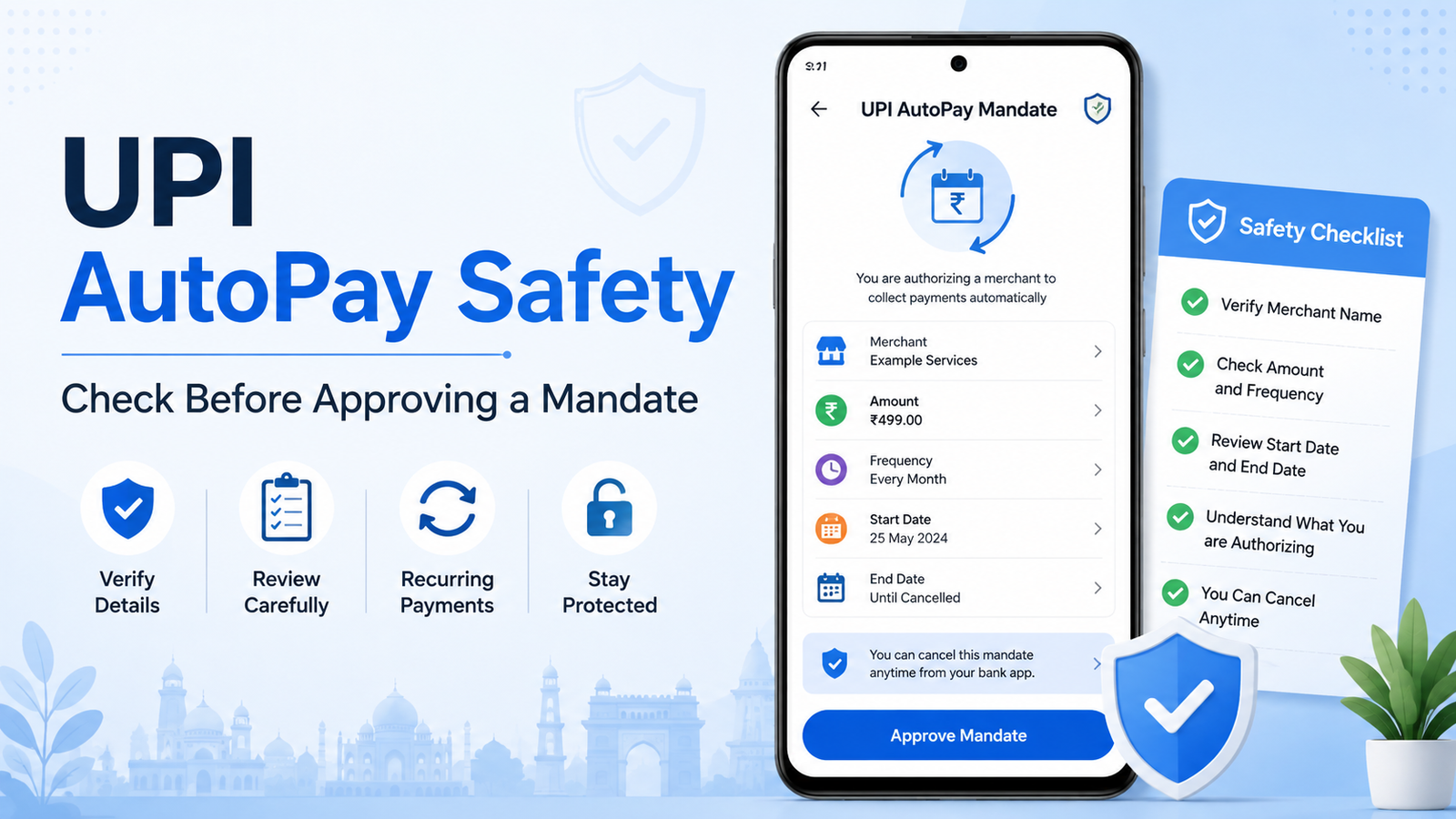
Depending on the mandate, you may see details such as:
- merchant or service name;
- payment amount or maximum amount;
- payment frequency;
- start date;
- end date;
- linked bank account.
Read these details before entering your UPI PIN.
If something does not match what you expected, leave the screen and check with the merchant first.
Check the Merchant Name
Start with the name of the business or service requesting the mandate.
Suppose you are subscribing to an online service but the mandate screen shows a name you do not recognise.
Do not assume it is safe simply because you reached the payment page from a website or app.
The merchant name displayed by your UPI app is an important detail to check.
If you are unsure, stop and verify the payment request before approving it.
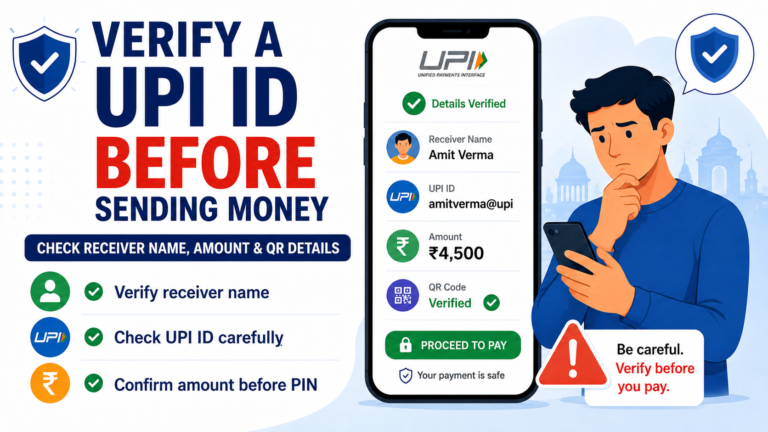
Our guide on how to check a UPI payment request before you approve it explains several warning signs that are worth checking first.
Look at the Amount Carefully
A small difference can matter when the payment is recurring.
For example, you may expect a ₹299 monthly subscription but see a much higher maximum amount on the mandate screen.
Do not rush past it.
Check whether the amount is:
- the exact recurring payment;
- a maximum amount that may be debited;
- different from the price you were shown earlier.
If the amount does not make sense, do not approve the mandate until you understand why.
The fact that a payment request came from a familiar service does not mean you should ignore the number shown on your UPI screen.
Check How Often You May Be Charged
The frequency is just as important as the amount.
A mandate could be set for a schedule such as monthly, quarterly or another recurring period.
Imagine expecting to pay once every year but approving something that allows a monthly debit.
The individual amount may look correct, but the total cost over time would be very different.
Before approving, ask yourself:
How often can this payment happen?
That simple question can prevent a lot of confusion later.
Check the Start and End Details
Some mandates may have a defined start or end period.
Others may continue until they are cancelled or revoked according to the available options.
If dates are displayed, read them.
Do not assume a free trial, introductory offer or short subscription will automatically end the mandate at the same time.
The subscription terms and the payment mandate are related, but they are not always the same thing.
If you no longer use the service later, review the active mandate instead of assuming it disappeared when you stopped using the app or website.
Your UPI PIN Approves the Mandate
Entering your UPI PIN is an authorisation step.
Do not enter it because someone on a phone call, chat or social media message tells you that it is required to “receive money” or “verify your account.”
Your UPI PIN should remain private.
If you are unsure about what a UPI PIN does compared with an OTP, read our guide to UPI PIN vs OTP before approving a payment request.
And always read the text immediately above the PIN screen.
Make sure you understand what you are authorising.
Pay Attention to Pre-Debit Notifications
With recurring payments, you may receive a notification before a scheduled debit.
Do not automatically dismiss these messages.
Treat them as a useful reminder to check:
- which merchant is charging you;
- how much will be debited;
- which mandate is being used;
- whether you still want the service.
If you recognise the payment and everything looks correct, there may be nothing else you need to do.
But if the notification surprises you, check the mandate in your UPI app before the scheduled payment.
A notification about a recurring debit should not be ignored simply because the amount is small.
Small payments can also continue for months if an unwanted mandate remains active.
Review the Mandates in Your UPI App
It is a good habit to occasionally check which mandates are still active.
The exact menu name can differ between UPI apps, but look for an area related to AutoPay, mandates, recurring payments or payment settings.
You may find subscriptions that you no longer remember using.
For every active mandate, check:
- merchant;
- amount;
- frequency;
- validity period;
- current status.
You do not need to check this every day.
But reviewing your active mandates from time to time can help you understand what may be debited from your bank account in the future.
Pause or Revoke a Mandate You No Longer Need
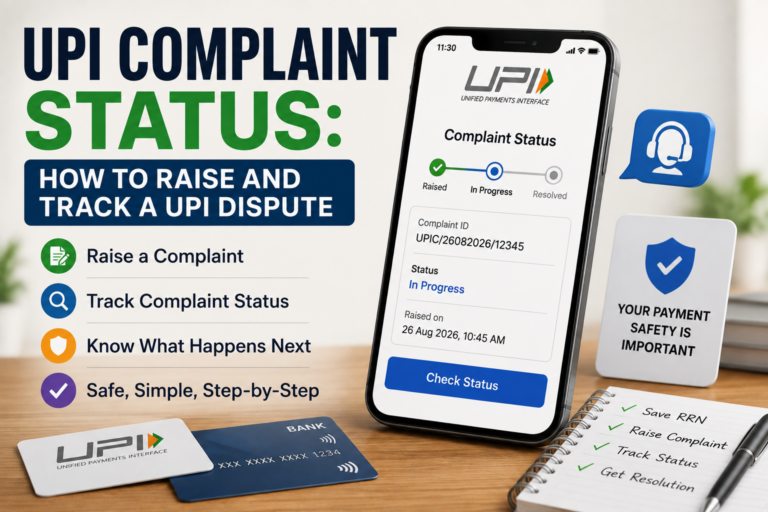
UPI AutoPay supports controls for managing mandates, including options such as pausing or revoking them.
If you have stopped using a service, check whether its mandate is still active.
Do not rely only on deleting an app, logging out, or stopping visits to a website.
Those actions may not be the same as cancelling the payment permission.
Follow the cancellation process offered by the service and review the mandate status in your UPI app.
If you are not sure whether a transaction has already been processed, check your bank account before making another payment.
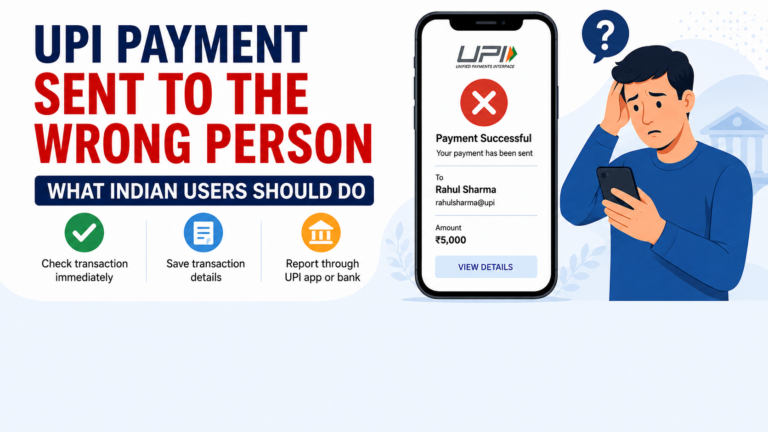
Our UPI payment failed or pending guide explains what to check when a transaction does not complete as expected.
Be Careful With an AutoPay Request You Did Not Expect
An unexpected mandate request deserves extra attention.
Maybe you receive a notification asking you to approve AutoPay even though you did not sign up for a subscription.
Or someone calls and tells you to approve a mandate to receive a refund.
Do not approve it.
First check:
- Who is requesting it?
- Why are they requesting recurring payment permission?
- What amount is shown?
- How often could the debit happen?
- Did you actually start this process yourself?
Fraud attempts often depend on users approving something quickly without reading the screen.
Our UPI scam warning guide covers other common tricks involving payment requests, QR codes, fake support and suspicious instructions.
Do Not Let Customer Support Rush You
If you have a problem with a subscription or mandate, use support information from the official app or website.
Be cautious if someone contacts you unexpectedly and says they can cancel AutoPay for you.
A genuine problem does not require you to give a stranger your UPI PIN, OTP or banking password.
It also should not require you to approve a new payment simply to cancel an old one.
If you need help identifying suspicious support, our guide on fake customer care numbers explains how to find safer support channels.
A 30-Second Check Before You Approve
UPI AutoPay can make recurring payments easier, but convenience works best when you understand what you are approving.
Before entering your UPI PIN, take a few seconds to check:
- Who is the merchant?
- How much can be debited?
- How often can the payment happen?
- How long will the mandate remain active?
- Did I actually request this subscription or recurring payment?
If all five answers make sense, you can make a more informed decision.
If one detail looks wrong, stop before approving.
Thirty seconds of checking a mandate is easier than trying to understand an unexpected debit later.