Fake Customer Care Numbers: How Indian Users Can Find Official Payment Support
A payment problem can make anyone want a quick answer.
Maybe a UPI payment is pending. A refund has not arrived. A bank transaction looks unusual. Or an online merchant says you need to contact customer care.
So you search for a support number and call the first one that looks genuine.
That can be risky.
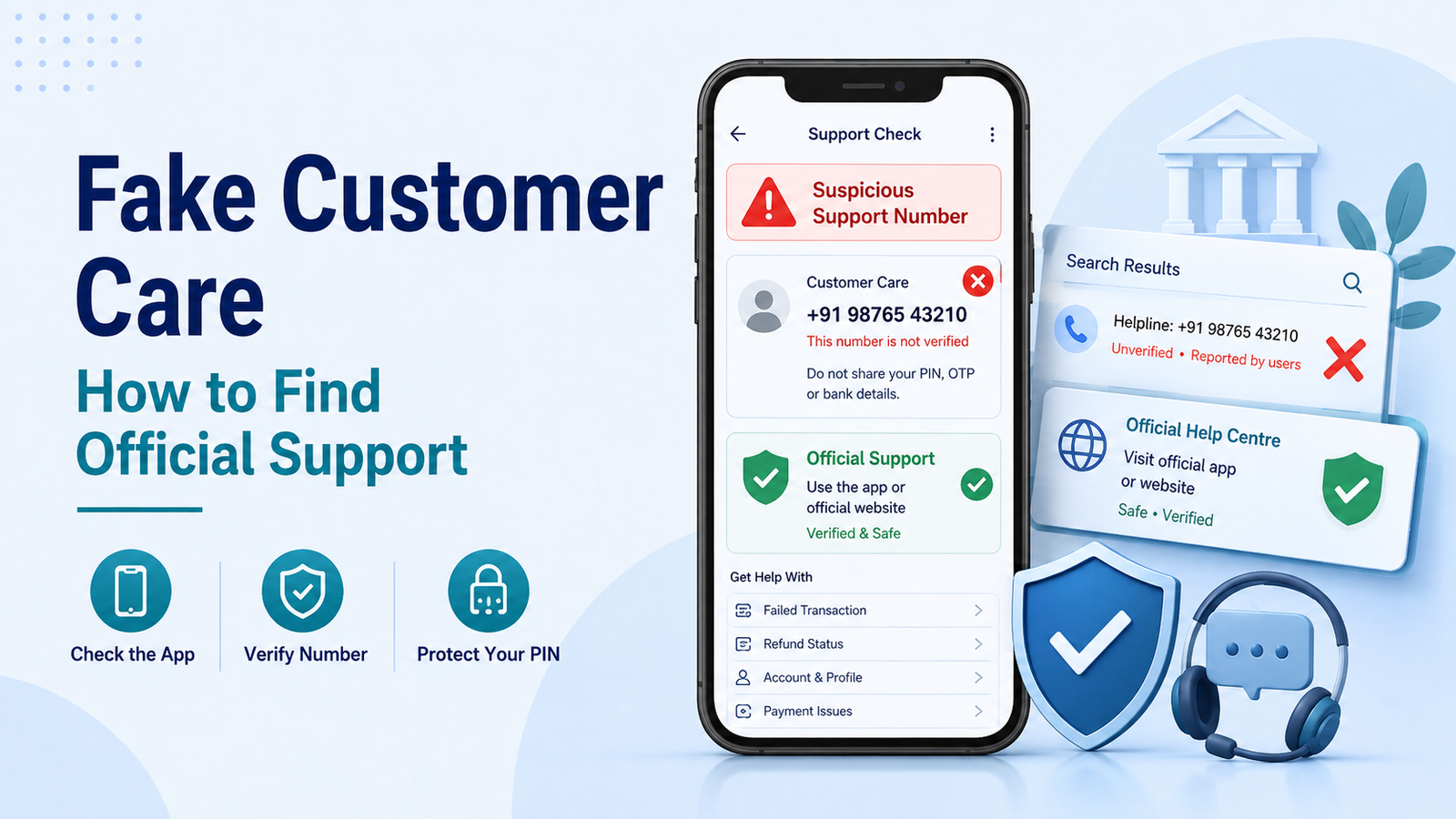
Fake customer care numbers are used by fraudsters who pretend to represent banks, payment apps, merchants, delivery companies, and other services. India’s cybercrime authorities have warned that fraudulent helpline numbers can appear in online searches, social media, and other online listings.
Before making a call, take a moment to make sure you are contacting the real organisation.
Why Fake Customer Care Numbers Can Look Genuine
A fake number does not always look suspicious.
The page or profile displaying it may use a familiar company name, logo, or words such as “official support” and “24-hour customer care.”
When you call, the person answering may also sound professional.
They may know common banking terms and ask questions that seem normal.
The real danger usually starts when the caller tries to move you from explaining the problem to giving access, sharing private information, or authorising a payment.
For example, someone may say:
“Your refund is blocked. I can release it now.”
“Your UPI account needs verification.”
“Share the OTP so I can confirm your identity.”
“Install this app so I can help you.”
“Send ₹1 first to activate the refund.”
A confident voice does not prove that the person is genuine.
Do Not Treat the First Search Result as Proof
Search engines are useful for finding information, but the first phone number you see should not automatically be treated as official.
The same applies to numbers found in:
- social media comments;
- messaging groups;
- online forums;
- map or business listings;
- advertisements;
- forwarded WhatsApp messages.
I4C has specifically warned citizens about criminals using fake customer care and helpline information online.
If you find a number through a general search, verify it independently before calling.
Start With the Official App
If the problem involves your bank or UPI payment, the app you already use is often a better starting point than a random search result.
Open the banking or UPI app yourself.
Look for sections such as:
- Help
- Support
- Report an Issue
- Raise a Complaint
- Contact Us
- Transaction Help
If the issue is connected to a specific transaction, open that transaction first. Some apps provide support options directly from the transaction history.
NPCI states that UPI grievance redressal can be available through UPI mobile applications.
This also helps you avoid giving transaction details to someone whose identity you have not verified.
Check the Official Website Carefully
If you need a phone number, email address, or grievance contact, go to the organisation’s official website.
Do not rely only on the short description shown in a search result.
Open the website and look for its own:
- Contact Us
- Customer Support
- Help Centre
- Grievance Redressal
Check the domain name carefully before using the contact details.
A fake page may copy the design or logo of a real company while using a different website address.
If anything looks unusual, close the page and reach the organisation through its official app instead.
For UPI Problems, Official UPI Help Is Available
For UPI-related transaction problems, NPCI currently provides UPI Help, where users can check transaction status and raise certain UPI complaints.
This can be useful when you are trying to understand a failed or disputed UPI transaction.
If your problem is simply a delayed refund, first make sure you understand whether you are dealing with a failed transaction, an automatic reversal, or a merchant refund.
Our guide to a pending UPI refund explains those situations separately.
Customer Support Should Not Ask for Your UPI PIN
Your UPI PIN is private.
NPCI states that a UPI app does not store or read your UPI PIN and that your bank’s customer support will never ask for it.
NPCI’s updated UPI guidance also tells users to enter a UPI PIN only on the UPI PIN page and explains that sending money requires the PIN.
So if someone claiming to be customer care asks:
“What is your UPI PIN?”
“Tell me the PIN so I can cancel the payment.”
“Enter the PIN to receive your refund.”
Stop.
Do not continue simply because the caller knows your name, bank, or transaction amount.
If you are unsure about the difference between security codes, our guide to UPI PIN vs OTP explains what Indian users should never share.
Be Careful With OTPs and Other Banking Details
A fake support agent may not ask for your UPI PIN immediately.
They may first request:
- OTP;
- debit or credit card details;
- CVV;
- ATM PIN;
- internet banking password;
- mobile banking credentials.
Do not share these details just because someone says they are needed to verify your account.
Treat OTPs as private, and never share them with someone who contacts you unexpectedly.
If you receive an OTP for something you did not initiate, do not read it aloud or send it through chat.
Be Suspicious of Screen-Sharing or Remote-Access Requests
Another warning sign is someone asking you to install an unfamiliar app so they can “help” with your banking problem.
Screen-sharing and remote-access tools can expose information displayed on your phone or allow another person to guide actions you would not normally take.
Do not install software simply because an unknown support caller tells you to.
End the call and contact the organisation independently.
Do Not Send Money to “Activate” a Refund
A scammer may also turn a support conversation into a payment request.
They may say:
“Pay ₹1 to confirm your account.”
“Send a small amount and your refund will be released.”
“Transfer this verification charge first.”
“Scan this QR code to receive your money.”
Stop before doing anything.
Look at what your UPI app actually says.
If it shows Pay, Send, or asks you to enter your UPI PIN to authorise money leaving your account, do not rely on the caller’s explanation.
Our UPI scam warning guide covers similar tricks involving refunds, QR codes, payment requests, and fake support calls.
And if someone gives you a UPI ID and asks you to make a payment, check our guide on how to verify a UPI ID before sending money before proceeding.
What If You Already Called a Suspicious Number?
Calling a fake number does not automatically mean money has been taken.
What matters is what happened during the call.
If you did not share sensitive information, install anything, or approve a payment, end the conversation and block the suspicious number.
If you shared banking credentials or security information, contact your bank immediately using a verified official channel.
If money has already been transferred because of suspected cyber fraud, act quickly.
India’s National Cyber Crime Reporting Portal allows citizens to report cybercrime, and the national helpline 1930 is available for reporting financial cyber fraud. I4C states that 1930 operates across States and Union Territories.
Save any evidence you still have, including the phone number, messages, transaction details, screenshots, UPI IDs, and payment references.
The Cyber Crime Portal also provides a facility for reporting suspicious phone numbers, websites, email IDs, social-media URLs and similar identifiers.
A Simple Check Before You Call
When you need payment support, ask yourself three questions:
Where did I get this number?
Can I find the same contact information inside the official app or website?
Is anyone asking me to share a secret code, install software, or send money?
If the answers do not make sense, do not continue the call.
A payment problem may be frustrating, but a few extra minutes of verification are better than turning one problem into a second, much bigger one.
Use Official Support, Not the Fastest Number You Find
When a payment fails or a refund is delayed, it is natural to want immediate help.
That urgency is exactly why fake customer care numbers can be dangerous.
Start with the official banking app, payment app, or company website. Check the contact information before making a call, and never share your UPI PIN, OTP, ATM PIN, banking password, or other confidential credentials with someone claiming to be customer support.
If a caller starts asking you to send money, install software, or authorise an unexpected transaction, stop the conversation and verify everything independently.
The fastest support number is not always the right one.
The verified one is what matters.