UPI Payment Failed or Pending? What Indian Users Should Do
A UPI payment failed or pending message can be stressful, especially when money has already been debited from your bank account.
You may not know whether to wait, pay again, contact the receiver, or raise a complaint. In many cases, the problem is temporary. However, it is still important to check the transaction carefully before taking another step.
This guide explains what different UPI transaction statuses mean and what Indian users can do when a payment does not go as expected.
UPI Transaction Failed But Amount Debited: What Should You Do?
If your UPI transaction failed but the amount was already debited from your bank account, do not send the payment again immediately.
First, open your bank account statement and confirm that the debit actually appears.
Then check the transaction inside your UPI app and look at the latest status.
It may show Failed, Pending, Reversed or another status.
Save the RRN, UPI reference number or transaction ID shown with the payment.
If the transaction failed and the money has not returned yet, the bank may still be processing a reversal.
Avoid creating another payment until you understand what happened to the first one.
If the amount does not return within the expected resolution process, raise a complaint from the affected transaction or contact your bank using an official support channel.
Never share your UPI PIN, OTP or banking password when asking someone to investigate the transaction.
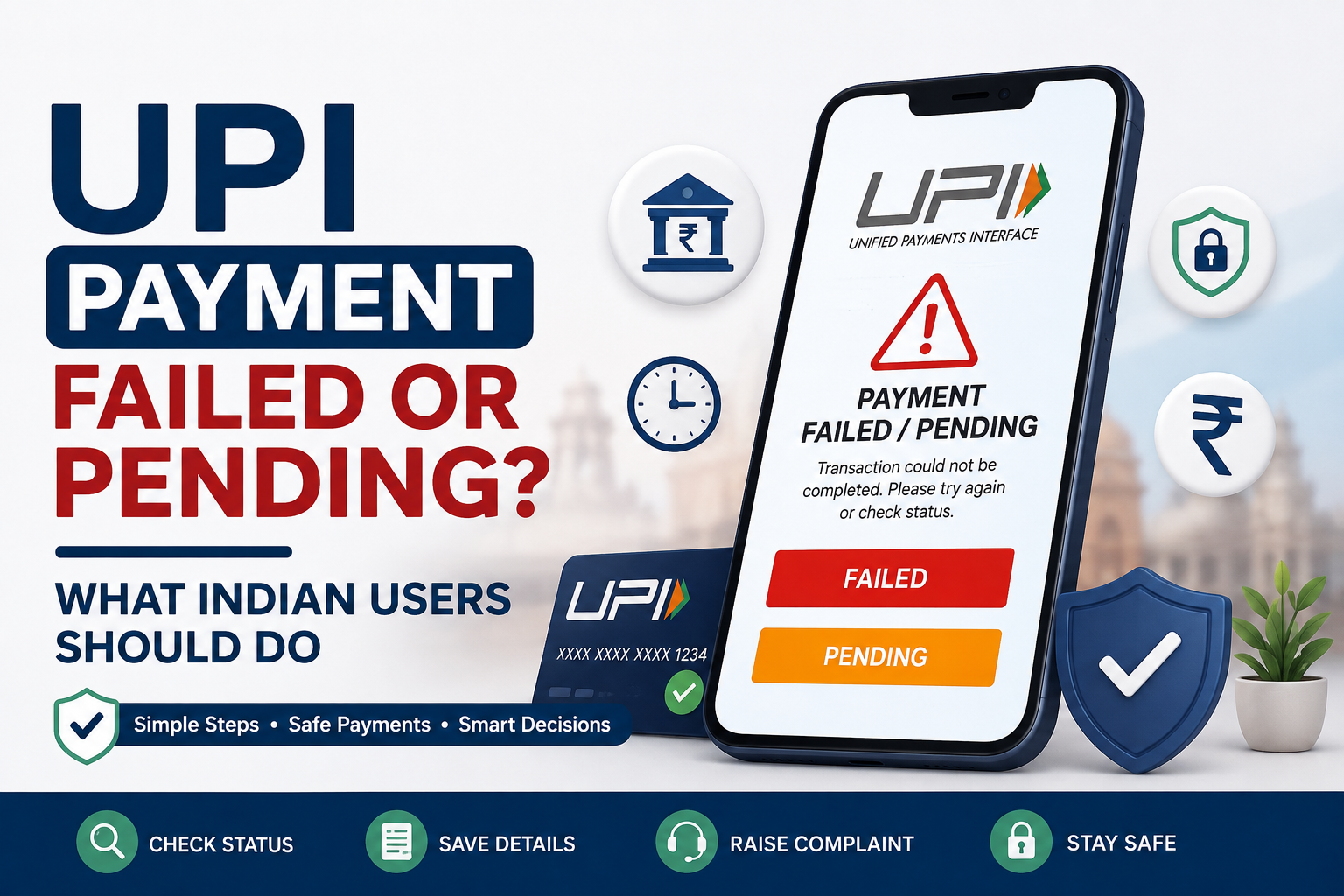
UPI Payment Failed or Pending: What Does It Mean?
UPI apps may show different transaction statuses. Understanding the status is the first step.
Failed
A failed transaction means the payment was not completed successfully.
This may happen because of:
- a temporary bank server issue;
- poor internet connection;
- an incorrect UPI PIN;
- a transaction timeout;
- the receiving bank being unavailable;
- a technical issue with the payment app
Sometimes the account is not debited. In other cases, the amount may be debited and later reversed.
Pending
A pending transaction means the final result has not yet been confirmed.
The sender’s bank, receiver’s bank, or UPI system may still be processing the payment. The transaction may later become successful or failed.
Do not assume that a pending payment has failed simply because the receiver has not received the money immediately.
UPI Payment Successful but Money Not Received
Sometimes the sender’s app shows a successful transaction, but the receiver cannot see the money in their account.
Ask the receiver to:
- check the correct bank account;
- refresh their bank or UPI app;
- check their bank statement, not just the app notification;
- wait for a short period in case the bank is updating the balance.
The sender should also verify that the payment was sent to the correct UPI ID or mobile number.
Do Not Pay Again Immediately
The first reaction may be to repeat the payment. This can create a second problem.
The original transaction may still be processing. If you pay again immediately, both transactions could eventually become successful.
Before making another payment:
- Open the transaction history in your UPI app.
- Check whether the status says pending, failed, or successful.
- Check your bank balance or account statement.
- Ask the receiver to check their account.
- Save the transaction details.
For a shop or online order, tell the merchant that the transaction is pending and show the transaction reference without sharing private banking information.
Check These Transaction Details
Keep the following information ready:
- transaction date and time;
- amount;
- receiver’s name;
- receiver’s UPI ID;
- UPI transaction ID;
- UTR or reference number;
- screenshot of the transaction status;
- name of the UPI app;
- name of the sender’s bank.
These details can help the bank or payment app find the transaction more quickly.
Do not share your UPI PIN, OTP, password, card PIN, or complete card details while reporting the issue.
How Long Can a UPI Reversal Take?
The time can depend on the type of transaction.
For a UPI fund transfer where the sender’s account is debited but the beneficiary is not credited, RBI’s framework states that an automatic reversal should take place by T+1 day if the beneficiary cannot be credited.
For a merchant payment where the account is debited but the merchant does not receive transaction confirmation, the stated outer limit for automatic reversal is T+5 days.
Here, T means the calendar date on which the transaction happened. RBI also states that these periods are outer limits and payment participants should try to resolve failed transactions sooner.
This does not mean every transaction will take the full period. Many failed payments may be reversed earlier.
Check the status shown inside your payment app and the message provided by your bank.
How to Raise a UPI Complaint
When the payment remains unresolved, start with the app used for the transaction.
Step 1: Report the Transaction in the UPI App
Open:
Transaction History → Select the Transaction → Help, Support, or Report Issue
The exact wording may vary from one app to another.
Choose the reason that best matches the problem, such as:
- transaction pending;
- account debited but receiver not credited;
- payment failed;
- merchant did not receive payment.
BHIM and other UPI-supported services allow users to raise issues from the transaction section, while NPCI’s UPI Help service can be used to check transaction status and raise complaints.
Step 2: Save the Complaint Number
After reporting the issue, save:
- complaint or ticket number;
- date of complaint;
- screenshot of the acknowledgement;
- response received from the app or bank.
Do not delete the original transaction from your history.
Step 3: Contact Your Bank
Contact the bank linked to the account from which the money was debited.
Use only:
- the bank’s official app;
- official website;
- phone number listed on the bank’s official website or printed on the bank card;
- a bank branch.
Avoid customer-support numbers found in random social media posts, comments, or unofficial websites.
Step 4: Escalate the Complaint When Necessary
The bank or payment provider should be given the first opportunity to resolve the complaint.
Under the Reserve Bank–Integrated Ombudsman Scheme, 2021, a customer may approach the RBI Ombudsman if the regulated entity does not reply within 30 days or if the customer is not satisfied with the response. Complaints can be submitted through RBI’s Complaint Management System, and filing a complaint is free.
Do not pay an agent or third party to file an RBI complaint.
Be Careful of Fake Customer Support
Scammers know that people become worried when a payment fails.
A fake support agent may say:
- “Enter your UPI PIN to receive the refund.”
- “Scan this QR code to get your money back.”
- “Share the OTP so we can cancel the transaction.”
- “Install this screen-sharing application.”
- “Approve this collect request for verification.”
Do not follow these instructions.
A UPI PIN is used when sending money, not when receiving money. NPCI also warns that scanning a QR code and entering a UPI PIN is meant for making a payment, not receiving one. Banks and payment operators do not ask customers to share PINs, passwords, OTPs, or CVV numbers.
A genuine refund normally does not require you to approve a new payment.
What If the Transaction Was Not Made by You?
An unauthorised transaction is different from a normal failed or pending payment.
Contact your bank immediately when:
- you do not recognise the transaction;
- someone tricked you into entering your UPI PIN;
- you approved an unknown collect request;
- your phone or SIM card may have been compromised;
- money was sent without your permission.
The longer an unauthorised transaction goes unreported, the more difficult the situation may become. RBI advises customers to notify their bank immediately and obtain an acknowledgement.
Do not wait for an automatic reversal when you suspect fraud.
A Simple Checklist
When a UPI payment is pending or failed:
- do not make the same payment again immediately;
- check the transaction status;
- check your bank statement;
- ask the receiver to check their account;
- save the UTR or transaction ID;
- report the issue through the payment app;
- contact your bank through an official channel;
- never share a PIN, password, or OTP;
- keep the complaint acknowledgement.
What to Remember Before Paying Again
A failed or pending UPI transaction does not always mean that the money is lost.
Give the system time to update, check both bank accounts, and save the transaction details. If the issue is not resolved within the applicable timeline, report it through the UPI app and your bank.
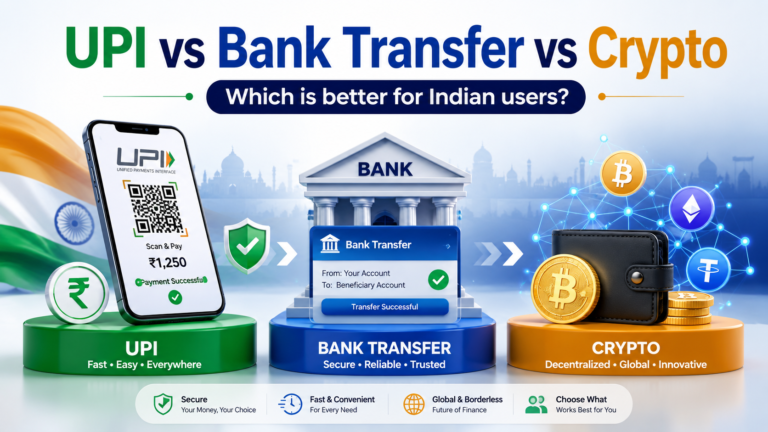
For a wider comparison of payment options, read our guide to UPI vs bank transfer vs crypto for Indian users.
You can also review our guide to safe digital payment methods for Indian users before making your next online payment.
Rupzio Guide shares simple information to help Indian users understand digital payments and make safer online decisions.