USDT Transaction Hash (TxID): What Indian Users Should Know
USDT transaction hash, also called a TxID, is one of the most useful pieces of information you can have after sending a crypto payment.
You may send USDT and then wonder whether the transaction actually went through. The recipient may say that nothing has arrived yet, or your wallet may show that the transfer was completed while the receiving platform still shows no balance.
Instead of immediately sending the payment again, the transaction hash can help you check what happened.
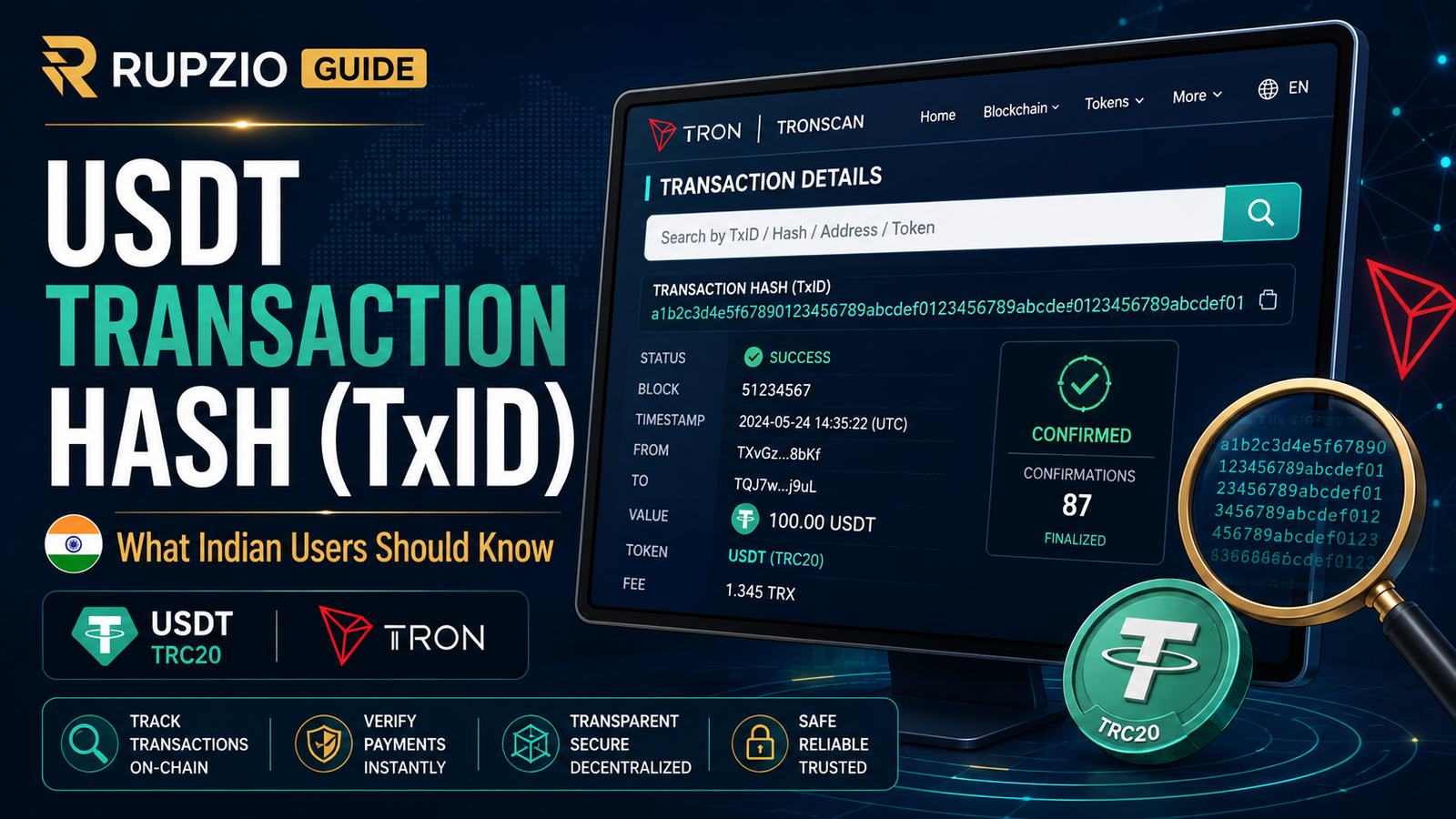
For users who send USDT through the TRON network, for example, the TxID can be checked on a TRON blockchain explorer such as TRONSCAN. A transaction record can show important information about the transfer, including its blockchain status.
Understanding the TxID does not require advanced blockchain knowledge. You mainly need to know what it is, where to find it and how to read the basic information safely.
What Is a USDT Transaction Hash or TxID?
A transaction hash is a unique identifier associated with a blockchain transaction.
You may see different names depending on the wallet or exchange:
- Transaction Hash
- Tx Hash
- TxID
- Transaction ID
- Hash
For practical purposes, these terms are often referring to the identifier that allows a particular blockchain transaction to be located.
TRON’s official developer documentation, for example, identifies txID as the transaction ID or hash and allows transaction information to be queried using that ID.
Think of it as a reference number for the blockchain transaction.
However, it is important not to confuse a blockchain transaction hash with the reference numbers used by banks or UPI. They belong to different systems.
Why Is a TxID Useful?
Imagine that you send 100 USDT to another wallet.
Your wallet says the transfer was completed.
A few minutes later, the recipient tells you:
“Nothing has arrived.”
Without checking anything, you might become worried and send another 100 USDT.
That can create a bigger problem if the first transaction was already successful.
A TxID gives you a way to investigate the original transfer before taking another action.
Depending on the blockchain explorer, you may be able to check information such as:
- transaction status,
- sending address,
- receiving address,
- token involved,
- amount,
- block information,
- transaction time,
- and other network details.
TRONSCAN’s transaction-detail tools, for example, allow a transaction to be looked up by its hash and provide status and transaction information from the TRON blockchain.
Where Can You Find the TxID?
After sending USDT, open the transaction or withdrawal history in the wallet or exchange you used.
Select the relevant transaction.
Depending on the platform, you may see a field labelled:
TxID
or:
Transaction Hash
There may also be a button such as:
- View on Explorer
- View Transaction
- Blockchain Details
- Transaction Details
The exact layout is different for every wallet or exchange.
If the withdrawal is still being processed by an exchange, a TxID may not always be available immediately.
Do not assume that a missing TxID automatically means the USDT was lost. Check the withdrawal status first.
TxID Is Not the Same as a Wallet Address
This is an important difference.
A wallet address identifies the destination or source used for a blockchain transfer.
A TxID identifies a particular transaction.
For example, the same wallet address may receive many different transfers over time.
Each of those transactions can have its own transaction hash.
So if someone asks you for the TxID of a payment, do not simply copy the receiving wallet address.
Open the actual transaction details and find the transaction hash.
A Simple Example Using TRONSCAN
This is one of the easiest ways to understand why a TxID is useful.
Suppose you send USDT through the TRON network.
After sending:
- Open your wallet or exchange transaction history.
- Find the USDT transfer.
- Copy the transaction hash or TxID.
- Open TRONSCAN.
- Search for the TxID.
- Check the transaction details.
TRONSCAN describes itself as a blockchain explorer for the TRON network and provides transaction browsing and search functionality.
If the transaction appears there, you can use the blockchain record to understand what happened instead of relying only on the wallet screen.
This is especially useful when the sender and recipient see different information.
Check the Network Before Checking the TxID
Not every USDT transaction belongs on TRONSCAN.
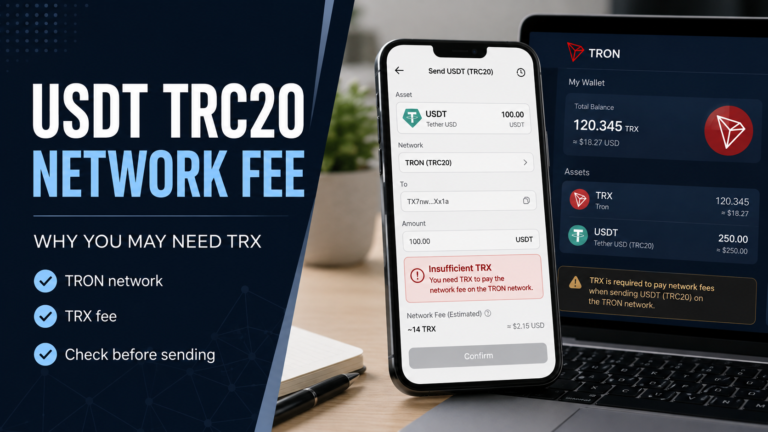
USDT operates on multiple blockchain protocols. Tether currently lists both TRC20 through the TRON blockchain and ERC20 through Ethereum among its supported protocols.
That means:
USDT TRC20 → TRON network
USDT ERC20 → Ethereum network
A TRC20 transaction should be checked using a TRON-compatible blockchain explorer.
An ERC20 transaction should be checked using an Ethereum-compatible blockchain explorer.
If you are unsure about these two networks, read our USDT TRC20 vs ERC20 guide before making another transfer.
Checking the wrong blockchain explorer can make a perfectly valid transaction appear as if it does not exist.
What Can a TxID Tell You?
The most important thing most users want to know is simple:
Did my transaction reach the blockchain?
A blockchain explorer can help answer that question.
Depending on the network and explorer, the transaction record may show whether the transaction was successful, confirmed, pending or otherwise recorded by the network.
You can also compare the receiving address shown in the transaction record with the address you intended to use.
Check the amount as well.
Do not look only at the word “successful.”
A successful transaction sent to the wrong destination is still a serious problem.
A Successful TxID Does Not Always Mean the Recipient Has Credited You
This distinction is important when sending USDT to an exchange or another online platform.
The blockchain may show that the transaction was successful, while the receiving platform has not yet updated the user’s account balance.
Those are two different stages.
The blockchain explorer tells you what happened on the blockchain.
It does not necessarily tell you whether a particular company’s internal account system has finished processing the deposit.
If the transaction is successful on the correct blockchain, the address is correct and the receiving platform supports that network, you may need to check the platform’s deposit history or contact its official support.
Keep the TxID available because it can help identify the transaction.
What If the TxID Cannot Be Found?
First, make sure you are using the correct explorer.
If you sent TRC20 USDT but searched an Ethereum explorer, you may not find the transaction.
Next, copy the TxID again directly from the wallet or exchange.
A transaction hash is long, and manually typing it can easily introduce an error.
If no TxID has been generated and the exchange still shows the withdrawal as processing, the transfer may still be within the platform’s own withdrawal process rather than visible on the blockchain.
The exact process varies between providers, so check the status shown by the platform before trying again.
TxID Is Not a Password
A transaction hash should never be confused with sensitive wallet credentials.
Your TxID is not:
- your password,
- your private key,
- your recovery phrase,
- your seed phrase,
- your OTP,
- or your wallet PIN.
Blockchain transaction hashes are used to identify transactions, and explorers such as TRONSCAN can display transaction details when a hash is searched.
However, that does not mean you should share transaction information everywhere without thinking.
A TxID may allow someone to view associated blockchain addresses, amounts and transaction activity.
So treat it as public transaction information, not as a secret credential.
Never Share Your Seed Phrase to “Check” a TxID
This deserves its own warning.
You do not need to give someone your seed phrase or private key simply so they can check whether a blockchain transaction exists.
If someone says:
“Send me your recovery phrase and I will check your transaction.”
Stop.
That is not how checking a TxID works.
A blockchain explorer searches the transaction identifier.
Giving away a private key or recovery phrase can put the wallet itself at risk.
A TxID Does Not Cancel or Reverse a Payment
The transaction hash is an identifier.
It is not a cancellation code.
Entering a TxID into a blockchain explorer does not reverse the transaction, pull the USDT back or move the funds.
It simply helps you locate and inspect the blockchain record.
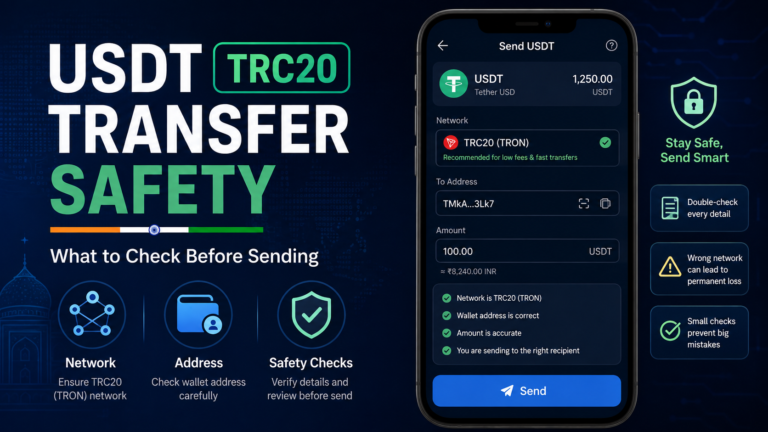
This is another reason users should check USDT payment safety carefully before sending.
A blockchain record can help you understand what happened after a transfer, but it cannot magically correct every mistake made before the transaction was sent.
Do Not Rely Only on a Screenshot
Someone may send you a screenshot that says:
Payment Successful
That can be useful as a quick reference, but a screenshot alone is not always enough to verify an on-chain payment.
If the payment was supposedly sent through a blockchain, ask for or locate the transaction hash when appropriate.
Then check:
- the correct network,
- transaction status,
- destination address,
- amount.
A screenshot can show what an app displayed.
A blockchain explorer allows you to check the blockchain record itself.
Check the Address Carefully
When looking at a TxID, compare the receiving address with the address that was supposed to receive the payment.
Do not automatically assume everything is correct simply because the transaction shows success.
Check carefully.
Crypto addresses can be long and difficult to read.
Compare more than one small section if possible, especially when checking an important payment.
If you discover that USDT was sent to an unexpected address or through the wrong network, avoid following random recovery instructions found in messaging groups or comments.
Be Careful With Fake Transaction Checkers
When people become worried about missing crypto, they may search the internet for phrases such as:
“USDT transaction checker”
or:
“recover pending USDT.”
That can expose them to fake websites or fake support accounts.
Use a reputable blockchain explorer for the network involved.
For TRON transactions, TRONSCAN provides transaction search and detail functionality for the TRON blockchain.
Do not enter a seed phrase, private key or wallet password into a random website simply because it promises to find a transaction.
The same caution applies to fake customer care numbers.
What If the Recipient Says the Payment Has Not Arrived?
Do not argue based only on what your wallet says.
Check the transaction.
If there is a TxID:
- Confirm the network.
- Open the correct blockchain explorer.
- Search the TxID.
- Check the status.
- Check the destination address.
- Check the amount.
If the blockchain shows a successful transaction to the correct address but the receiving platform has not credited it, the issue may need to be checked on the receiving side.
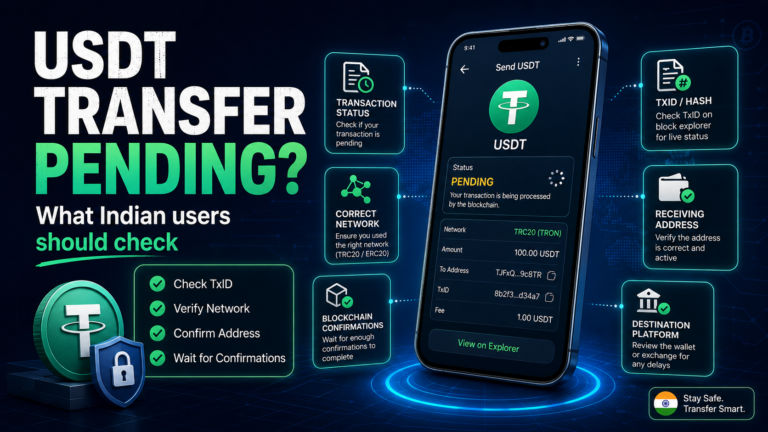
If the transfer is still unclear, our USDT transfer pending guide explains additional checks you can make before sending the payment again.
Keep the TxID Until the Payment Is Settled
There is no need to delete transaction information immediately after sending.
Keep the TxID until you are confident that the transfer has been received and processed correctly.
This can be particularly useful when dealing with an exchange, merchant or online platform that may ask for information about the transaction.
A useful basic record can include:
- TxID,
- network,
- amount,
- date,
- destination address.
You do not need to publish this information publicly.
Keep it available in case you need to investigate the transfer.
Common TxID Mistakes to Avoid
Before checking a USDT transaction, avoid these common mistakes:
- copying the wallet address instead of the TxID,
- searching on the wrong blockchain explorer,
- checking TRC20 as if it were ERC20,
- assuming a screenshot is enough proof,
- ignoring the receiving address,
- sending the payment again before checking the first transaction,
- sharing wallet secrets with someone offering “support.”
Most of these mistakes are avoidable if you slow down and check the transaction step by step.
A Simple USDT TxID Checklist
After sending USDT, ask:
Do I have the transaction hash?
Then check:
- Which network did I use?
- Am I using the correct blockchain explorer?
- Can the explorer find the TxID?
- What status does the transaction show?
- Is the receiving address correct?
- Is the amount correct?
- Has the receiving wallet or platform credited the payment?
If these details make sense, you will have a much clearer picture of what happened to the transfer.
A USDT transaction hash may look complicated at first, but its purpose is simple: it helps you locate and check a specific blockchain transaction.
If you send USDT through TRC20, checking the TxID on TRONSCAN can help you confirm what happened on the blockchain before deciding what to do next.
Keep the TxID until the payment is fully settled, and never share your seed phrase, private key or other wallet credentials just because someone offers to “check” the transaction for you.