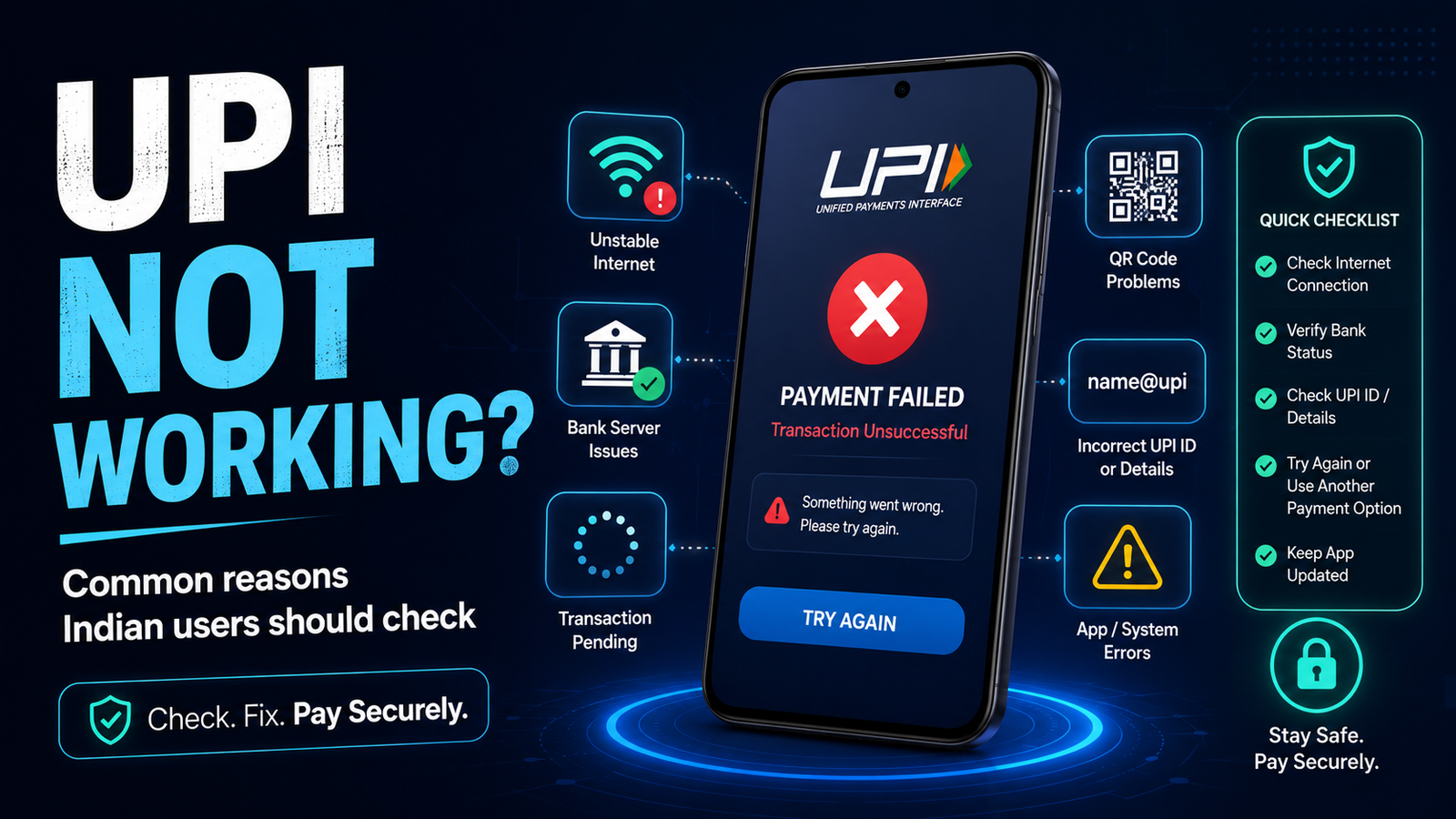
UPI Not Working? Common Reasons Indian Users Should Check
UPI not working can be frustrating, especially when you are trying to make a quick payment.
You open your payment app, enter a UPI ID or scan a QR code, confirm the amount, enter your UPI PIN, and expect the payment to go through.
But sometimes it does not.
You may see a failed payment, a loading screen, an error message, or a transaction that simply does not continue.
If your UPI is not working, the safest response is not to keep pressing Pay again and again.
First, understand what may be causing the problem.
A UPI issue can come from your phone, internet connection, payment app, bank, recipient details, or the payment system being used at that moment.
The exact reason is not always obvious, but a few simple checks can help you understand what to do next.
First Check Whether the Payment Actually Failed
Before trying the payment again, check the transaction history in your UPI app.
Sometimes the app may appear stuck while the payment has already been submitted.
Look for a status such as:
- successful;
- failed;
- pending;
- processing.
If the transaction is still pending, do not immediately send the same amount again.
You may accidentally create a second payment.
If money has already been debited but the transaction shows failed or pending, our guide on UPI payment failed or pending explains what to check before making another attempt.
The first rule is simple:
Know the status of the first transaction before starting a second one.
Check Your Internet Connection
UPI apps need a working internet connection to communicate with payment services and banks.
If your mobile data or Wi-Fi connection is unstable, the payment screen may load slowly or fail to complete.
Try checking whether other websites or apps are working normally.
You can also:
- move to a stronger network signal;
- turn mobile data off and on;
- switch between Wi-Fi and mobile data if appropriate;
- wait a moment before trying again.
But remember that losing internet connection does not automatically mean the payment was never submitted.
Always check your transaction history first.
Your Bank May Be Having a Temporary Problem
A payment app can work normally while your bank temporarily cannot process a UPI request.
This may happen during maintenance, heavy traffic, or another technical problem.
You may see an error message saying the bank server is unavailable or the transaction cannot be processed.
In this situation, repeatedly sending the same payment may not help.
Wait for some time and try again later.
If another bank account is already linked to your UPI app, you may also check whether the app allows you to select it.
Do not add or change bank accounts simply because someone contacts you and says it is required to fix the problem.
The Recipient’s Bank Can Also Have a Problem
The problem does not always come from your side.
Your app and bank may be working correctly while the receiving bank or payment service is temporarily unavailable.
This can make a transaction fail even when your UPI account appears normal.
If possible, ask the recipient whether other payments are reaching them.
But do not send money repeatedly just because the recipient says the first attempt did not arrive.
First confirm the transaction status in your own app.
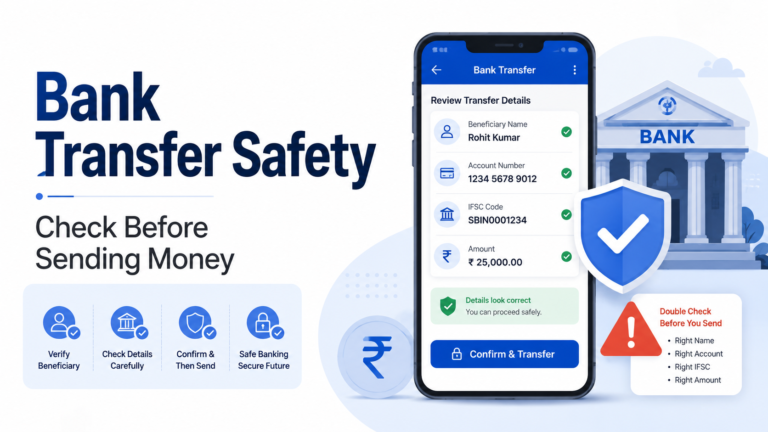
Check the UPI ID Before Paying Again
If you are entering a UPI ID manually, one wrong character can prevent a payment from working correctly.
Before trying again, check:
- the full UPI ID;
- the receiver name shown by the app;
- whether you are paying the person or business you intended.
Do not ignore a receiver name that looks unfamiliar.
Our guide on how to verify a UPI ID before sending money explains why confirming the receiver is an important habit before every payment.
If the details do not look right, stop and verify them before continuing.
A QR Code Can Also Lead to the Wrong Payment Details
Scanning a QR code is convenient, but you should still check what appears on the payment screen.
After scanning, look at:
- receiver name;
- payment amount;
- any message or note shown by the app.
Do not assume that a QR code is safe simply because it is printed inside a shop or sent by someone you know.
A QR code only provides payment information.
You still need to check who will receive the money.
Your UPI PIN May Be the Problem
A UPI PIN is used to approve UPI payments from your linked bank account.
If the PIN is entered incorrectly, the payment may not continue.
Do not keep entering random PIN combinations.
Too many incorrect attempts may cause temporary restrictions depending on the bank or payment service.
Also remember:
Your UPI PIN is not the same as an OTP.
Our guide on UPI PIN vs OTP explains the difference and when each one may appear during a payment or account process.
Never tell your UPI PIN to:
- a merchant;
- customer support;
- a bank caller;
- someone messaging you online;
- anyone claiming they need it to receive money.
You normally enter the PIN yourself inside the payment app when authorising a payment.
Check Whether Your Bank Account Is Available in the App
Sometimes a UPI app may still open normally even when the linked bank account is temporarily unavailable.
Open the bank account section of your payment app and check whether the account is still showing correctly.
If the app displays an error while fetching your bank account, that may explain why the payment is not working.
Do not remove and re-add your bank account immediately unless there is a clear reason to do so.
A temporary problem may resolve without changing your account settings.
Check Whether the App Needs an Update
Payment apps receive updates for security, compatibility and bug fixes.
An outdated app may sometimes behave incorrectly.
Open your phone’s official app store and check whether an update is available.
Only update through a trusted official app store.
Do not install an APK or another application sent through:
- WhatsApp;
- Telegram;
- SMS;
- email;
- a random website.
A person claiming to fix a UPI problem should never ask you to install an unknown payment or remote-access application.
Restarting the App Can Help With Simple Problems
Sometimes a payment app becomes unresponsive because of a temporary software problem.
Closing the app completely and opening it again may help.
If necessary, restarting the phone can also clear a temporary issue.
After reopening the app, check your previous transaction status before trying another payment.
This step sounds simple, but it avoids creating duplicate transactions while troubleshooting.
Check the Amount Carefully
A payment may fail because the amount is outside what the bank, app, merchant, or transaction type currently allows.
Limits can differ depending on the bank, payment service, account and type of transaction.
That is why it is better not to depend on one fixed number found online.
If the app shows a limit-related error, read the message carefully.
If appropriate, check the current limit information inside your bank or payment app.
Do not split a large payment into several smaller transfers simply to bypass a limit unless you understand why the restriction appeared.
A Recently Changed Phone, SIM or Bank Setting May Matter
UPI relies on information connected to your mobile number and bank account.
If you recently changed:
- your phone;
- SIM card;
- mobile number;
- bank account;
- app installation;
your payment app may require account verification again.
Follow the instructions shown by the official app.
Be careful if someone contacts you and offers to “activate” UPI manually.
Account verification should be completed through trusted bank or payment-app processes.
Do Not Keep Retrying a Payment Without Checking
This is one of the most important habits when UPI is not working.
Suppose you press Pay and receive an unclear error.
You press Pay again.
Then again.
The first payment may eventually be processed while another attempt also goes through.
Instead:
- Stop.
- Open transaction history.
- Check the first payment.
- Confirm whether money was debited.
- Check whether the receiver received anything.
- Only then decide whether another payment is necessary.
This is especially important when the payment amount is significant.
What If Money Was Debited?
If money leaves your bank account, the situation is different from a payment that never started.
Do not assume the money is permanently lost.
Check the transaction status and save important information such as:
- amount;
- date and time;
- receiver;
- UPI reference or transaction number;
- status shown by the payment app.
Our UPI payment failed or pending guide covers this situation in more detail.
And do not send the same amount again merely because someone tells you the first payment failed.
Confirm it yourself first.
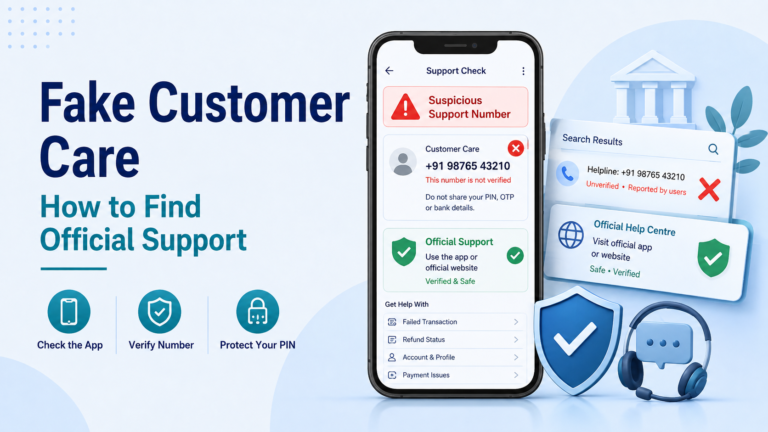
Be Careful With Fake Customer Support
A UPI problem can make users impatient.
Scammers know this.
You may search online for customer support and find a phone number that looks official.
Or someone may message you after you post about your problem online.
They may say:
“Your account needs verification.”
“Share the OTP so I can check the failed transaction.”
“Install this app and I will fix UPI.”
“Enter your UPI PIN to receive the refund.”
These are serious warning signs.
Our guide on fake customer care numbers explains why you should find support through the official bank or payment app instead of trusting random search results or private messages.
Never share:
- UPI PIN;
- OTP;
- card PIN;
- password;
- screen-control access.
Support staff do not need your UPI PIN to investigate a transaction.
Do Not Approve an Unexpected Collect Request
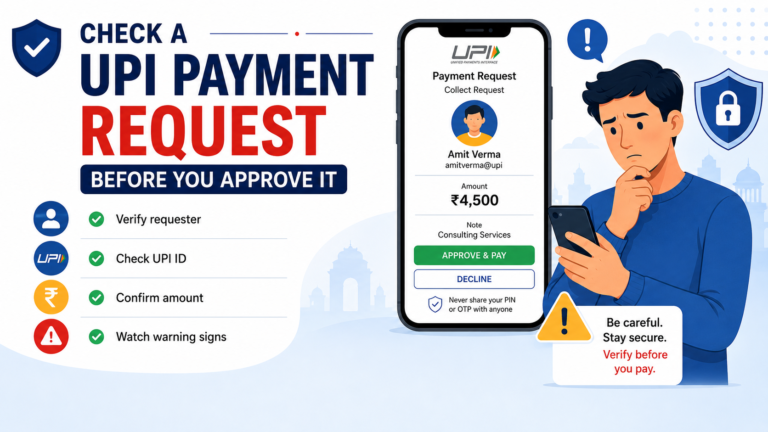
While trying to fix a payment, you may receive a UPI collect request.
Do not approve it just because someone claims it is needed for:
- verification;
- refund;
- account activation;
- transaction cancellation.
Approving a payment request can authorise money to leave your account.
If you are expecting money, you usually do not need to enter your UPI PIN simply to receive a normal transfer.
Our guide on UPI payment request safety explains this type of risk in more detail.
Try Again Only After You Understand the First Attempt
There is nothing wrong with trying a UPI payment again when the first attempt genuinely failed.
But first answer these questions:
Was money debited?
What status does the first transaction show?
Is the bank currently available?
Are the UPI ID and receiver correct?
Is the internet connection working?
Is the payment app operating normally?
If those checks look normal and the first transaction clearly failed, trying again may be reasonable.
If the status is unclear, wait and investigate before sending another payment.
When Should You Contact the Bank or Payment App?
Contact official support when:
- money was debited and the payment remains unresolved;
- transactions repeatedly fail;
- your linked bank account cannot be accessed;
- you see an unfamiliar transaction;
- your account shows an unexpected restriction;
- the app tells you to contact your bank.
Use the support option inside the official app or the bank’s official communication channels.
Save screenshots and transaction information if necessary.
Clear information makes it easier to explain the problem.
UPI Not Working Does Not Always Mean Something Is Wrong With Your Account
A failed UPI payment can feel worrying, but not every failure means your bank account has a serious problem.
The issue may be temporary.
It may involve:
- internet connectivity;
- the payment app;
- your bank;
- the receiver’s bank;
- incorrect payment details;
- authentication;
- a temporary service problem.
The important thing is not to guess.
Check what the app is telling you.
A Simple Checklist Before Trying Again
If UPI is not working, check these things in order:
- Check the previous transaction status.
- Confirm whether money was debited.
- Check your internet connection.
- Confirm the UPI ID or QR receiver.
- Make sure the linked bank account is available.
- Read any bank or app error message.
- Do not share your PIN or OTP with anyone.
- Do not approve unexpected payment requests.
- Contact official support if the problem continues.
Most importantly:
Do not let frustration make you send money twice or share sensitive information.
When UPI is not working, a few minutes spent checking the transaction can be safer than repeatedly pressing Pay.