UPI Daily Limit Reached? What Indian Users Should Check
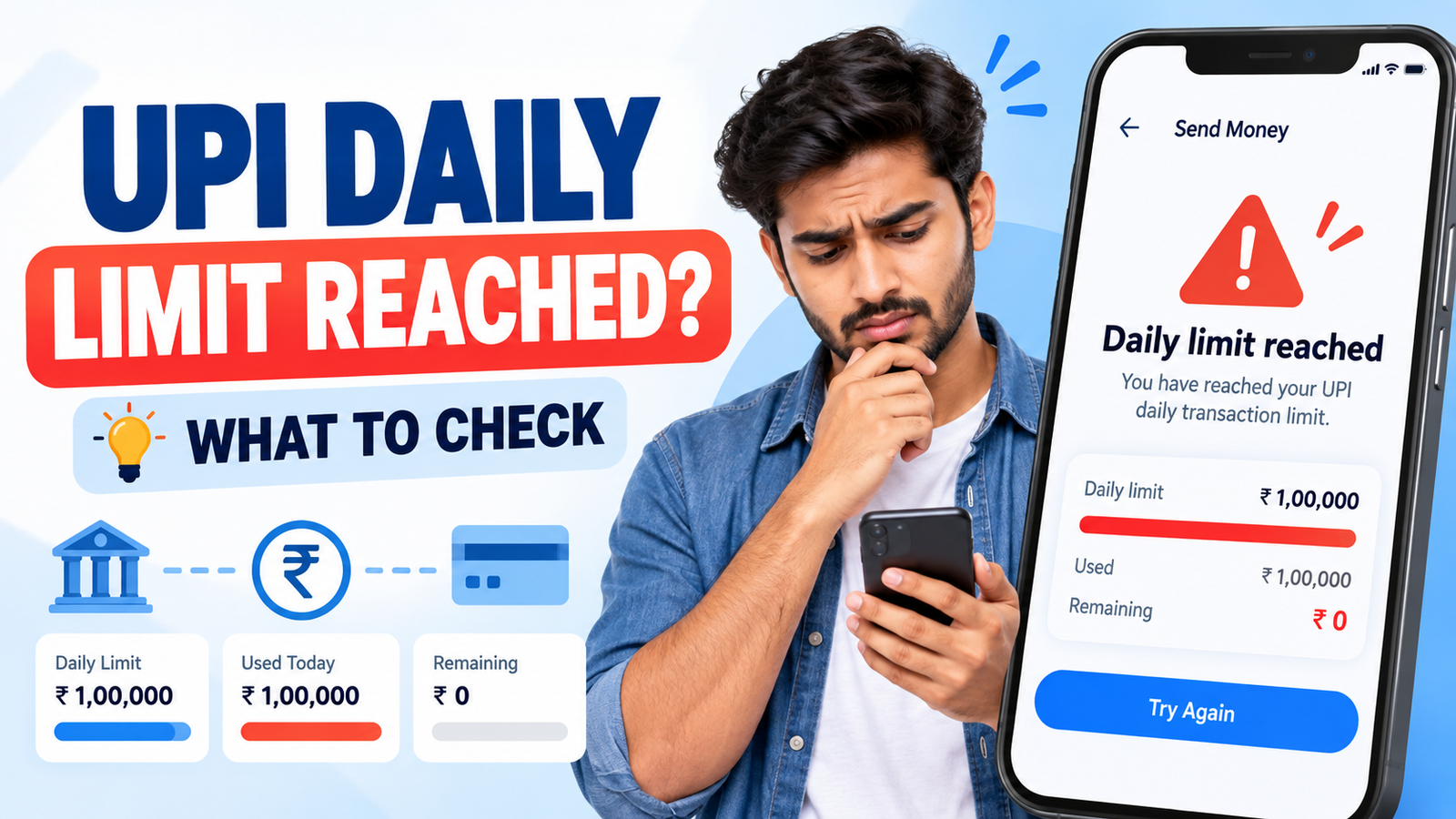
UPI daily limit reached?
You may see this message when trying to send money, pay a merchant or complete another UPI transaction.
Perhaps you have already made several payments during the day.
Or maybe you are trying to send a larger amount than usual.
The confusing part is that your UPI app may have worked normally earlier, but the next payment suddenly gets declined.
A limit message does not necessarily mean that something is wrong with your bank account.
UPI transactions can be affected by several types of limits, including the amount allowed for one transaction, the total amount allowed within a period, the number of transactions allowed and limits applied by your bank or payment app.
The first step is to understand which limit you may have reached before repeatedly trying the payment.
UPI Limits Are Not Always the Same for Everyone
It is easy to assume that every UPI user has exactly the same limit.
That is not always the case.
Your actual limit may depend on:
- your bank;
- the type of UPI transaction;
- the payment app;
- the amount being sent;
- whether you are paying a person or merchant;
- security or risk controls applied to the account;
- and the type of payment you are making.
This is why two people using UPI may see different limits even when they are using similar payment apps.
A limit shown by one bank should not automatically be assumed to apply to another bank.
Understand the Difference Between a Transaction Limit and a Daily Limit
These two limits can easily be confused.
A per-transaction limit controls how much you can send in one payment.
A daily limit may control the total amount or number of UPI transactions allowed in a day.
For example, suppose your bank allows a certain amount in one UPI transaction.
A payment may still fail if you have already used enough of your available daily limit earlier that day.
The reverse can also happen.
You may still have plenty of daily capacity remaining, but one individual payment may be above the amount your bank allows for a single transaction.
So when you see “limit exceeded”, do not look only at the amount you are currently trying to send.
Also check how much you have already sent that day.
1. Check How Much You Have Already Sent
Start by opening your UPI transaction history.
Look at the successful payments you made recently.
You do not need to calculate every transaction from the past month.
Focus on the payments made during the relevant period, especially the same day.
For example, imagine you have already made:
- a rent payment;
- a bill payment;
- two payments to friends;
- and a few merchant purchases.
Even if the next payment is not particularly large, your previous payments may already have brought you close to a limit.
Also check whether you used the same bank account through another UPI app.
Using several apps does not necessarily mean that each app gives you a completely separate bank limit.
The underlying bank account still matters.
2. Check the Amount of the New Payment
Next, look carefully at the amount you are trying to send.
Do not assume a payment should work simply because you have sent a similar amount before.
Limits can differ depending on the bank, transaction type and other conditions.
If you are making an unusually large payment, check the limit shown by your bank or payment app before trying again.
This is particularly useful for payments such as:
- rent;
- school or college fees;
- insurance;
- large purchases;
- business payments;
- or transfers to another person.
If the payment amount is above the permitted limit, repeatedly pressing Pay will not solve the problem.
3. Check Which Bank Account Is Selected
Many Indian users link more than one bank account to the same UPI app.
That can make limit problems slightly confusing.
You may think you are paying from one bank while another account is actually selected.
Before retrying, check:
- the bank name;
- the last digits of the account;
- the account selected for payment;
- and whether that account has already been used for several transactions.
If you have multiple accounts, their limits may not be identical.
Do not switch to another bank account just to make the payment go through. First check why the original payment was declined.
Make sure you understand which account you are using.
4. Do Not Assume Changing the UPI App Will Reset the Limit
Suppose a payment fails in one UPI app because a bank-related limit has been reached.
You may think:
“I will just open another UPI app and send it from there.”
That may not solve the problem.
If both apps are using the same bank account, the relevant bank-side limit may still apply.
Changing the app does not automatically create a new allowance for the same account.
However, if the problem is specific to the app rather than the bank, the situation can be different.
This is why identifying the source of the limit is more useful than repeatedly changing apps.
5. Check the Exact Error Message
Do not close the error screen immediately.
Read what it actually says.
You may see wording such as:
- daily limit reached;
- transaction limit exceeded;
- maximum amount exceeded;
- transaction frequency exceeded;
- bank limit exceeded;
- or payment declined.
These messages are not always describing exactly the same problem.
If the message specifically refers to a limit, take a screenshot for your own reference if needed.
Do not share screenshots that contain sensitive banking information publicly.
If the payment is being declined without mentioning a limit, the reason may be different.
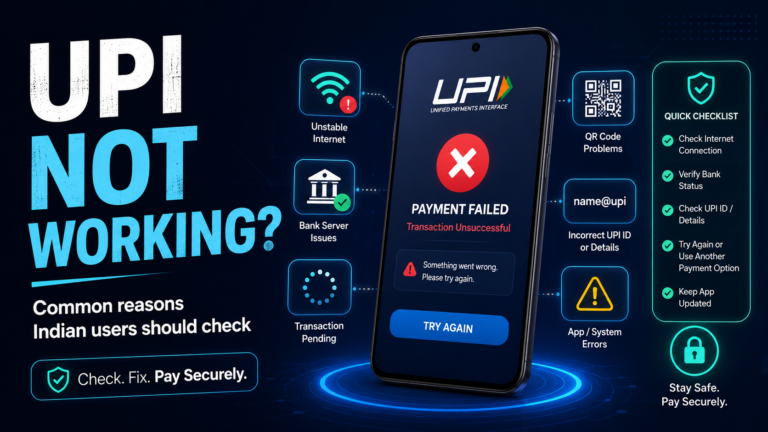
Our guide on UPI payment declined by bank explains other checks you can make when a bank rejects a payment.
6. Consider Whether You Have Made Many Small Payments
Large payments are not the only transactions that can cause a limit problem.
A user may make many smaller payments during the day.
For example:
- ₹200 for food;
- ₹500 for shopping;
- ₹1,000 to a friend;
- several small merchant payments;
- and other transfers.
The individual amounts may look small.
But some limits can also involve the number of transactions permitted within a certain period.
This means a user who has made many payments may encounter a restriction even without making one very large transfer.
If you have been making repeated transactions, check your transaction history before trying again.
7. A Failed Attempt Does Not Always Mean Money Was Sent
If a payment is rejected because of a limit, first check its final status.
Do not immediately make another payment simply because the first screen showed an error.
Open your UPI transaction history and look for the transaction.
Check whether it shows:
- Successful;
- Failed;
- Pending;
- or another status.
Also check your bank account balance if necessary.
This helps prevent accidental duplicate payments.
If the transaction is still pending, avoid repeatedly sending the same amount until you understand what happened to the original payment.
8. Be Careful With Someone Who Tells You How to “Bypass” the Limit
A limit message can create urgency, especially when another person is waiting for payment.
That is also a situation where users should be careful.
Someone may tell you:
“Use another QR code.”
“Send the money in several payments.”
“Use another person’s account.”
“Share your OTP so I can fix it.”
“Tell me your UPI PIN.”
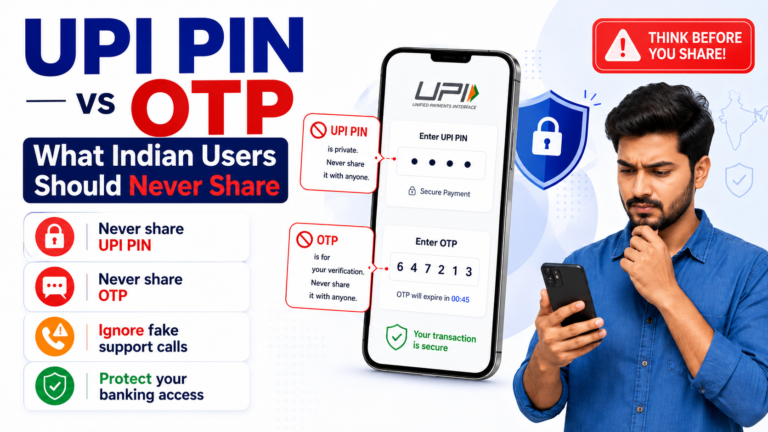
Do not share your UPI PIN, OTP, banking password or card PIN.
If you are unsure how these security codes differ, read our UPI PIN vs OTP guide.
A genuine UPI limit issue does not require you to share your PIN, OTP or other banking details with anyone.
If someone is pressuring you to make the payment immediately, verify who you are paying before taking another action.
9. Should You Split One Large Payment Into Smaller Payments?
Sometimes users think splitting a large payment into several smaller transactions will solve the problem.
It may not.
If the restriction is related to your total allowed amount or number of transactions, multiple smaller payments can still hit the same limit.
It can also make your transaction history harder to follow.
Before splitting a payment, check whether the merchant, bank or payment service supports the payment method you intend to use.
For an important or high-value payment, another official banking method may be more suitable.
Do not split payments simply to bypass a warning you do not understand.
10. Recently Changed Your Phone, SIM or UPI Setup?
If you recently changed your phone, SIM, bank account or UPI setup, additional security restrictions may sometimes apply.
Do not assume your usual transaction behaviour will immediately remain identical after every account or device change.
Check your bank or UPI app for any message about temporary restrictions.
Also make sure:
- the correct mobile number is linked;
- the correct bank account appears in the app;
- mobile number verification is complete;
- and your UPI setup is working normally.
If the problem appears immediately after a device or account change, that information can also be useful when contacting official support.
What If You Have Not Reached Your Expected Limit?
Perhaps you have checked your payments and the amount still seems below the limit you expected.
Do not assume the app is necessarily wrong.
Your bank may have a different internal limit, or another type of restriction may be affecting the transaction.
Check the bank’s official app, website or customer-support channel.
Avoid searching for random customer-care numbers posted in comments, messaging groups or unofficial websites.
If you contact support, you can explain:
“I am trying to make a UPI payment, but I am seeing a limit exceeded message. Can you confirm the UPI limit currently applicable to my account?”
You should not need to tell support your UPI PIN or OTP.
Can You Increase Your UPI Limit?
There is no single answer that applies to every user.
Some limits are based on broader UPI rules, while others may be set by the bank, app or transaction category.
If you regularly need to make larger payments, check directly with your bank about the options available for your account.
Do not trust a third party who promises to “unlock” your UPI limit in exchange for money, an OTP or banking credentials.
If the required payment is larger than what UPI currently allows for your situation, your bank may offer another suitable transfer method.
When Should You Try the Payment Again?
First find out what kind of limit you reached.
If the message relates to a temporary or daily restriction, you may need to wait until the bank or payment app resets the limit.
If the problem is a per-transaction limit, simply waiting may not make the same amount eligible.
If the bank itself has placed a restriction on the account, contact the bank through an official channel.
Most importantly, do not keep repeating the same transaction without checking its status.
Repeated attempts can make it harder to understand which payment succeeded and which one failed.
A Quick Check Before You Retry
Before making the payment again, check:
- Which bank account am I using?
- How much have I already sent?
- How much am I trying to send now?
- Does the error mention a daily or per-transaction limit?
- Have I made many UPI transactions recently?
- Is the previous transaction definitely failed?
- Am I using the correct recipient or merchant?
- Is anyone pressuring me to make the payment immediately?
- Am I using an official UPI app and official bank support?
- Would another legitimate payment method be more suitable for this amount?
A UPI limit message usually means you should check the transaction and your available limit before trying again.
Understanding whether the restriction comes from the payment amount, transaction count, bank account or payment type can help you decide the next step without accidentally sending the money twice.