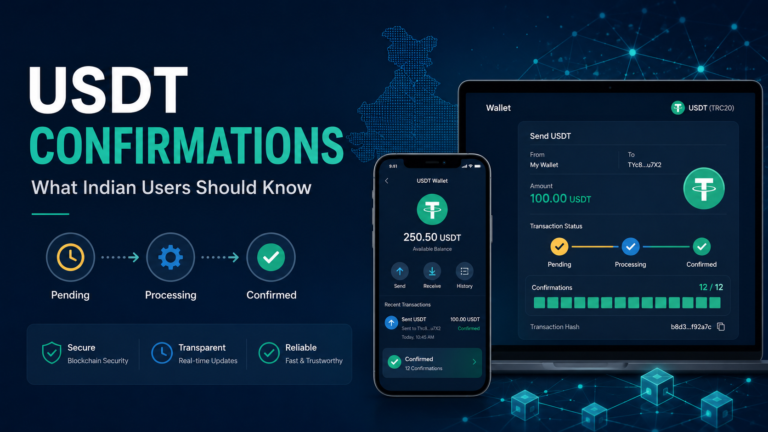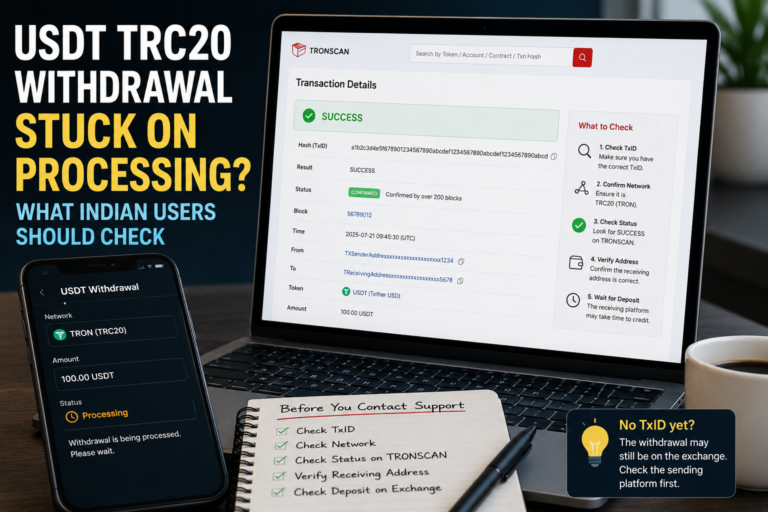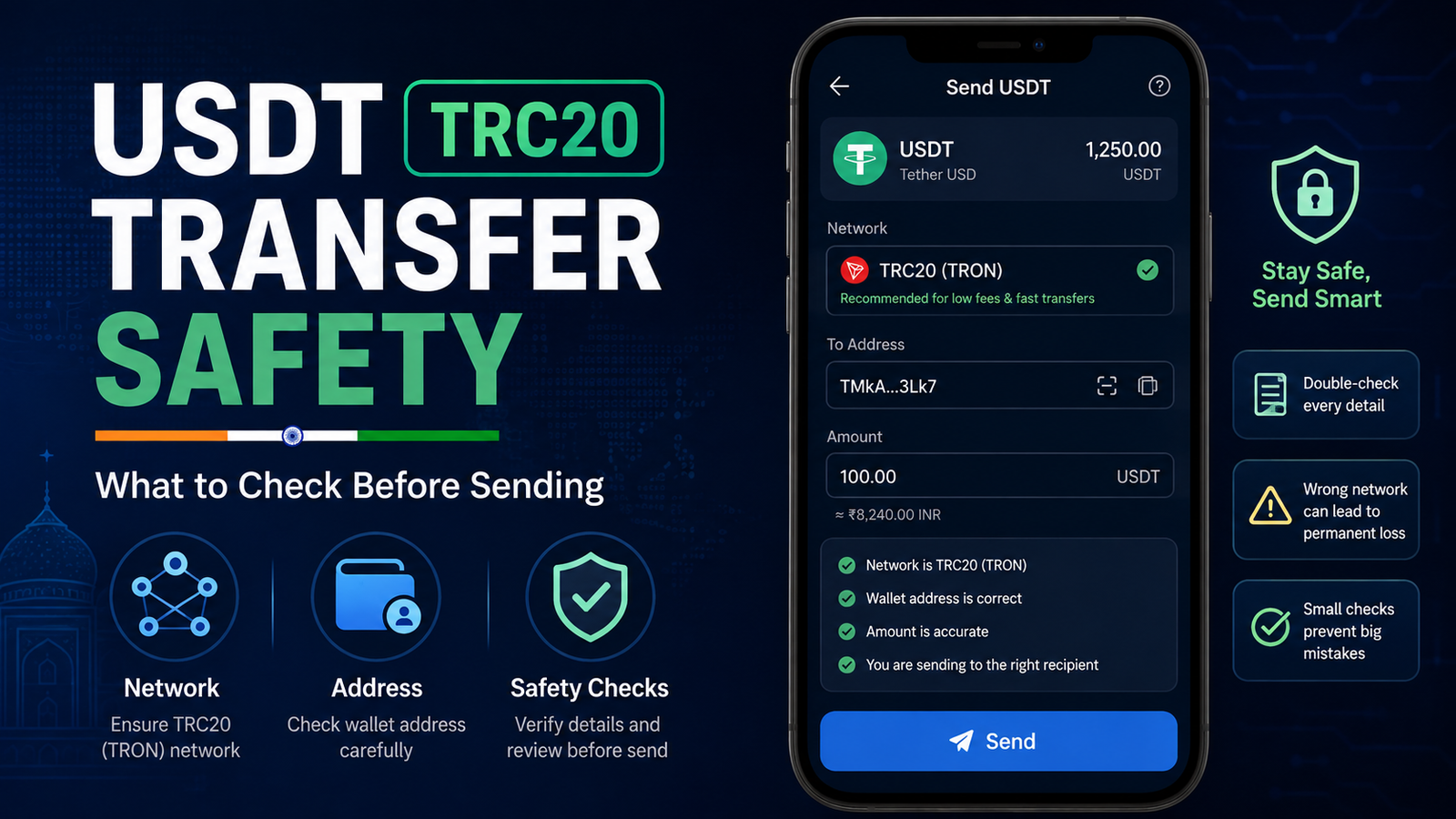
USDT TRC20 Transfer Safety: What Indian Users Should Check Before Sending
USDT TRC20 transfer safety starts before you press the Send button.
The transfer itself may take only a short time, but a small mistake can be difficult to correct once the transaction reaches the blockchain.
You may have enough USDT in your wallet.
The receiving address may look correct.
TRC20 may also appear to be the cheapest or most familiar network.
But those things alone are not enough.
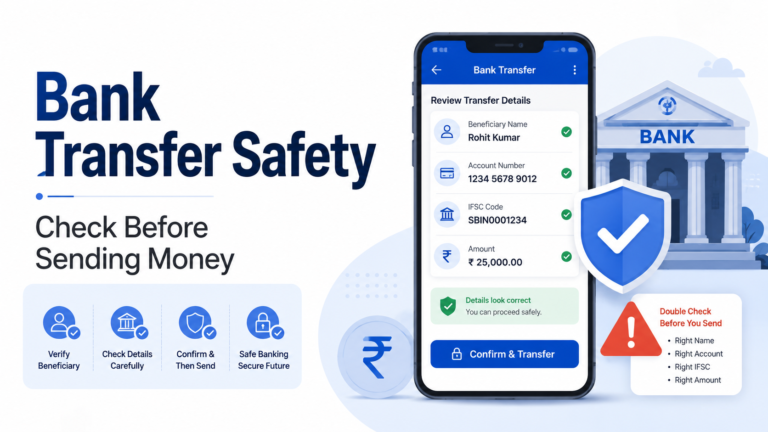
Before sending USDT, it is useful to check the token, network, receiving address, wallet balance and any fee or resource requirement shown by the service you are using.
A few minutes of checking can prevent a much longer problem later.
What Does USDT TRC20 Actually Mean?
USDT is the token you are sending.
TRC20 describes the token standard used on the TRON blockchain.
This distinction matters because USDT can exist on more than one blockchain network.
For example, you may see:
- USDT TRC20 on TRON,
- USDT ERC20 on Ethereum,
- and USDT on other supported networks.
The token name may still say USDT, but the networks are not automatically interchangeable.
When someone gives you a deposit address, do not check only whether they accept USDT.
Check which USDT network they support.
If you are still unsure about the difference, our USDT TRC20 vs ERC20 guide explains the two networks in simple terms.
Check the Receiving Network First
Before copying an address, open the receiving wallet or platform.
Select USDT.
Then look carefully at the available deposit networks.
If the receiving side tells you to use TRC20, the sending side should also be set to TRC20 or TRON.
Do not select another network simply because:
- it has a lower fee,
- you used it before,
- its name looks familiar,
- or the address appears similar.
The sending and receiving networks need to be compatible.
A cheap transfer is not useful if it is sent through a network the receiving platform does not support.
Do Not Confuse the Token With the Network
This is one of the easiest mistakes to make.
Suppose both your sending wallet and the receiving exchange display:
USDT
You may think everything matches.
But one side could be showing USDT TRC20 while the other expects USDT on another network.
Always ask two separate questions:
What token am I sending?
And:
Which blockchain network am I using?
For this transfer, both answers need to match what the receiving side expects.
Check the Receiving Address Carefully
After confirming the network, check the address.
Crypto addresses are long, so users sometimes compare only the first or last few characters.
That is better than not checking at all, but for an important transfer, compare more of the address when possible.
Make sure the address you copied is still the address shown by the receiving wallet or exchange.
Be especially careful if you copied an address earlier and kept it in:
- notes,
- chat,
- clipboard history,
- an old screenshot,
- or another device.
A saved address should not automatically be trusted forever.
The receiving service may have changed how deposits work or may show a new address.
Open the current deposit page and compare it again.
Check What Is in Your Clipboard
Clipboard mistakes can happen.
After you copy a crypto address, paste it into the sending form and compare it with the original address before confirming.
Do not assume that pressing Copy means the correct address will always appear in the next screen.
For larger or important payments, comparing several sections of the address can take only a few seconds.
Those seconds are worth it.
Make Sure You Are Sending the Real USDT Token
Some wallets can display many tokens.
A token name or symbol that looks like USDT does not automatically prove that it is the genuine asset you intended to send.
This is especially important if your wallet contains unfamiliar tokens that appeared without you buying or receiving them intentionally.
Use the USDT asset that your trusted wallet or exchange identifies for the intended network.
Do not interact with random tokens simply because they use a familiar name or logo.
Check Your Available Balance
Before entering the amount, check the balance that is actually available for transfer.
Your wallet may display a total balance, but some services can also have:
- funds in an open order,
- funds temporarily held,
- pending deposits,
- pending withdrawals,
- or another restriction.
Make sure the amount you plan to send is available.
If you are sending from an exchange, also check whether the withdrawal screen shows a minimum or maximum amount.
The rules can differ between platforms.
Understand the TRC20 Network Fee
USDT is the asset being transferred, but a TRC20 transaction also uses the TRON network.
Depending on the wallet or service you use, you may see:
- a withdrawal fee,
- a network fee,
- TRX requirement,
- Energy information,
- Bandwidth information,
- or another resource message.
Do not guess what the wallet needs.
Read the information shown on the actual transfer screen.
If your wallet says that TRX or TRON network resources are required, adding more USDT does not automatically solve that problem.
Our USDT TRC20 network fee guide explains why TRX may sometimes be involved when sending USDT through TRON.
Do Not Assume Every TRC20 Transfer Has the Same Cost
The amount required for one transfer may not be identical to another transfer.
An exchange may charge a withdrawal fee based on its own policy.
A self-custody wallet may show blockchain resource requirements.
Network conditions and wallet behaviour can also differ.
So avoid statements such as:
“Every USDT TRC20 transaction always costs exactly this much.”
Instead, check the current fee or resource information before confirming the transfer.
Look at the Amount the Recipient Will Receive
Some withdrawal screens show both:
Amount sent
and:
Amount received
The difference may include a withdrawal or network fee.
Read both numbers.
If you need the recipient to receive an exact amount, make sure you understand whether the fee is added separately or deducted from the amount you entered.
Do not discover this only after the transaction has already been sent.
Check for a Minimum Deposit
This is particularly important when sending USDT to an exchange or another platform.
Some services may require a minimum deposit.
A blockchain transaction can be successful even if the receiving platform has its own rules for crediting the deposit.
Before sending a small amount, check the receiving platform’s deposit instructions.
If a minimum is shown, understand it before making the transfer.
Do not automatically send more money later simply because the first small deposit did not appear immediately.
First investigate what happened to the original transaction.
A Small Test Transfer Can Make Sense in Some Situations
For an important new receiving address, some users prefer to send a smaller amount first.
This can help confirm that:
- the address is correct,
- the network is correct,
- the receiving service detects the deposit,
- and the setup works as expected.
But remember that a test transfer is still a real blockchain transaction.
It may have its own fee.
It may also be subject to a minimum deposit requirement.
So a test transfer should be used only when it makes practical sense.
It should not become a habit of repeatedly sending small amounts without understanding the costs.
Do Not Rush Because Someone Is Waiting
Payment pressure causes mistakes.
Someone may tell you:
“Send it now.”
“The address will expire.”
“Do not check, just use TRC20.”
Or:
“Send another payment because the first one is taking too long.”
Do not allow urgency to replace verification.
A legitimate transfer should still be checked.
Confirm:
- token,
- network,
- address,
- amount,
- and fee information.
If the recipient is genuine, taking a short moment to verify the payment details should not be a problem.
Do Not Send Again Just Because the Balance Has Not Appeared
This is one of the most important safety habits.
Suppose you send 200 USDT.
The receiving platform does not show it immediately.
You become worried.
Then you send another 200 USDT.
A few minutes later, the first transfer appears.
Now the second transfer may appear too.
Instead of solving the problem, you have created another transaction.
Before sending again, find the first transaction.
Check whether it has a TxID.
Check its blockchain status.
Check the network.
Check the receiving address.
Only then decide what to do next.
Know Where to Find the TxID
Once a TRC20 transfer has been sent to the blockchain, it should normally have a transaction identifier.
Depending on the wallet or exchange, you may see terms such as:
- TxID,
- Transaction Hash,
- Tx Hash,
- Transaction ID.
Keep this information.
For a TRC20 transaction, the TxID can be checked using a TRON blockchain explorer such as TRONSCAN.
The TxID helps you identify the exact transaction.
Do not confuse it with the receiving wallet address.
If Something Goes Wrong, Check Before Retrying
If the transfer shows an error, do not immediately create another one.
First determine whether a blockchain transaction actually exists.
If there is no TxID, the problem may still be on the sending wallet or exchange side.
If a TxID exists, check the blockchain result.
If the transaction is successful but the receiving balance is missing, investigate the receiving side.
If the transaction itself is marked Failed, understand the failure before retrying.
Our USDT TRC20 transaction failed guide explains this situation in more detail.
A Wrong Network Is a Different Problem
A normal deposit delay and a wrong-network transfer should not be treated as the same issue.
If you intentionally needed TRC20 but actually sent through another network, waiting for more TRON confirmations will not change the network that was used.
The transaction has already been sent through the selected blockchain.
If you think you selected the wrong network, check the transaction record immediately.
Our USDT sent to the wrong network guide explains what to check before attempting another transfer.
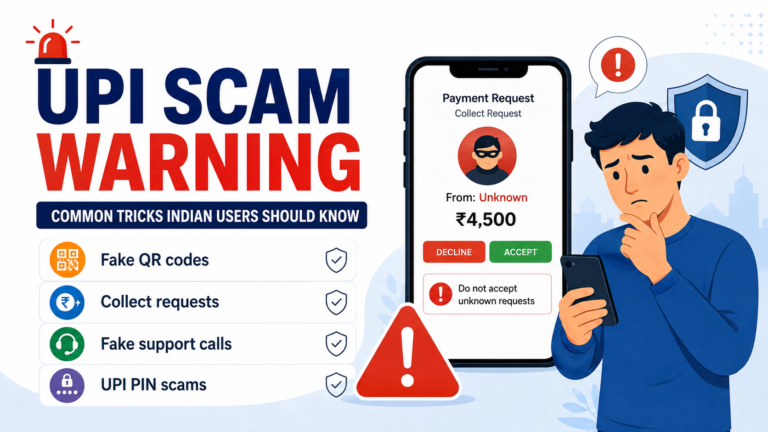
Be Careful With Fake “USDT Support”
People who are worried about a transfer can become easy targets for scammers.
You may search online and find someone claiming to be:
- wallet support,
- exchange support,
- TRON support,
- blockchain recovery support,
- or a USDT specialist.
They may ask you to:
- connect your wallet to an unknown website,
- share your screen,
- install remote-access software,
- send a recovery fee,
- give them your private key,
- or provide your seed phrase.
Do not do this.
A normal transaction investigation does not require giving someone control of your wallet.
Your TxID is useful for checking a public blockchain transaction.
Your seed phrase and private key control your funds.
They are completely different things.
Never Share Your Seed Phrase to Complete a Transfer
No legitimate network fee requires you to send your seed phrase to another person.
No blockchain explorer needs it to show a transaction.
No genuine support agent needs it simply to investigate a TxID.
Keep your seed phrase and private key private.
Also be careful with requests for:
- wallet passwords,
- OTPs,
- screen-sharing access,
- remote-control access,
- or suspicious wallet connections.
A small transfer problem should not become a much larger security problem.
Use Official Support When You Actually Need Support
There are situations where you may need help from the wallet or exchange involved.
For example, contact the sending platform if:
- the withdrawal remains stuck before a TxID appears,
- the withdrawal is rejected,
- the app shows an account verification issue,
- or you cannot determine whether anything was sent.
The receiving platform becomes more relevant when:
- the blockchain transaction is successful,
- the destination address is correct,
- the network is supported,
- but the deposit has still not appeared.
Use the official website or app to find support.
Do not automatically trust a phone number, Telegram account or social media profile found through a random search.
Save the Transaction Details
For an important transfer, keep the useful information until everything is settled.
This may include:
- TxID,
- token,
- network,
- amount,
- receiving address,
- approximate transfer time,
- and screenshots of non-sensitive transaction information.
Do not include sensitive wallet credentials with these records.
The transaction information helps identify what happened.
Your seed phrase, private key and password should remain private.
What Should You Check Before Pressing Send?
Before sending USDT through TRC20, go through this checklist:
- Am I sending genuine USDT?
- Does the receiving side support TRC20?
- Is TRON or TRC20 selected on the sending side?
- Is the receiving address correct?
- Did I compare the pasted address with the original?
- Is the amount correct?
- Is there a minimum deposit or withdrawal amount?
- What fee or TRON resource information is shown?
- How much will the recipient actually receive?
- Am I using the official wallet or exchange?
- Am I being pressured to send quickly?
- Do I understand what I will check if the transfer does not appear?
If any answer is unclear, do not rush.
Check it first.
A blockchain transfer can be quick, but correcting a mistake can be much harder.
The safest habit is simple: confirm the token, network, address, amount and fee information while you still have the chance to change them.