USDT TRC20 Deposit Address Changed? What Indian Users Should Check
Has your USDT TRC20 deposit address changed since your last transfer?
Everything worked.
Later, you open the same exchange or platform again and notice something unexpected:
The USDT TRC20 deposit address looks different.
That can be worrying.
You may wonder:
Did I open the wrong account?
Is the new address safe?
Can I still use the old address?
Why would an exchange change my deposit address?
The first thing to understand is that a different deposit address does not automatically mean something is wrong.
Platforms can change how they manage deposit addresses for technical, security or operational reasons.
But you should never guess which address to use.
Before sending USDT again, check the current deposit page carefully and make sure the token, network and address all match.
What Is a USDT TRC20 Deposit Address?
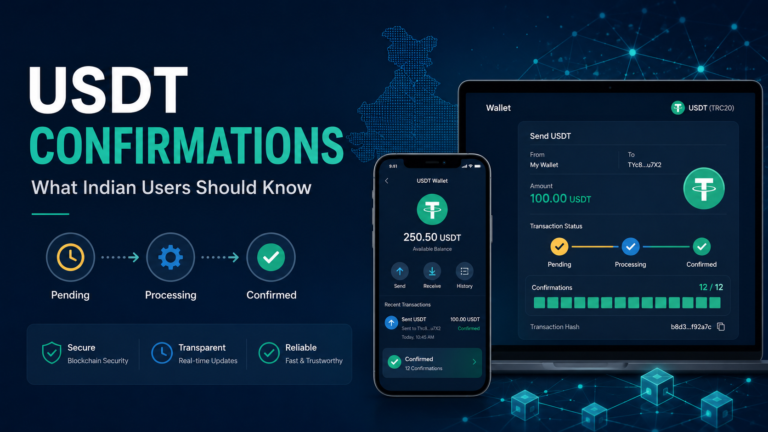
A USDT TRC20 deposit address is the destination shown by a wallet, exchange or other platform for receiving USDT through the TRON network.
When you want to deposit USDT, the normal process may look like this:
- Open Deposit.
- Select USDT.
- Select TRC20 or TRON.
- Copy the deposit address.
- Paste it into the sending wallet.
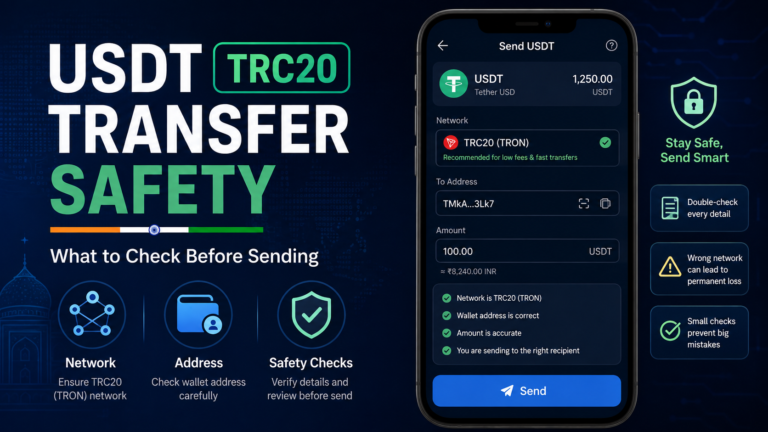
- Check everything before sending.
The address is important because it tells the blockchain where the transfer should go.
But the address alone is not enough.
You also need to make sure you selected the correct network.
If you want a basic explanation of how these addresses work, our USDT TRC20 address guide explains the address, network and TxID differences in simple terms.
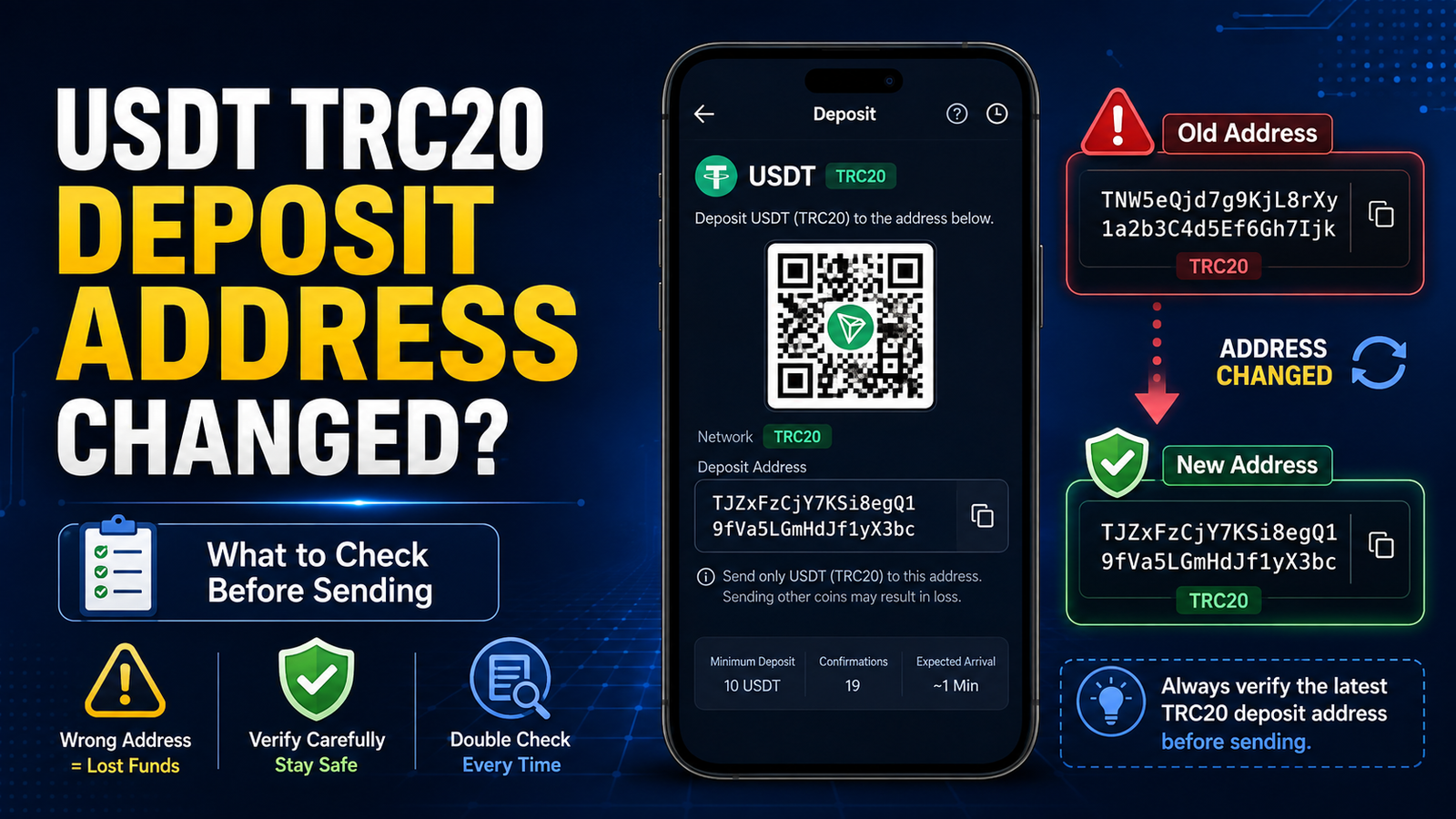
Can a USDT TRC20 Deposit Address Change?
Yes, it can.
A wallet or exchange may display a different deposit address from the one you used previously.
This does not necessarily mean your account has been hacked or that the platform has made a mistake.
Platforms can change wallet infrastructure over time.
They may also update the way deposits are assigned or processed.
The important question is not:
“Why doesn’t this look exactly like my old address?”
The more useful question is:
“What address is the official receiving platform showing me right now?”
That is the address you should verify before making a new deposit.
Why Might a Deposit Address Change?
There is not one universal reason.
A platform may change or replace deposit addresses because of:
- wallet-system upgrades,
- security changes,
- blockchain infrastructure updates,
- changes in deposit processing,
- account migration,
- maintenance,
- or other platform-specific reasons.
You do not need to understand the exchange’s entire backend system.
What matters to you as a user is whether the new address appears inside the official account you intended to use.
If it does, check the details carefully before sending.
Do Not Assume an Address Must Stay the Same Forever
This is one of the easiest mistakes to make.
Imagine you deposited 100 USDT three months ago.
You saved the address in your notes.
Today you want to deposit again.
Instead of opening the exchange, you copy the address from your old note.
That may save a few seconds.
But it also removes an important safety check.
Before every important deposit, open the receiving platform again.
Go to:
Deposit → USDT → TRC20
Then compare the current address with the one you planned to use.
If the platform shows a different address, stop and investigate before sending.
Should You Use the Old Deposit Address?
Do not automatically assume either answer.
An old address may still be supported by some platforms.
Another platform may tell users to stop using an old address after a wallet update.
The correct answer depends on the receiving service.
This means you should not rely on advice such as:
“Old TRC20 addresses always work.”
or:
“Once the address changes, the old one is always permanently useless.”
Both statements are too broad.
Check the current deposit instructions provided by the receiving platform.
If the platform specifically warns you not to use an old address, follow that warning.
If you are unsure, contact its official support before transferring funds.
Use the Current Deposit Page as Your Starting Point
A simple habit can prevent a lot of confusion:
Get the address from the current deposit page before sending.
For example:
Open your exchange.
Select USDT.
Select TRC20.
Look at the address displayed.
Then copy that address.
Do not start from:
- an old screenshot,
- your notes,
- an old Telegram message,
- previous transaction history,
- clipboard history,
- or an address saved months ago.
Those can still be useful for comparison.
But they should not replace checking the current receiving instructions.
First Confirm You Are Looking at the Same Network
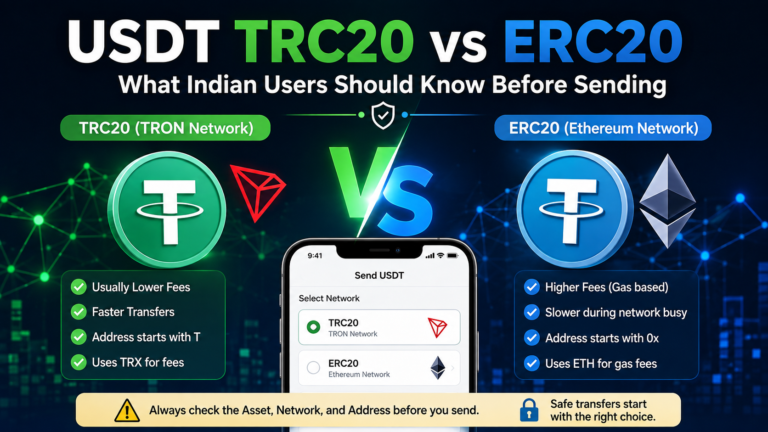
Sometimes the address appears different because the selected network is different.
For example, an exchange may support USDT through:
- TRC20,
- ERC20,
- BEP20,
- or other networks.
If you previously selected TRC20 but accidentally select another network today, the deposit details may change.
So before assuming:
“My TRC20 address changed.”
check the network selector.
Make sure it actually says:
TRC20
or:
TRON
The token may still say USDT while the blockchain network is different.
The Same USDT Does Not Mean the Same Deposit Network
This deserves extra attention.
USDT can exist on different blockchain networks.
So two deposit pages may both say:
USDT
but have different networks underneath.
That means you should always check both:
Token: USDT
and:
Network: TRC20 / TRON
Do not compare addresses from different networks and expect them to look the same.
Compare the New Address Carefully
If you confirm that TRC20 is selected and the address is different from before, inspect the new address carefully.
Make sure:
- you are logged into the correct account,
- USDT is selected,
- TRC20 is selected,
- the address appears on the official deposit page,
- and the page does not show a warning or special instruction.
Then use the platform’s Copy button if available.
After pasting it into your sending wallet, compare the pasted address with the one shown on the receiving page.
Do not rely only on the fact that it looks similar.
Do Not Check Only the First Character
TRON addresses commonly shown to users normally begin with T.
But that does not prove that two addresses are the same.
For example:
T…abc123
and:
T…xyz789
can both look like TRON addresses while pointing to different destinations.
So saying:
“Both start with T, so either one is fine.”
would be dangerous.
Compare more of the address.
The network format tells you something about the blockchain.
It does not tell you who controls the destination.
What If the Address Changed After an App Update?
An app update can make users suspicious because several things may change at once.
The layout may look different.
The deposit page may move.
The QR code may change.
The address may also appear different.
Do not assume the app update itself proves that the new address is correct.
Instead, confirm that:
- you installed the official app,
- you are logged into the correct account,
- you selected USDT,
- you selected TRC20,
- and the address appears inside the official deposit screen.
If something still looks unusual, do not rush the transfer.
Be Careful With Fake Deposit Pages
A changed address can also be dangerous if you are not actually looking at the official platform.
Suppose you search for an exchange on Google or receive a link through Telegram.
You open a page that looks similar to the real exchange.
It shows a USDT TRC20 address.
The address is different from the one you remember.
Do not immediately assume:
“The exchange probably changed it.”
First confirm that you are using the genuine website or official app.
A fake deposit page can show an attacker’s wallet address while copying the design of a legitimate service.
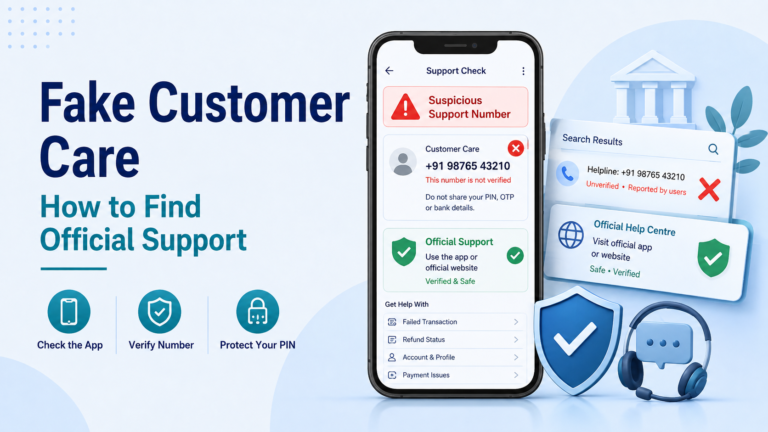
Do Not Accept a New Address From Random Support
Another situation may look like this:
You tell someone:
“My old TRC20 deposit address is different now.”
They reply:
“I am support. Send to this new address instead.”
Be careful.
A genuine deposit address should normally be obtained through the official deposit process of the platform you use.
Do not replace that with an address sent by a stranger through:
- Telegram,
- WhatsApp,
- social media,
- private message,
- or email.
If support needs to help you, reach them through the official service.
Check Whether the Platform Shows a Deposit Warning
Sometimes an address change may be accompanied by an important notice.
For example, the deposit page may say that:
- the wallet system has been upgraded,
- a new address should be used,
- an old address should no longer be used,
- deposits are temporarily suspended,
- or another condition applies.
Do not click past these warnings without reading them.
A few seconds spent reading the deposit notice can prevent a much longer investigation later.
What If You Already Sent to the Old Address?
First, do not send the same payment again.
Find the original transaction.
Get the TxID.
Then check:
- transaction status,
- token,
- network,
- amount,
- receiving address.
If the transaction is successful on the TRON blockchain, the next question is whether the receiving platform still recognises that old deposit address.
That is a platform-specific issue.
Check your deposit history and official account first.
If the balance does not appear, contact the receiving platform’s official support and provide the TxID.
Do Not Assume the Money Is Lost Immediately
Seeing an old address after sending can cause panic.
But do not jump directly to:
“My USDT is gone.”
First establish what actually happened.
Was the blockchain transaction successful?
Was the old address previously assigned to your account?
Does the platform still support deposits to that address?
Is the deposit simply waiting for confirmations or internal processing?
Those questions need answers before making a conclusion.
Also Do Not Assume the Old Address Is Safe
The opposite mistake is just as dangerous.
You may think:
“I used it before, so it must always be safe.”
That assumption can also cause problems.
A previous successful transfer only proves that the address worked at that time.
It does not guarantee that every future platform policy will remain unchanged.
Always check the current receiving instructions.
What If TRONSCAN Shows Success but the Deposit Does Not Appear?
This is where understanding the difference between blockchain status and exchange crediting becomes important.
TRONSCAN may show:
Success
That means the blockchain transaction itself succeeded.
But the receiving platform still has to recognise and credit the deposit.
If you used an old deposit address and the balance does not appear, check:
- whether the address was previously assigned to you,
- whether the platform still supports that address,
- required confirmations,
- minimum deposit requirements,
- and deposit history.
Our USDT TRC20 deposit not showing guide covers the wider troubleshooting process for successful transactions that have not appeared in the receiving balance.
Do Not Create Another Transaction Until You Understand the First One
This rule is worth repeating.
Suppose you send:
200 USDT
to your old address.
The balance does not appear.
You become worried and send another:
200 USDT
to the new address.
Now you may have two separate blockchain transactions to investigate.
Instead, check the first transfer first.
Find the TxID.
Confirm where it went.
Then decide whether another transfer is necessary.
What About a Small Test Transfer to the New Address?
A small test transfer can sometimes help when using a newly displayed address.
For example, if you plan to send a much larger amount, you may prefer to verify that the new address receives a smaller transfer first.
But remember what we discussed in article #30:
Check the minimum deposit before doing this.
If the platform requires a minimum amount, sending a tiny test deposit may create a different problem.
Also consider any network or withdrawal fee.
A test transfer should reduce uncertainty, not create another confusing transaction.
Check the Minimum Deposit Again After an Address Change
If the platform has changed its deposit system, do not assume that only the address changed.
Read the entire deposit page again.
Check:
- minimum deposit,
- network,
- required confirmations,
- warnings,
- address,
- and any other instruction.
Treat it like a new set of deposit details.
Do not rely entirely on what you remember from your previous transfer.
Save the New Address Only With Context
Some users like keeping wallet addresses in notes.
If you do this, save enough information to understand what the address was for.
For example:
USDT — TRC20 — Exchange deposit — checked August 2026
is more useful than simply saving:
T…
But even then, do not treat the note as permanently authoritative.
It is a reference.
The current deposit page should still be checked before another important transfer.
A QR Code Can Change Too
If the deposit address changes, the QR code representing that address can also be different.
Do not use an old screenshot of a deposit QR code just because it is easier than opening the exchange again.
Open the current deposit page.
Select USDT and TRC20.
Use the current QR code if you prefer scanning.
After scanning, still check the address that appears in your sending wallet.
Never Share Your Seed Phrase to Confirm an Address
If you are confused about an address change, someone may offer to help.
They might ask for your seed phrase or private key to:
“verify your TRC20 wallet.”
Do not provide it.
A receiving address can be checked without giving another person control of your wallet.
Your TxID can also be used to investigate a public blockchain transaction.
Your seed phrase and private key should remain private.
When Should You Contact the Receiving Platform?
Contact official support if:
- the current deposit address is different and the platform gives no clear explanation,
- you already sent to an old address and the deposit is not showing,
- the blockchain transaction is successful but your account was not credited,
- the platform shows conflicting deposit instructions,
- or you cannot determine whether the old address is still supported.
Prepare useful information such as:
- TxID,
- token,
- network,
- amount,
- old receiving address,
- current receiving address,
- approximate transfer time.
Do not send your password, seed phrase or private key.
Before Sending to a Changed USDT TRC20 Address
Use this simple checklist:
- Open the receiving platform directly.
- Confirm you are in the correct account.
- Select USDT.
- Select TRC20 or TRON.
- Read any deposit warning.
- Copy the current deposit address.
- Compare the pasted address carefully.
- Check the minimum deposit.
- Check the amount and fee.
- Do not rely only on an old screenshot or saved address.
- If the old and new addresses differ, do not guess which one is supported.
- Save the TxID after sending.
A different deposit address does not automatically mean something is wrong.
But it is a reason to check again before sending.
Use the address and instructions shown by the receiving platform now, rather than assuming that an address you used months ago must still be the correct choice.