Fake UPI Payment Screenshot: How to Check Before You Trust It
A fake UPI payment screenshot can look surprisingly convincing.
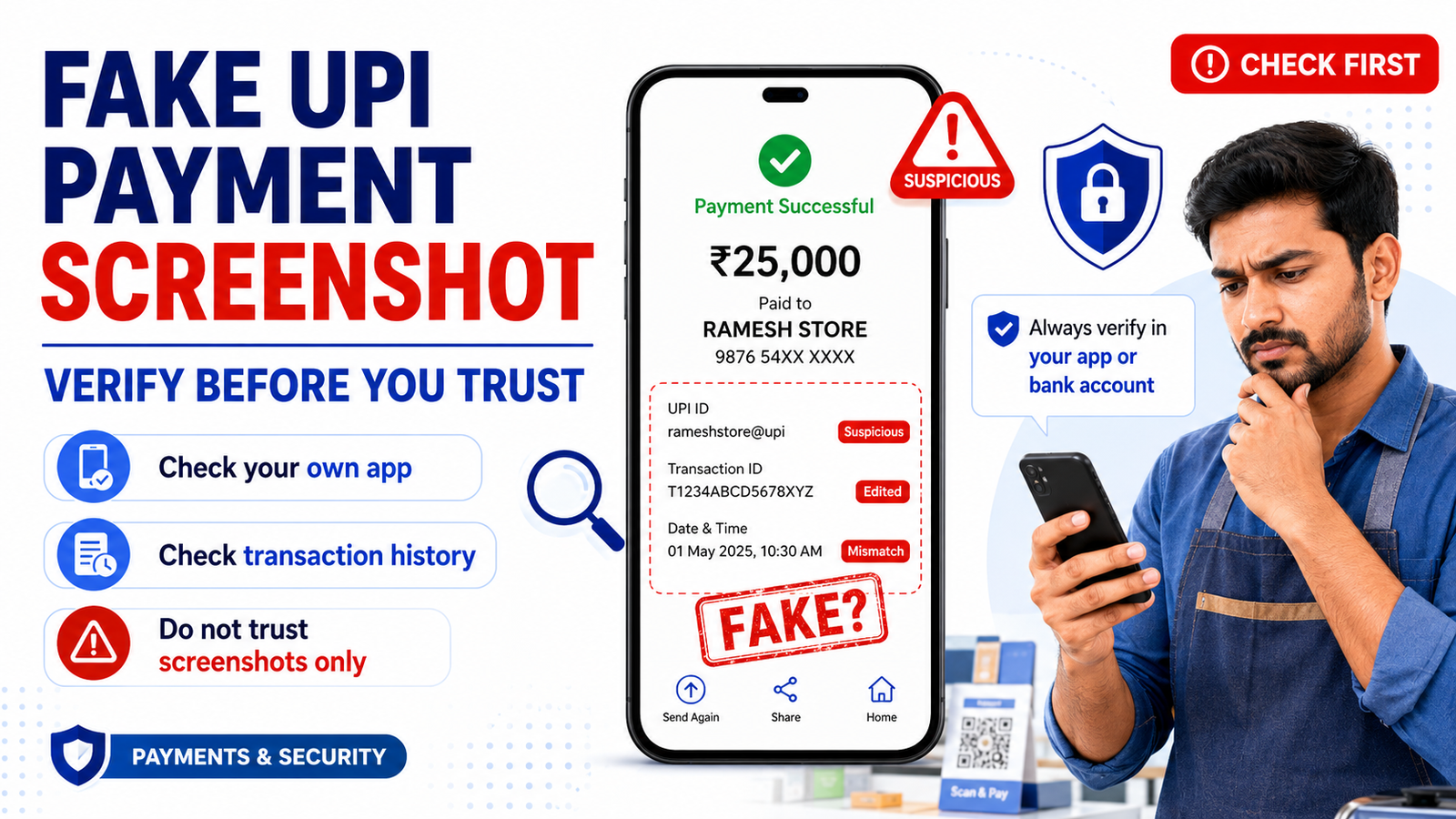
It may show a familiar payment app, the correct amount, your name, a transaction ID, a UPI reference number, and even a large “Payment Successful” message.
But a screenshot on someone else’s phone does not prove that money has reached your account.
This is especially important for shop owners, online sellers, freelancers, delivery workers, and anyone who regularly receives UPI payments.
The safest rule is simple:
Verify the payment in your own account before trusting a screenshot.
What Is a Fake UPI Payment Screenshot?
A fake UPI payment screenshot is an image designed to make it look like a genuine UPI transaction has been completed.
Someone may show the image directly on their phone or send it through WhatsApp, Telegram, email, or another messaging service.
The screenshot may include:
- receiver name;
- payment amount;
- UPI ID;
- transaction ID;
- UPI reference number or RRN;
- date and time;
- “Successful” status.
At first glance, everything may look normal.
However, the screenshot may have been edited, generated, copied from an old transaction, or created using a fake payment app.
That is why the screenshot itself should never be your only proof of payment.
Why Can Fake Payment Screenshots Look Real?
Digital payment screens usually follow a familiar format.
They may contain logos, green ticks, transaction numbers, payment amounts, and confirmation messages.
A fake image can copy many of these visual elements.
Some fake payment apps can also imitate the appearance of legitimate payment apps and simulate a complete payment flow.
This means watching another person tap through a payment screen is not always enough.
Even if their phone displays:
₹2,500 Paid Successfully
you should still verify what appears in your own account.
A Screenshot Is Not the Same as Money Received
Imagine you sell a product for ₹4,000.
The buyer scans your QR code.
A few seconds later, they show you a screen saying:
Payment Successful — ₹4,000
They may then say:
“See? Payment done.”
Do not immediately hand over an expensive product simply because the screen looks genuine.
Open your own payment app or banking app.
Check whether the money has actually been credited.
Your own account is a more reliable source than the buyer’s screenshot.
Check Your Own Transaction History
One of the best ways to verify a UPI payment is to check the transaction history in your own payment app.
Look for the payment amount and sender information.
For example, if the buyer claims they sent ₹1,750, check whether a ₹1,750 incoming transaction appears in your history.
If you cannot find it, do not assume the payment is successful simply because they show you a screenshot.
There may be a delay, a failed transaction, or no genuine transaction at all.
Take time to verify.
Check Your Bank Account or Bank Statement
For an important payment, you can also check your bank account.
Look at:
- the credit amount;
- date;
- transaction reference;
- account balance.
Your bank statement can be useful when you need stronger confirmation that money actually reached your bank account.
Google Pay India, for example, provides instructions for matching a UPI transaction ID and payment amount with the corresponding entry in a bank statement.
If the money is not shown as credited, do not treat the buyer’s screenshot as final proof.
Check the UPI Reference Number or RRN
A screenshot may contain a transaction reference.
But the existence of a number does not automatically prove that the transaction is genuine.
Fraudsters can place numbers inside an edited image.
If you are investigating an actual transaction, check the reference information inside your own payment or banking app.
Our guide about the UPI reference number or RRN explains what these transaction references mean and how they differ from a bank-transfer UTR.
A genuine reference number can help identify a transaction, but you should verify it through the actual transaction details.
Look for Details That Do Not Match
Sometimes a fake screenshot contains small mistakes.
Check carefully for:
- wrong receiver name;
- incorrect UPI ID;
- wrong amount;
- unusual spelling;
- strange fonts;
- poor alignment;
- inconsistent date or time;
- unusual transaction status;
- incorrect merchant information.
These signs may help you notice a suspicious screenshot.
However, do not depend on visual mistakes alone.
A well-made fake screenshot may look almost perfect.
The stronger method is still to verify the payment through your own account.
Be Aware of Fake Payment Apps
The problem is not limited to edited screenshots.
Fake payment apps can be designed to imitate legitimate payment applications.
A person may appear to:
- scan your QR code;
- enter an amount;
- enter a PIN;
- complete the payment;
- show a successful transaction screen.
But the app may only be simulating the process.
PhonePe has warned merchants about fake payment applications that imitate legitimate interfaces and can produce convincing payment information; some may even imitate payment sounds or notifications.
So do not confirm payment based only on what happens on the customer’s phone.
Be Careful With Fake Payment Sounds
Many merchants are busy.
There may be customers waiting, phones ringing, products being packed, and several payments happening at the same time.
In that environment, it can be easy to hear a payment sound and assume:
“Payment received.”
Do not rely only on a sound coming from the customer’s phone.
Verify the transaction through your own payment system, merchant app, bank account, or trusted payment notification.
A sound can be imitated.
Money in your own account is much harder to misunderstand.
Do Not Let a Customer Rush You
Pressure is an important warning sign.
Someone may say:
“I already paid. Why are you checking?”
“I’m late. Give me the product now.”
“Look at the screenshot, payment is done.”
“My money has already gone from my account.”
Do not allow embarrassment or urgency to stop you from verifying the payment.
A genuine customer may also be in a hurry, but you still have the right to confirm that the payment was received.
A few seconds of checking can prevent a much larger loss.
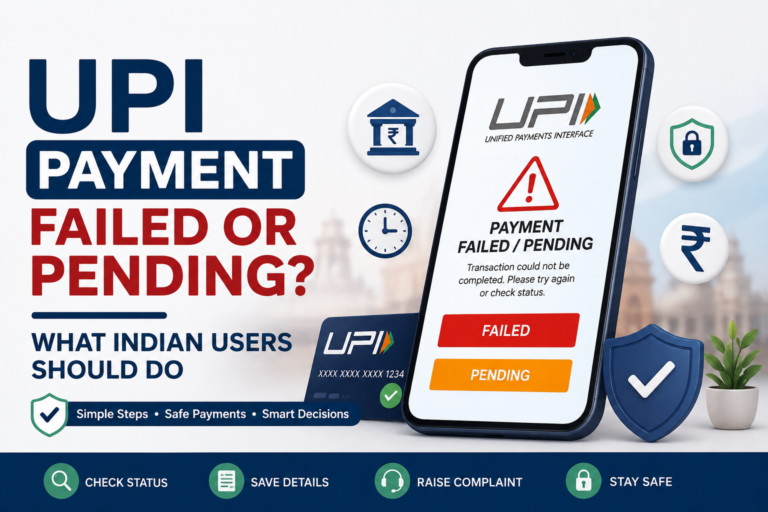
What If the Buyer Says the Payment Is Pending?
This situation requires more care.
If the buyer’s app shows a pending transaction, do not automatically treat it as successful.
Do not ask them to pay again immediately either, because the first payment could still complete later.
Instead, check whether anything appears in your own transaction history.
If the payment remains unresolved, both sides should check their official payment apps or bank accounts.
Our guide about UPI payments that fail or remain pending explains this situation in more detail.
Be Careful With “I Sent Money by Mistake”
Another version of payment fraud may start with a message such as:
“I accidentally sent ₹5,000 to you. Please return it.”
The person may send a payment screenshot as proof.
Do not immediately send money back.
First check whether you actually received ₹5,000.
Check your:
- bank balance;
- transaction history;
- incoming payment details.
If there is no incoming payment, sending ₹5,000 back would mean you are sending your own money to the scammer.
PhonePe has specifically described fake screenshot scams where someone claims to have mistakenly transferred money and pressures the victim to send it back.
What Should Online Sellers Do?
Online sellers face a similar risk.
A customer may send a screenshot and say:
“I have paid. Please dispatch the order.”
Do not mark an order as paid only because a screenshot arrived through WhatsApp or Instagram.
Check your payment account first.
For higher-value orders, use a simple routine:
Payment received → verify account → confirm order → dispatch product.
Do not reverse that order simply because a customer is impatient.
This is particularly useful for small businesses receiving many manual UPI payments.
What Should Shop Owners Do?
Busy offline merchants may be especially vulnerable because payments happen quickly.
Create a consistent payment-verification habit.
Before handing over goods:
Check your merchant app, bank notification, transaction history, or trusted payment confirmation.
If you have employees, make sure they follow the same process.
Do not allow each employee to use a different standard such as:
“I saw the customer’s phone, so it must be okay.”
A simple verification process can reduce confusion during busy hours.
Can SMS or Bank Notifications Help?
Bank SMS or official app notifications can provide additional confirmation.
But you should still be careful.
Do not confuse a message shown on the customer’s phone with a notification received on your own registered device.
Also avoid relying on a random message that someone forwards to you.
If something looks unusual, open the official payment or banking app yourself.
Check the transaction there.
What If Your Payment Notification Is Delayed?
Sometimes the absence of an immediate notification does not necessarily mean the transaction is fake.
Network conditions or app updates may occasionally delay what appears on screen.
That is why you should avoid making a decision based only on whether you heard a notification.
Open your transaction history.
Check your bank account if necessary.
If the transaction is genuinely pending, give it time and check its status instead of assuming either success or fraud.
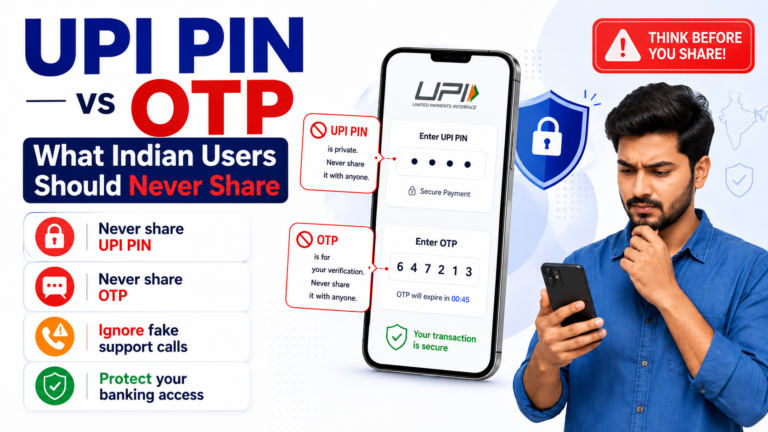
Do Not Share Your UPI PIN to “Verify” a Payment
A scammer may change tactics when you refuse to trust the screenshot.
They might say:
“To verify the payment, enter your UPI PIN.”
Do not do that.
Your UPI PIN is used to authorise transactions from your account.
NPCI’s safety guidance says users should enter a UPI PIN only to deduct money from their account and should verify before paying.
You do not need to reveal your UPI PIN or OTP to confirm whether someone else paid you.
Our guide about UPI PIN vs OTP explains what these security credentials do and why they should remain private.
What If You Discover the Screenshot Is Fake?
Do not argue unnecessarily with the person.
Keep useful evidence such as:
- screenshot they sent;
- phone number;
- WhatsApp or chat messages;
- claimed transaction ID;
- claimed UPI reference number;
- date and time;
- amount;
- order or product details.
If you are a merchant, keep any relevant CCTV or order records if available.
Report suspicious activity through the appropriate official payment provider or bank channel.
If you lost money or believe you are the victim of cyber financial fraud in India, report the matter promptly.
RBI advises customers to inform their bank as early as possible about unauthorised electronic transactions because delays can increase the risk of loss.
The Government of India’s National Cyber Crime Reporting Portal also lists 1930 for immediate reporting of cyber financial fraud.
Fake UPI Payment Screenshot Safety Checklist
Before accepting a UPI payment, ask yourself:
- Am I checking my own account instead of the customer’s phone?
- Does the payment appear in my transaction history?
- Is the amount correct?
- Does the sender information make sense?
- Can I find the transaction or reference number in my own app?
- Am I relying only on a screenshot?
- Is the person rushing me?
- Does anything in the screenshot look inconsistent?
- If the payment is pending, have I avoided treating it as successful?
- Have I avoided sharing my UPI PIN or OTP?
If you cannot verify the payment, do not pretend that you can.
Take a moment and check properly.
What to Remember
A fake UPI payment screenshot can look genuine.
It may contain a payment amount, receiver name, transaction ID, reference number, and successful status.
But none of those details on someone else’s screen are as important as checking your own payment account.
For merchants and online sellers, the safest habit is:
Verify first. Deliver second.
Check your transaction history or bank account before handing over goods, providing services, sending a refund, or accepting a claim that money has already been transferred.
If you regularly receive UPI payments, also read our guide on how to verify a UPI ID before sending money and our UPI scam warning for Indian users.
Rupzio Guide provides simple educational information to help Indian users understand digital payments and make safer online decisions.