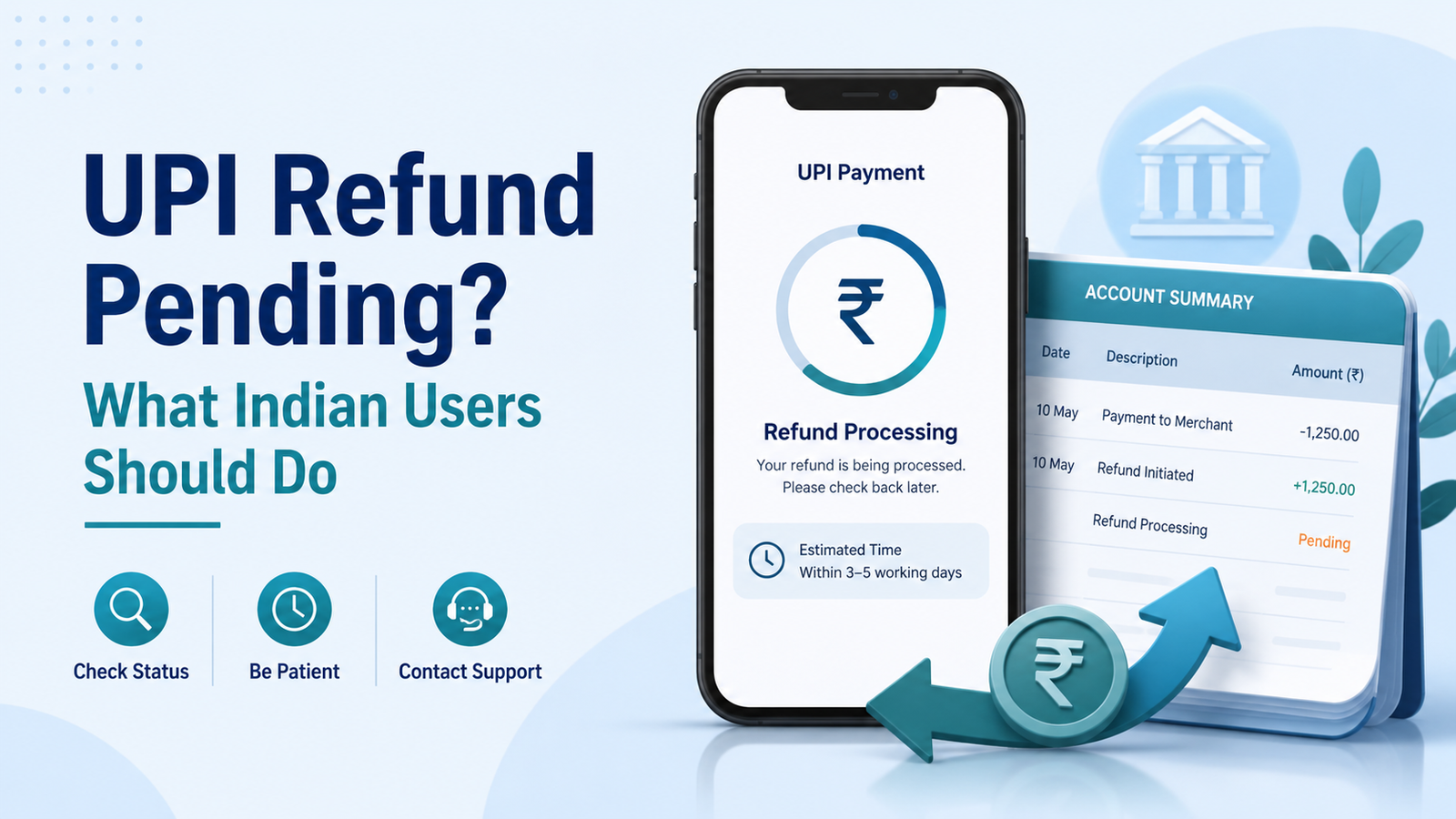
UPI Refund Pending? What Indian Users Should Do
A UPI refund pending can be confusing, especially when money has already been deducted from your bank account.
You may see a failed, pending, or successful transaction in your UPI app, while the money has not yet returned. In other situations, a merchant may say that a refund has already been processed, but the amount is still missing from your bank account.
These situations are not always the same.
Before raising a complaint, it helps to understand what happened to the original payment and what you should check next.
First, Check the Transaction Status
Open the UPI app you used for the payment and check the transaction history.
Look for a status such as:
- Successful
- Failed
- Pending
- Processing
Also save the transaction details, including the date, amount, UPI transaction ID, and receiver or merchant name.
Do not depend only on an SMS notification. Your UPI app and bank account statement can give you a clearer picture of what happened.
If you are unsure about transaction reference numbers, our guide on UPI RRN vs UTR explains what these numbers mean and where they may be useful when tracking a payment.
Failed UPI Payment and Merchant Refund Are Different
A failed UPI transaction is not always the same as a refund requested from a merchant.
For example, suppose your bank account was debited while the person receiving the transfer never received the money. RBI’s framework provides for an automatic reversal by the beneficiary bank, if credit cannot be completed, by T+1 day.
For a UPI payment to a merchant where your account was debited but the merchant did not receive transaction confirmation, the RBI framework provides for an auto-reversal within T+5 days.
Here, T means the calendar date of the transaction.
However, this should not be confused with a normal merchant refund.
If a payment was successfully completed and a merchant later agreed to refund you because of a cancellation, return, or other reason, the processing time may depend on the merchant, payment provider, and bank.
That is why identifying the type of refund is important.
What to Do When a UPI Refund Is Pending
1. Check Your Bank Account
First, check whether the money has already returned to your bank account.
Sometimes the UPI app status may not be the first place where you notice a reversal.
Check the account linked to the UPI payment and compare the original debit with any later credit.
2. Do Not Make the Same Payment Again Immediately
If the transaction still shows as pending, avoid paying again simply because the receiver says they have not received the money.
There is a risk of making a duplicate payment if the first transaction later becomes successful.
Wait until you can confirm the actual status.
Our Failed or Pending? UPI Payment Guide explains this situation in more detail.
3. Save the Transaction Details
Keep a record of:
- Payment amount
- Transaction date and time
- UPI transaction ID
- RRN or reference number, if available
- Merchant or receiver name
- Screenshot of the transaction status
These details can make it easier to explain the problem to your bank, UPI app, or merchant.
What If the Merchant Says the Refund Is Complete?
If the original payment was successful and the merchant later issued a refund, ask the merchant for any available refund or transaction reference.
Then check your bank account again.
Do not assume that a screenshot or message saying “refund processed” automatically means the money has already reached your account.
If the expected refund still does not appear, contact the payment app or bank through their official support channel and provide the relevant transaction details.
How to Raise a UPI Complaint
Many UPI apps allow users to raise an issue directly from the transaction history.
NPCI also provides UPI complaint and support facilities for users who need help checking transaction status or reporting certain UPI transaction problems.
When contacting support, describe the problem clearly.
For example:
“₹2,000 was debited from my account on 10 August, but the receiver did not receive the amount. The transaction is still showing as pending.”
This is more useful than simply saying, “My refund is missing.”
What If the Reversal Takes Too Long?
RBI’s failed-transaction framework sets maximum turnaround times for certain situations.
For a UPI fund transfer where the sender is debited but the beneficiary is not credited, the prescribed auto-reversal timeline is T+1 day.
For a merchant payment where the account is debited but transaction confirmation is not received at the merchant, the prescribed auto-reversal period is T+5 days.
The framework also provides for compensation of ₹100 per day when the applicable reversal is delayed beyond the prescribed period.
RBI states that this compensation should be credited automatically where applicable, without requiring the customer to make a separate claim.
If the issue remains unresolved beyond the applicable process, you can first follow up with your bank or payment provider and use the available grievance process.
Be Careful When Searching for Customer Support
A pending refund can make users anxious, and that is exactly when scammers may try to take advantage.
Do not call a random “UPI customer care” number found in an advertisement, comment, social media post, or unverified website.
Never share your:
- UPI PIN
- OTP
- ATM PIN
- Banking password
- Card CVV
Legitimate support should not need your UPI PIN to return money to your account.
We will cover this problem in detail in our next guide on fake customer care numbers and official payment support.
Before You Pay Again
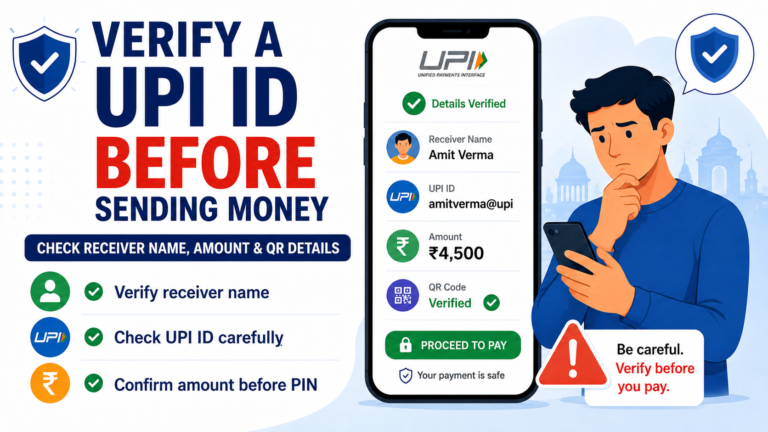
Before trying the payment again, make sure the UPI ID or QR code belongs to the person or merchant you intend to pay.
You can also read our guides on how to verify a UPI ID before sending money and QR code payment safety.
A few extra seconds of checking can prevent a second payment from creating another problem.
What to Remember About a Pending UPI Refund
A pending UPI refund does not always mean that your money is lost.
Start by checking whether the original payment was failed, pending, successfully completed, or later refunded by a merchant.
Keep your transaction details, monitor the linked bank account, and use the complaint option in your UPI app or your bank’s official support channels if the issue remains unresolved.
Most importantly, do not let urgency push you into calling unverified customer care numbers or sharing sensitive payment information.
Stay patient, verify the transaction, and use official support channels.