UPI Circle Explained: What Indian Users Should Know
That may sound unusual at first.
Normally, each person uses their own bank account and UPI PIN to make a payment. With UPI Circle, however, a person who already has a UPI-enabled bank account can give limited payment access to someone they trust.
For example, a parent may want to give a child a controlled way to make small payments. Someone may also want to help an elderly family member who does not regularly use online banking.
The important part is that UPI Circle does not simply give another person unrestricted access to your bank account.
The primary user remains in control of the arrangement.
Before using it, however, it is worth understanding what access you are giving, how payment approvals work and what you should never share.
What Is UPI Circle?
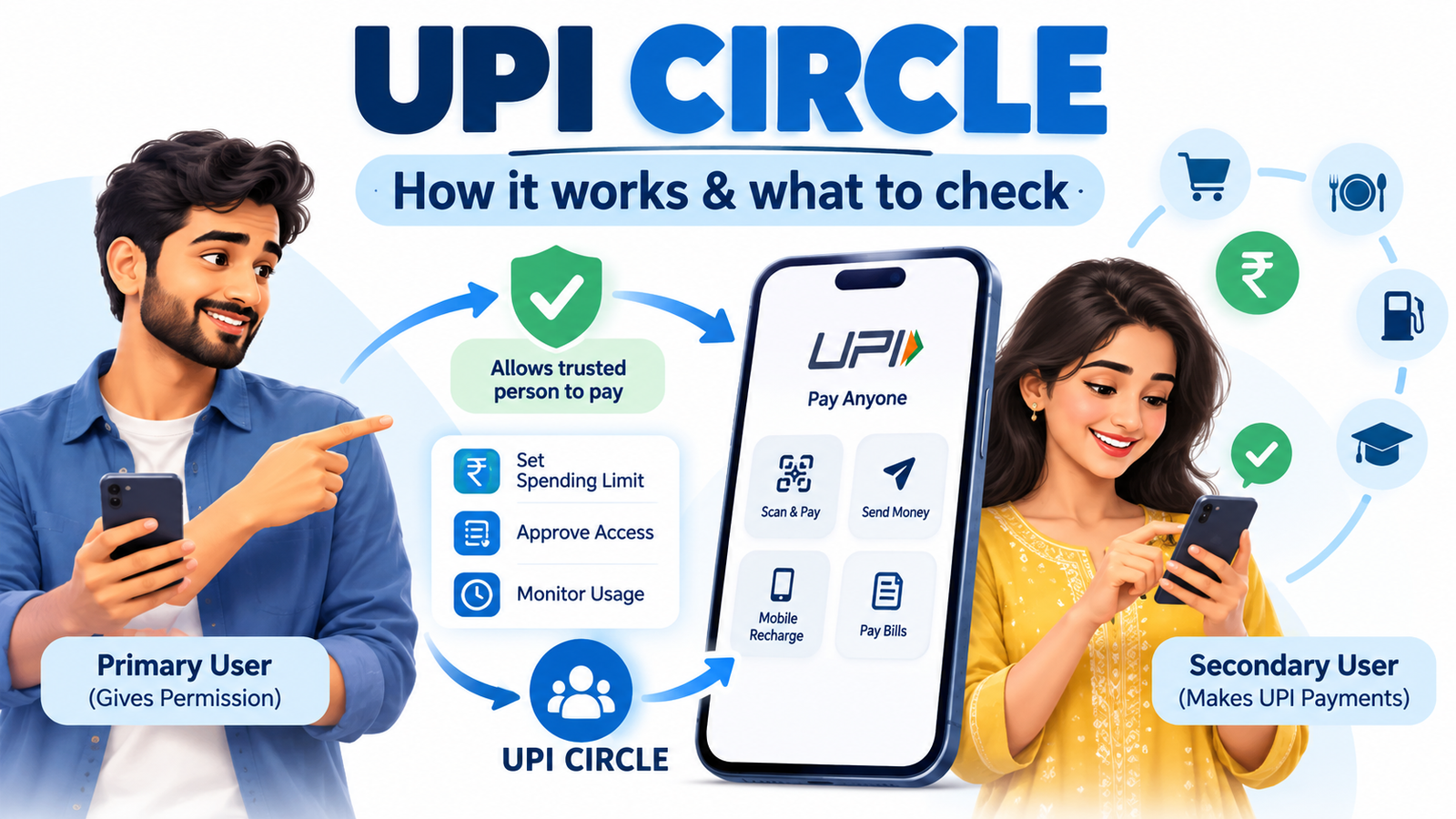
UPI Circle is a feature that allows one UPI user to authorise another person to make payments from the first person’s bank account.
The person whose bank account is used is called the primary user.
The person receiving permission to make payments is called the secondary user.
The secondary user does not become the owner of the primary user’s bank account.
Instead, the payment permission works within the UPI Circle arrangement created by the primary user.
Depending on the option selected, the primary user may either approve every payment or allow the secondary user to make payments within a predefined limit.
This makes UPI Circle different from simply sharing a UPI PIN, debit card or banking password.
Those details should never be shared.
Primary User and Secondary User: What Is the Difference?
The primary user is the person providing the payment access.
Their bank account is the source of money used for eligible UPI Circle transactions.
The secondary user is the trusted person who receives permission to initiate payments.
For example:
A father may be the primary user.
His college-going child may be the secondary user.
The child can then make eligible UPI payments through the arrangement set by the father.
The primary user can still monitor the payments and control the permission.
This can be useful where the secondary user does not want or does not yet have a separate bank account for everyday UPI payments.
However, support can differ between UPI apps and banks, so the options shown in one app may not be identical to another.
Full Delegation and Partial Delegation
UPI Circle can use different levels of payment permission.
Understanding this difference is important before adding anyone.
Full Delegation
With full delegation, the primary user gives the secondary user permission to complete payments within a set spending limit.
The primary user does not have to manually approve every individual transaction.
For example, suppose you give a trusted family member a monthly limit.
They may then make eligible payments within that authorised amount without asking you to approve each payment separately.
Current UPI Circle rules allow a full-delegation authorisation of up to ₹15,000 per month, with a per-transaction limit of ₹5,000.
Your app may allow you to choose a lower limit.
Using a lower amount can be sensible when the access is only meant for small daily expenses.
Partial Delegation
Partial delegation works differently.
The secondary user can initiate a payment, but the primary user must approve it before the payment is completed.
This gives the primary user more direct control.
Suppose the secondary user wants to pay ₹800 at a merchant.
They can initiate the transaction.
The primary user receives the request, checks the amount and recipient, and then decides whether to approve it.
For someone who wants to review every payment, this option may feel more comfortable than giving independent spending access.
Does the Secondary User Need a Bank Account?
Not necessarily.
One of the useful ideas behind UPI Circle is that a secondary user may be able to make UPI payments without having their own bank account linked for those payments.
The money is still being paid from the primary user’s linked bank account.
The secondary user must, however, use a supported UPI app and complete the setup required by that app.
Availability can vary.
If you cannot see UPI Circle in your payment app, it does not automatically mean something is wrong with your account.
Your bank, UPI app or account combination may not yet support the feature you are trying to use.
How Many People Can You Add?
Current implementations allow a primary user to add multiple secondary users, subject to UPI Circle rules and the support provided by the app.
A primary user can delegate UPI payments to up to five secondary users. A secondary user can accept delegation from only one primary user.
But adding five people simply because the option exists is not necessary.
Every additional person means another payment relationship that you need to recognise and monitor.
For personal use, it is usually better to add only people who genuinely need the access.
Check Who You Are Adding
Treat the invitation process seriously.
Do not add a person simply because someone sends you a UPI ID or QR code and asks to join your UPI Circle.
Confirm who the person is independently.
If you are adding a family member, speak with them directly.
If you are using a UPI ID, check that it belongs to the intended person.
If you scan a QR code, review the details shown by the app before confirming anything.
A familiar display name alone should not be treated as enough proof.
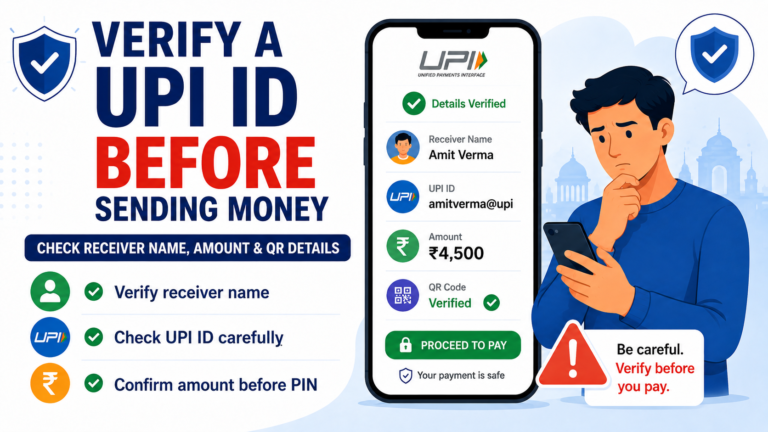
Our guide on how to verify a UPI ID before sending money explains similar checks that are useful whenever you are confirming UPI details.
Never Share Your UPI PIN With the Secondary User
UPI Circle does not require you to tell the secondary user your UPI PIN.
Your UPI PIN remains private.
Do not send it through:
- WhatsApp;
- Telegram;
- SMS;
- email;
- phone calls;
- screenshots;
- or any other chat service.
The same applies to OTPs, debit card PINs and banking passwords.
If someone says:
“Tell me your UPI PIN so I can join your Circle.”
stop.
That is not a normal reason to share your PIN.
Your UPI PIN is used when you need to authorise a UPI action through the official payment screen.
If you are unsure about the difference between these security codes, our UPI PIN vs OTP guide explains it in more detail.
Choose the Spending Limit Carefully
Full delegation can be convenient, but convenience should not mean giving more access than necessary.
Think about why you are adding the secondary user.
If the arrangement is only for small daily expenses, a very high limit may not be needed.
For example, someone who mainly needs money for transport, food and occasional small purchases may not need the maximum amount permitted by the system.
A lower limit gives you more control if the phone is lost, the account is misused or the secondary user makes a payment by mistake.
You can review the limit shown by your UPI app before approving the delegation.
Do not assume every bank or app will always display exactly the same options.
Check Payments Regularly
After setting up UPI Circle, do not forget about it.
Look at the transaction history occasionally.
You should be able to recognise:
- who made the payment;
- how much was paid;
- when it happened;
- and where the money went.
If a transaction looks unfamiliar, ask the secondary user about it.
Do not ignore an unknown payment simply because the amount is small.
Several small transactions can still become significant over time.
For full delegation, regular checking is particularly useful because the secondary user may not need your approval for every payment within the authorised limit.
Be Careful With Unexpected Payment Requests
UPI Circle does not remove the usual risks associated with UPI payments.
A secondary user can still encounter a suspicious QR code, fake merchant or misleading payment request.
For example, someone may tell them:
“Scan this QR to receive money.”
Or:
“Approve this payment to get your refund.”
Those instructions should be treated carefully.
If the screen says money is being paid, the user should not continue simply because another person says money will be received.
Our guide on UPI payment requests explains what to check before approving this type of transaction.
What Happens if the Secondary User Loses Their Phone?
If the secondary user’s phone is lost, treat the situation seriously.
The primary user should check the UPI Circle settings in the app and remove or disable the secondary user’s access if necessary.
The secondary user should also secure their mobile number and payment app.
Do not assume that a screen lock alone solves every problem.
The safest approach is to stop access that is no longer needed or that may be available on a lost device.
Once the situation is under control, the relationship can be set up again if required.
Can You Remove Someone From Your UPI Circle?
Yes.
Giving someone access does not mean that the permission has to remain forever.
If the person no longer needs to make payments, remove them through the UPI app where the relationship was created.
You may want to remove access when:
- a child opens their own bank account;
- an employee no longer needs payment access;
- a temporary arrangement has ended;
- the secondary user’s phone is lost;
- or you simply no longer want the arrangement to continue.
Reviewing old permissions is a good habit.
A payment permission that was useful six months ago may no longer be necessary today.
UPI Circle Is Not the Same as a Normal UPI Payment Request
These two features may sound similar because another person can be involved in the payment.
But they are not the same.
A normal UPI payment or collect request usually asks you to approve a particular transaction.
UPI Circle creates an authorised relationship between a primary user and a secondary user.
Depending on the delegation type, the secondary user may then initiate multiple payments under that arrangement.
This is why you should understand what you are approving during setup.
Do not treat an invitation to create delegated payment access as though it were simply one normal payment.
Who Might Find UPI Circle Useful?
There is no need for every UPI user to activate it.
It may be useful in situations where trusted people share day-to-day payment responsibilities.
For example:
Parents may use it for children who need controlled spending access.
A person may help an elderly parent or family member make digital payments.
Someone may give a trusted household member access for regular expenses.
A small business owner may use supported arrangements for a trusted person who needs to make limited payments.
But the feature should not be used simply because someone you barely know asks for access.
UPI Circle is designed around trust.
The person receiving permission can potentially cause real money to leave the primary user’s bank account.
What if You See a Payment You Do Not Recognise?
First, open the UPI app and check the transaction details.
Confirm whether the payment was made through the secondary user’s UPI Circle access.
Then speak with the secondary user.
If the transaction is genuinely unauthorised or suspicious, remove the access if necessary and contact your bank or payment app through its official support channel.
Do not search randomly for customer-care numbers in comments, messaging groups or unofficial websites.
Fraudsters sometimes pretend to be support staff and then ask for an OTP, PIN or other banking information.
A legitimate support process should not require you to tell another person your UPI PIN.
Our UPI scam warning for Indian users covers other warning signs worth knowing.
A Quick Check Before You Set Up UPI Circle
Before giving someone UPI Circle access, ask yourself:
- Do I personally know and trust this person?
- Have I confirmed their UPI details?
- Do they actually need payment access?
- Should I approve every transaction, or is a spending limit suitable?
- Is the limit lower than or equal to what they realistically need?
- Do I understand which bank account will be used?
- Have I checked what my UPI app says before confirming?
- Does the secondary user understand basic UPI scam warnings?
- Do both of us know that my UPI PIN and OTP must remain private?
- Will I remember to remove the access when it is no longer required?
UPI Circle can make everyday payments easier for families and other trusted users.
But the useful part of the feature is not simply that another person can spend from your account.
It is that the access can be controlled.
Know who you are adding, choose the correct delegation type, keep the spending limit sensible and review the transactions from time to time.
Most importantly, never give another person your UPI PIN or OTP just because they are part of your UPI Circle.