How to Verify a UPI ID Before Sending Money
Sending money through UPI is fast and convenient, but that speed can also make it easy to approve a payment before checking the receiver carefully.
Learning how to verify a UPI ID before sending money can reduce the risk of paying the wrong person, using an incorrect UPI address, or trusting payment details that do not match the intended receiver.
A few seconds of checking can make a big difference, especially when you are sending money to someone for the first time.
What Is a UPI ID?
A UPI ID is a payment address linked to a bank account through a UPI-enabled app.
It may look something like:
name@bank
or
mobilenumber@upi
The exact format can vary depending on the bank or payment app.
When you enter a UPI ID into your payment app, the app may display information about the receiver before you continue.
This is the point where you should stop and check whether the payment details match the person or business you actually want to pay.
Why Should You Verify a UPI ID?
Typing one wrong character can change the payment destination.
You may also receive a UPI ID through:
- WhatsApp;
- SMS;
- email;
- an online marketplace;
- a social-media message;
- a merchant website;
- a QR code.
Even if the UPI ID was sent by someone you know, it is still worth checking.
A contact may have changed their payment account, copied the wrong ID, or sent details from a different bank account.
The goal is simple: make sure the information shown inside your UPI app matches the payment you intended to make.
Check the Receiver Name Before Paying
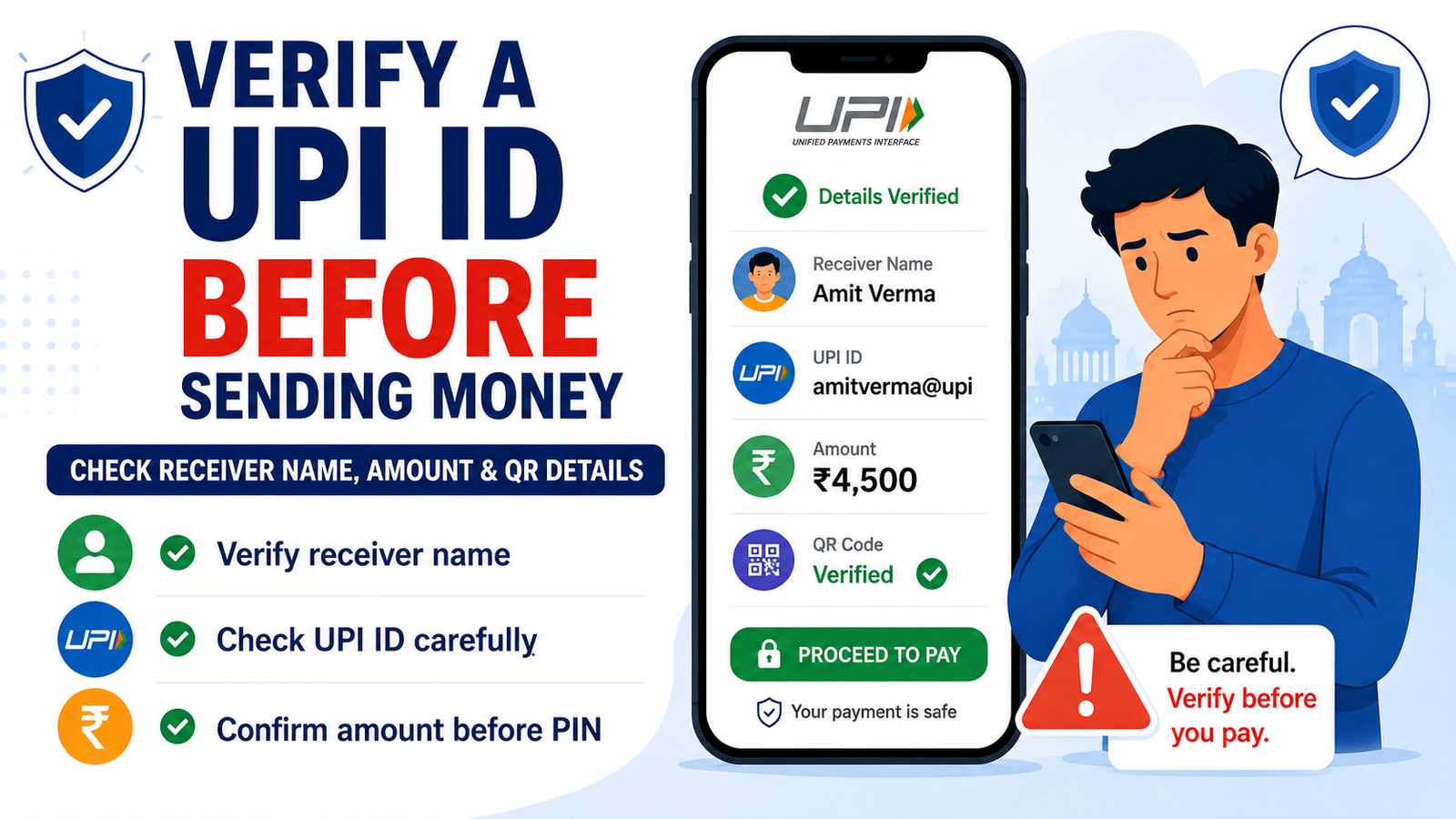
After entering the UPI ID, look at the receiver name displayed by your payment app.
Ask yourself:
- Is this the person I intended to pay?
- Does the name look completely unrelated?
- Am I paying an individual or a business?
- Does the merchant name make sense for this purchase?
A small difference in how a name is written is not always a problem.
For example, a business may use its registered company name rather than the brand name you normally see.
However, if you expected to pay Amit and the app suddenly shows a completely unrelated receiver, do not continue just because someone tells you the payment is safe.
Verify the information first.
Compare the UPI ID Character by Character
Do not rely only on the receiver name.
Check the UPI ID itself.
Compare:
- the name or number before the
@; - the payment handle after the
@; - spelling;
- numbers;
- extra letters;
- missing characters.
For example:
rahul123@upi
and
rahul132@upi
may look very similar when you are in a hurry.
But they are not the same payment address.
When sending a large amount, checking the ID twice is a simple habit that can prevent an expensive mistake.
Be Careful With UPI IDs Sent Through Messages
Someone may send you a UPI ID through WhatsApp or another messaging app.
Before paying, confirm that the message actually came from the person you intended to pay.
Be more cautious when:
- the person suddenly gives you a new UPI ID;
- they tell you their old account is unavailable;
- they ask you to send money urgently;
- the payment details belong to another person’s name;
- the conversation started from an unknown number.
If something feels unusual, contact the person through a method you already trust.
Do not rely entirely on the same suspicious message that provided the payment details.
Verify a Business Before Sending Money
UPI is also widely used for merchant payments.
If you are paying a business manually through a UPI ID, check whether the payment information matches the business.
Look for:
- merchant name;
- invoice amount;
- order number;
- official website or app;
- contact information;
- payment instructions.
Be careful when a seller tells you to send money to a completely unrelated personal UPI ID.
There can be legitimate reasons for small businesses to receive payments through personal or alternative accounts, but you should understand who you are paying before sending money.
For an unfamiliar seller, avoid paying simply because they are pressuring you to complete the transaction quickly.
Check the Amount Before Entering Your UPI PIN
Verifying the receiver is only one part of the payment.
You also need to check the amount.
Before entering your UPI PIN, confirm:
- the receiver;
- UPI ID;
- amount;
- payment purpose.
₹850 and ₹8,500 are very different amounts.
Do not assume the number is correct because you already checked the UPI ID.
Take one final look at the full payment screen before approving the transaction.
What About QR Code Payments?
A QR code can make payments faster because you do not need to type the UPI ID manually.
However, you should still verify the information shown after scanning.
Check:
- receiver name;
- merchant name;
- amount, if already entered;
- payment purpose.
Do not scan a random QR code and immediately enter your UPI PIN.
If someone tells you that scanning a QR code and entering your PIN is necessary to receive money, be especially careful.
Our UPI scam warning for Indian users explains this type of trick in more detail.
Should You Send a Small Test Payment First?
Some users prefer to send a small amount first when making an important payment to a new receiver.
For example, they may send ₹1 or another small amount and ask the receiver to confirm that it arrived before sending the remaining money.
This can provide additional confidence in certain situations, but it should not replace checking the receiver information.
A successful small payment only shows that money reached that payment address.
You should still make sure the address belongs to the intended person.
For routine or low-value transactions, a test payment may not be necessary.
Use your judgement based on the amount and situation.
Do Not Trust Screenshots Alone
A screenshot showing a UPI ID or payment profile is not the same as verifying the details inside your own payment app.
Screenshots can be:
- outdated;
- edited;
- copied from another person;
- sent from a compromised account.
Use the payment information only after checking what your UPI app displays.
The payment confirmation screen inside your app is more useful than an image someone sends you.
Be Careful When Payment Details Change Suddenly
Imagine you regularly pay the same seller every month.
One day, you receive a message:
“Please use this new UPI ID today. Our normal account is not working.”
This may be genuine.
But it is also worth verifying.
Contact the seller using their known number or official contact channel before paying the new account.
The same rule applies when a friend or family member suddenly asks you to send money to a different UPI ID.
An unexpected change deserves an extra check.
What If the Receiver Name Looks Wrong?
Do not continue immediately.
First:
- Recheck the UPI ID.
- Make sure you did not type anything incorrectly.
- Ask the receiver to confirm their payment details.
- Compare the details with a trusted previous conversation or official source.
- Cancel the payment if you are still unsure.
Do not let another person pressure you into ignoring what your own payment app displays.
It is better to delay a payment than send money to an account you cannot verify.
What If You Already Sent Money to the Wrong UPI ID?
Save the transaction details immediately.
Keep:
- transaction ID;
- UTR or reference number;
- amount;
- receiver details;
- date and time;
- screenshots.
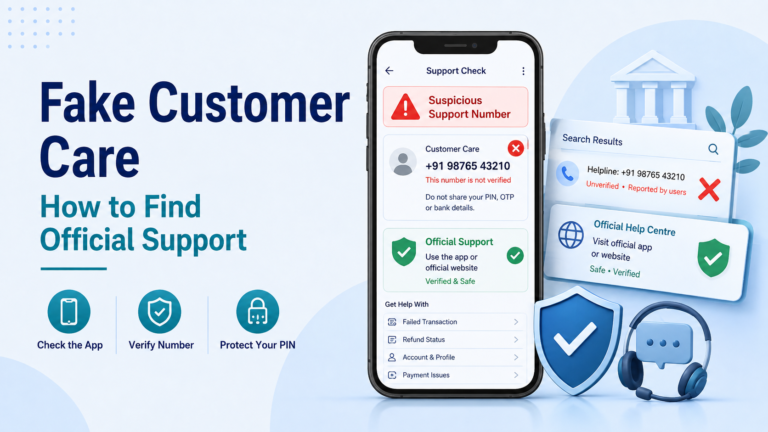
Contact your UPI app and bank using their official support channels.
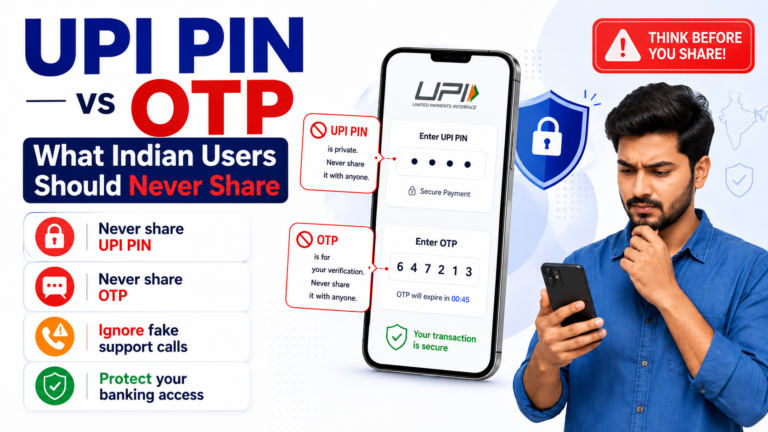
Do not share your UPI PIN or OTP with anyone who promises to recover the money.
Our guide about UPI payments sent to the wrong person explains what to do next.
If the transaction is showing as failed or pending instead, see our guide about UPI payments that fail or remain pending.
Simple UPI ID Verification Checklist
Before sending money, ask yourself:
- Did I enter the correct UPI ID?
- Did I check every character?
- Does the displayed receiver name make sense?
- Did the receiver recently change their payment details?
- Am I paying the correct person or business?
- Is the amount correct?
- Am I being rushed?
- Did the payment information come from a trusted source?
- Does anything look different from previous payments?
- Have I checked everything before entering my UPI PIN?
If something does not look right, stop.
A UPI payment can take only seconds, so the best time to catch a mistake is before you approve it.
What to Remember Before Sending Money
UPI makes digital payments convenient, but convenience should not replace basic verification.
Before sending money, verify the UPI ID, check the receiver name, confirm the amount, and make sure the payment matches the person or business you intended to pay.
Never allow urgency to make you skip these checks.
For more payment-safety tips, read our guide on how to check a UPI payment request before approving it.
You can also review our guide to safe digital payment methods for Indian users before making your next online payment.
Rupzio Guide provides simple educational information to help Indian users understand digital payments and make safer online decisions.