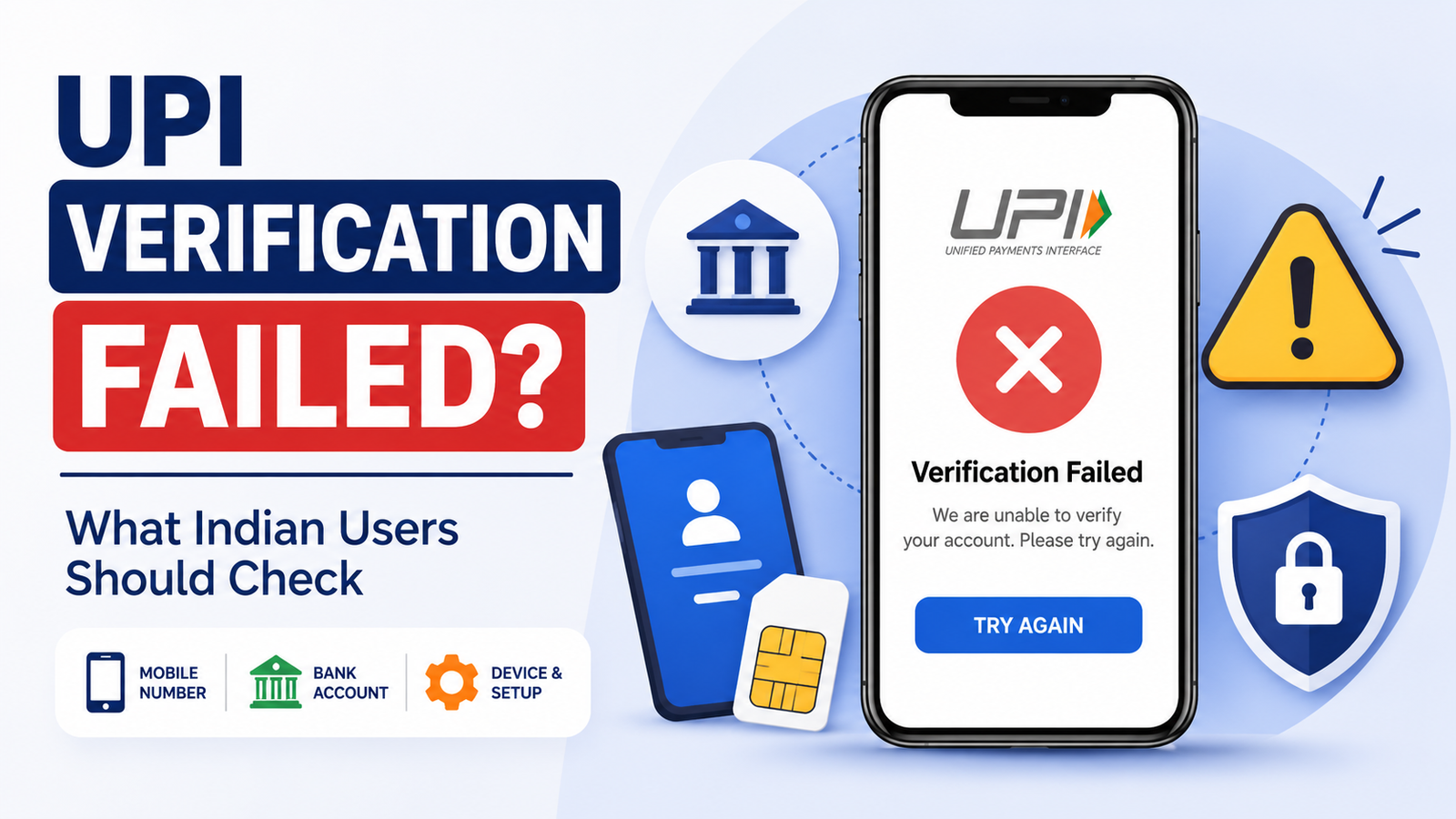
UPI Verification Failed? What Indian Users Should Check
UPI verification failed while you were setting up your account?
You may be trying to register a UPI app, link your bank account, verify your mobile number or set up UPI on a new phone.
Everything may look correct, but the app still shows a message such as:
Verification Failed
Unable to Verify
Bank Account Not Found
or:
Mobile Verification Failed
This does not always mean there is something wrong with your bank account.
UPI verification involves your phone, registered mobile number, SIM, UPI app and bank information. If one part does not match or cannot communicate properly, verification may not complete.
Before repeatedly trying the same process, check a few basic things first.
What Does “UPI Verification Failed” Mean?
The exact meaning depends on where the message appears.
Verification can happen during several parts of UPI setup.
For example, you may see a verification problem while:
- registering a UPI app,
- verifying your mobile number,
- linking a bank account,
- setting up UPI on a new phone,
- changing your SIM,
- setting or resetting a UPI PIN,
- or completing another account-security step.
So the first question should be:
What was I trying to verify when the error appeared?
That can help you understand where to start troubleshooting.
First, Check Your Registered Mobile Number
This is one of the most important checks.
The mobile number used by your UPI app should match the number registered with your bank account.
NPCI explains that if the mobile number linked to your bank account is different from the number verified in the UPI app, the platform may not be able to fetch your bank account.
For example:
Your bank account is registered with:
98XXXXXX10
But the UPI app is verifying:
98XXXXXX25
The app may not find the account you expected.
Do not keep refreshing the bank list.
First confirm which mobile number your bank has registered.
Do Not Assume Your Current Phone Number Is Your Bank-Registered Number
Many people change phone numbers over time.
You may have started using a new SIM while your bank account still has the old number.
Your phone works normally.
You receive calls and messages.
But that does not automatically mean the bank has your new number.
If you are unsure, check through your bank’s official app, branch, ATM service where available, or official customer support.
Do not update bank information through links sent by strangers.
Check Which SIM Is Being Used
Dual-SIM phones are common in India.
If your phone has two SIM cards, make sure the UPI app is verifying the SIM connected to your bank account.
For example:
SIM 1: personal number registered with bank
SIM 2: work or secondary number
If the verification process uses SIM 2 while the bank knows SIM 1, account discovery may fail.
The exact SIM-selection screen depends on the UPI app and phone.
Read the screen carefully before continuing.
Keep the Registered SIM in the Phone
If you recently moved the bank-registered SIM to another handset, verification on the current device may not work as expected.
UPI registration includes mobile and device verification.
NPCI also notes that users changing their SIM, mobile phone or UPI application may need to register again.
So if UPI worked on your old phone but verification fails on a new one, do not immediately assume your bank has blocked UPI permanently.
The device may simply need to be registered again.
Did You Recently Change Your Phone?
A new phone is another common situation.
You install the same UPI app.
You log in.
But the app asks you to verify again.
That is normal behaviour for security-sensitive payment systems.
NPCI says that after changing a handset, the user needs to download the PSP app again and register through mobile verification.
Complete the registration on the new device instead of assuming the previous device verification automatically transfers.
Check Your Mobile Network
Verification may require your phone to communicate with the UPI app and banking systems.
If your network is unstable, the process may fail or time out.
Before trying again:
- check that the SIM has network signal,
- turn off Airplane Mode,
- make sure mobile services are working,
- and wait if the network appears unstable.
You do not need extremely fast internet for every UPI action, but the phone must be able to complete the verification process.
SMS Verification Can Also Be Involved
During UPI registration, mobile verification can use an SMS-based process to confirm the number and bind the device.
The exact process may happen automatically depending on the app and phone.
If verification keeps failing, check whether:
- SMS service is working,
- the correct SIM is active,
- the phone can send messages,
- and the app has the permissions it genuinely requires.
Do not send verification messages manually to random numbers found online.
Follow only the process shown inside the official UPI app.
Check Whether Your SIM Can Send SMS
A phone may receive SMS normally but still have difficulty sending one.
For example, there may be:
- a temporary mobile-network issue,
- insufficient service availability,
- SIM restrictions,
- or another carrier problem.
If the UPI app clearly indicates that mobile verification could not complete, make sure basic SMS service is functioning.
Do not repeatedly press Verify every few seconds if the underlying mobile service is not working.
Do Not Remove Permissions Randomly During Verification
UPI apps may require certain phone permissions to complete registration and device verification.
The exact permissions can vary by app and operating system.
If you previously denied a required permission, open the official app’s permission settings and review what is needed for registration.
But this does not mean you should give every permission to every financial app.
Make sure you are using the genuine UPI app downloaded from an official app store before granting access.
Make Sure You Installed the Official App
This sounds simple, but it is an important security check.
If verification is failing after you installed an app from:
- a message link,
- Telegram,
- WhatsApp,
- a random website,
- or an APK sent by another person,
stop.
Use the official Google Play Store or Apple App Store and confirm the developer.
A fake payment app may deliberately imitate UPI verification screens to collect personal information.
What If Your Bank Account Is Not Showing?
Sometimes mobile verification works, but the UPI app says it cannot find your bank account.
Again, check the registered mobile number first.
The bank account needs to be associated with the same mobile number being verified through UPI.
Also make sure you selected the correct bank.
If you have accounts with several banks, do not assume the app will automatically know which one you want.
Select the bank connected to the registered number and allow the account-discovery process to complete.
Your Bank May Be Temporarily Unavailable
A bank account not appearing does not always mean the account information is wrong.
Bank systems can sometimes be temporarily unavailable.
If the mobile number is correct and the account normally works, wait and try again later rather than repeatedly changing your setup.
If the issue continues for a long time, contact the bank through an official channel.
Our UPI not working guide covers broader UPI service and bank-connectivity problems separately.
Do Not Create a New Bank Account Just Because Verification Failed
A verification error is not a reason to immediately open another bank account.
First identify what failed.
Was it:
- mobile verification?
- bank account discovery?
- device registration?
- UPI PIN setup?
- app connectivity?
Fixing the actual issue is usually better than creating new accounts and adding more complexity.
What If Verification Fails While Setting a UPI PIN?
UPI PIN setup is another stage where verification may be required.
Depending on the supported method, the app and bank need to verify the information required to set or reset the PIN.
Do not confuse:
UPI PIN
with:
OTP
They serve different purposes.
Your UPI PIN authorises UPI transactions.
An OTP may be used during certain verification processes.
Our UPI PIN vs OTP guide explains the difference in simple terms.
Do Not Share Your OTP or UPI PIN With “Support”
A verification problem makes users easy targets for scammers.
Someone may say:
“Your UPI account verification has failed. Give me the OTP and I will activate it.”
Or:
“Tell me your UPI PIN so I can verify your bank.”
Do not do this.
NPCI states that a bank’s customer support will not ask you to reveal your UPI PIN.
Your UPI PIN should remain private.
An OTP should also not be shared with strangers.
Wrong UPI PIN Is Not the Same as Mobile Verification Failure
These problems can look similar because both may stop you from continuing.
But they are different.
If you enter the wrong UPI PIN during a transaction, NPCI says the transaction can fail, and repeated incorrect attempts may result in a temporary sending restriction depending on the bank.
That is different from a failure while the app is trying to verify your phone or find your bank account.
Always check which screen produced the error.
Did You Recently Change Your SIM?
If you changed the SIM connected to your UPI setup, you may need to complete registration again.
Do not assume that replacing a SIM automatically transfers every previous UPI verification state.
Open the official UPI app and follow its registration process.
If your mobile number itself also changed, make sure the bank has the correct new number.
Changing the physical SIM while keeping the same number and changing to an entirely different mobile number are not necessarily the same situation.
What If You Ported Your Number to Another Mobile Operator?
Changing your mobile carrier while keeping the same mobile number is different from changing the number itself.
NPCI’s FAQ says changing the mobile carrier alone does not prevent continued use of UPI apps.
So if verification problems begin after porting, check the SIM/network and app registration rather than assuming the UPI account must be recreated from zero.
Check Whether the Bank Account Is Active
If the bank account has another problem, UPI setup may not work normally.
For example, there may be:
- an account restriction,
- incomplete bank-side information,
- a mobile number issue,
- or another account-status problem.
If the UPI app repeatedly cannot fetch an account that should exist, contact the bank and ask whether the account and registered mobile number are active correctly for UPI use.
Do not provide your UPI PIN when asking.
Do Not Keep Reinstalling the App
When verification fails, repeatedly uninstalling and reinstalling the app can become frustrating without solving the reason.
Try a structured check instead:
- Confirm the registered mobile number.
- Confirm the correct SIM is active.
- Check mobile and SMS service.
- Make sure you are using the official app.
- Retry registration carefully.
- Check whether the bank account appears.
- Contact the bank or app if the same problem continues.
A reinstall can help with some app problems, but it should not be the only troubleshooting method.
What If One UPI App Cannot Verify but Another Can?
This can be useful information.
UPI allows users to use different participating apps, but each app has its own registration process.
If your bank account works normally through one UPI app but another app cannot complete verification, the issue may be connected to that app’s registration or device setup.
Do not keep changing UPI PINs unnecessarily.
First confirm that your bank account itself remains active and accessible.
Do Not Confuse Verification Failure With Payment Declined
Suppose registration works.
Your bank account appears.
Your UPI PIN works.
But later a payment shows:
Declined by Bank
That is a different problem.
Verification succeeded enough for the account to be used, but the bank did not approve that particular transaction.
Our UPI payment declined by bank guide explains what to check in that situation.
What If the Recipient Verification Fails?
There is another type of “verification” users may encounter while preparing a payment.
You enter a UPI ID, but the app cannot verify the recipient.
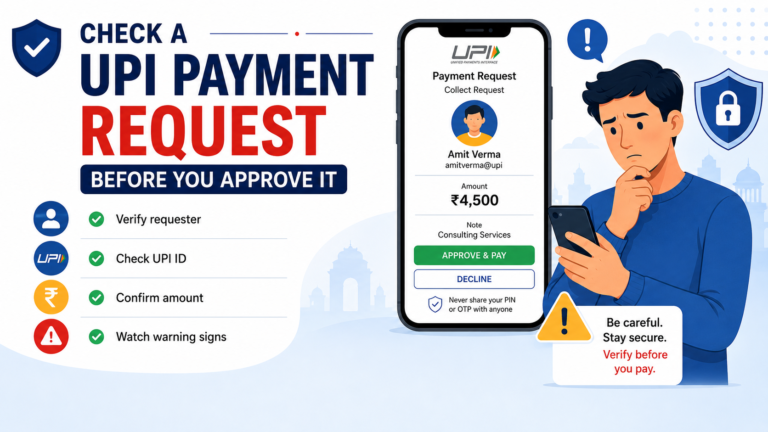
Do not send money based only on an address copied from somewhere else.
Check the UPI ID again.
If the app cannot confirm the recipient, do not randomly change characters until something works.
Recipient verification is different from verifying your own UPI account.
Be Careful With “UPI Activation” Payments
A scammer may tell you:
“Your UPI verification failed because the account is not activated. Send ₹1 or ₹10 to this UPI ID.”
Do not automatically believe that.
A random transfer to another person’s UPI ID is not a normal way for a stranger to verify your bank account.
Follow only instructions inside your official bank or UPI app.
Never Install Screen-Sharing Apps for Verification
Someone pretending to be customer support may ask you to install remote-access software so they can “fix verification.”
That can give another person visibility or control over your phone.
Do not allow strangers to control a device containing:
- banking apps,
- OTP messages,
- UPI apps,
- or personal financial information.
If support is needed, use official in-app support or your bank’s official contact channel.
When Should You Contact the Bank?
Contact your bank if:
- the correct mobile number is registered but the account still cannot be found,
- UPI verification repeatedly fails across attempts,
- your bank account appears restricted,
- the UPI app tells you to contact the bank,
- or you recently changed banking details and are unsure whether they were updated.
Prepare simple information such as:
- your name,
- bank account reference as requested by the bank,
- registered mobile number,
- UPI app being used,
- exact error message,
- approximate time of the problem.
Never send your UPI PIN.
When Should You Contact the UPI App?
The app’s official support may be more relevant when:
- your bank account works elsewhere,
- mobile verification fails only in one particular app,
- the app keeps showing a device-registration error,
- or the registration screen itself is not working properly.
Take a screenshot of the error if needed.
But hide sensitive information before sharing screenshots anywhere outside official support.
Before Trying UPI Verification Again
Use this checklist:
- Confirm the mobile number registered with your bank.
- Make sure that SIM is active in your phone.
- If you have dual SIMs, select the correct one.
- Check mobile network and SMS service.
- Make sure you are using the official UPI app.
- Check required app permissions.
- If you changed phone, SIM or UPI app, complete registration again where required.
- Select the correct bank.
- Do not confuse an OTP with your UPI PIN.
- Never share your UPI PIN or OTP with support callers.
- Do not make a payment just to “activate” verification.
- Contact your bank or official app support if the same error continues.
A UPI verification failed message does not automatically mean your bank account has a serious problem.
Start with the mobile number, SIM, device and bank account connection.
Once you know which part of verification failed, the next step becomes much easier.